Space Planning & Buying
How to Spec Custom Executive Furniture: A Buyer's Guide
Speccing custom executive furniture is five decisions in order: dimensions, configuration, finish, hardware, and sign-off. What to settle at each...
Read more →
Matching Sets
Space Planning & Buying
Modular office furniture, explained: the desk, storage, meeting, and partition systems that reconfigure as your team changes — with the benefits, costs, and how to choose.

Modular office furniture is built from components that reconfigure as your needs change: desks, storage, meeting tables, and partitions that combine in different arrangements. The payoff is flexibility: you expand or reshape the office without replacing everything. Expect a 15 to 30% higher upfront cost than fixed furniture, offset by long-term savings on reconfiguration.
Adaptable workspaces have become essential for today’s evolving business. Modular systems grow with your needs while maximizing productivity and space efficiency: whether you are setting up a new office, redesigning an existing one, or building a functional home office. Here is what to know to make smart decisions for your space.

Unlike traditional fixed furniture, modular systems use components that work together in many arrangements and can be reconfigured as needs change, which is why they have grown popular across businesses of all sizes. Modern systems have moved well beyond basic cubicles, combining good looks with practical flexibility so a workspace can evolve without replacing everything.
Modular furniture systems
| System | What it does | Examples |
|---|---|---|
| Desks and workstations | Individual or shared work surfaces | Bench desking, height-adjustable desks, L- and U-shaped configurations |
| Storage | Keeps the office organized | Mobile pedestals, stackable cabinets, storage walls that double as dividers |
| Meeting and collaborative | Flexible group spaces | Expandable conference tables, nesting training tables, collaborative pods |
| Partitions and walls | Divide space without construction | Freestanding panels, glass partitions, movable walls with integrated power |

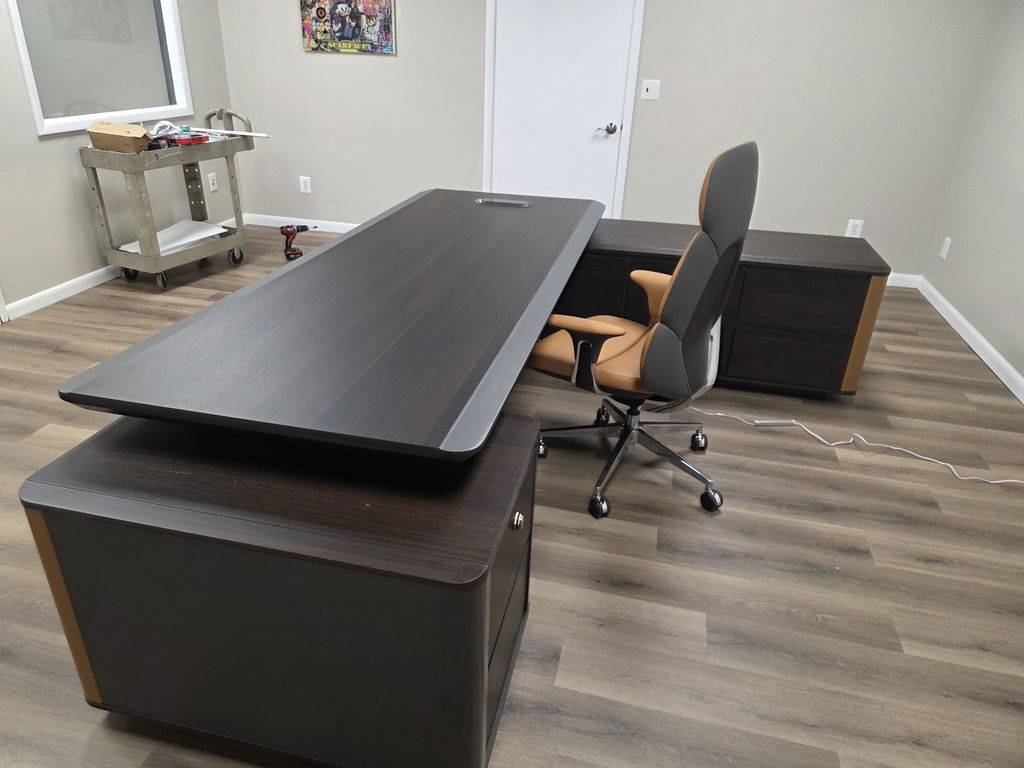
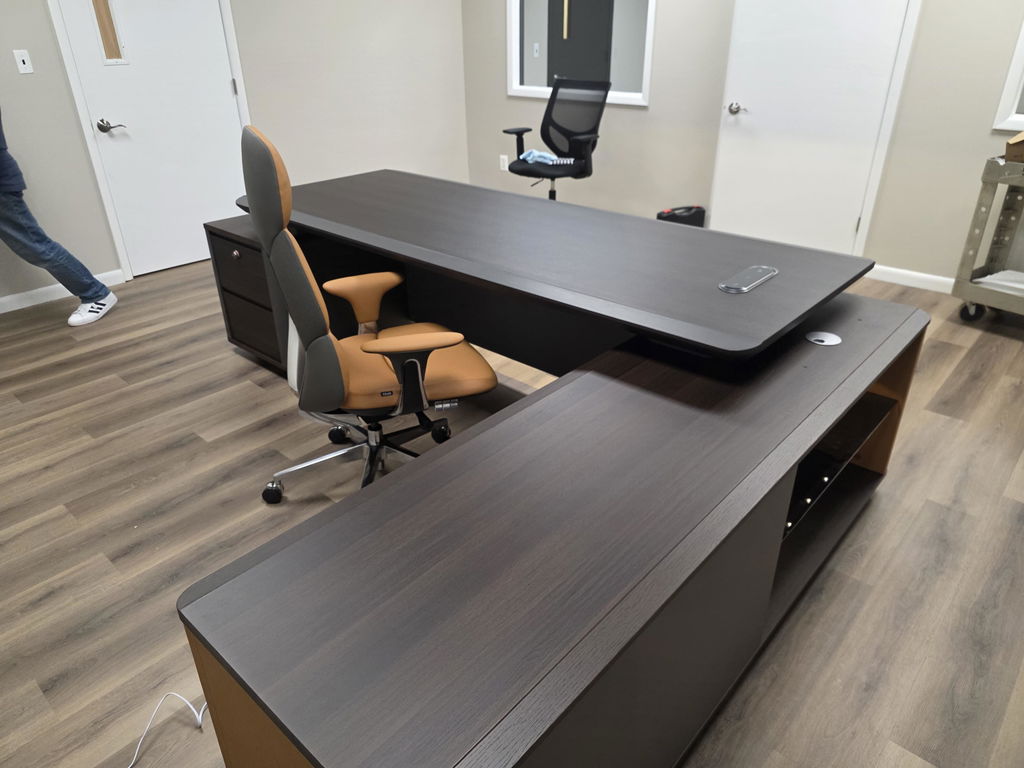
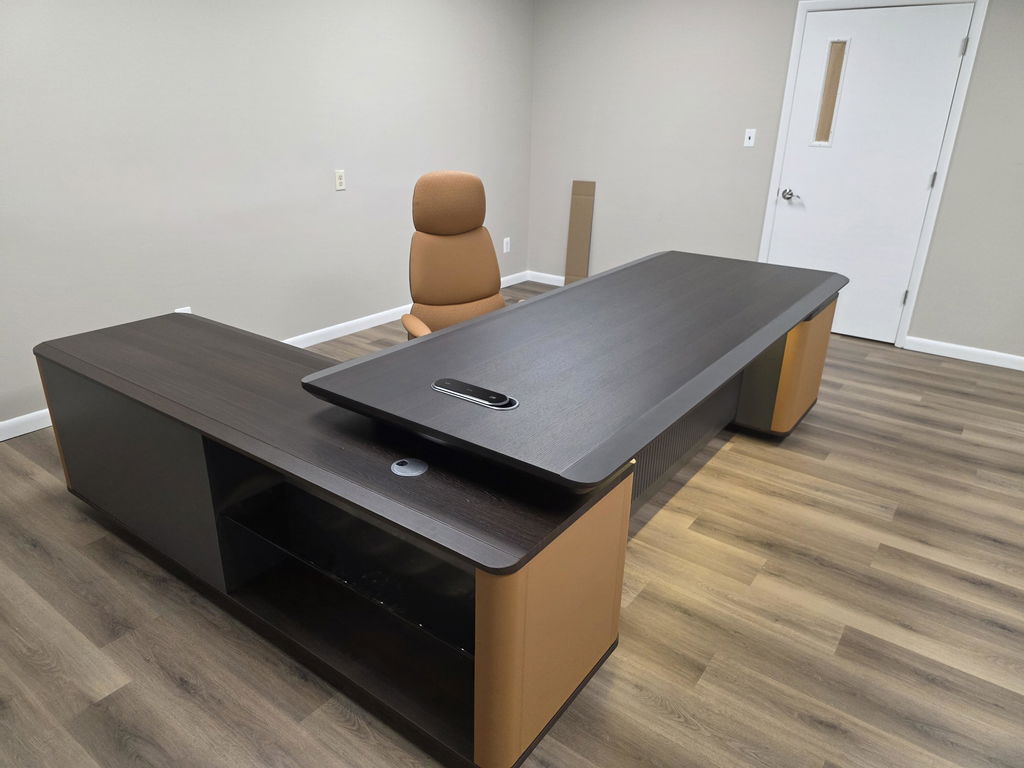
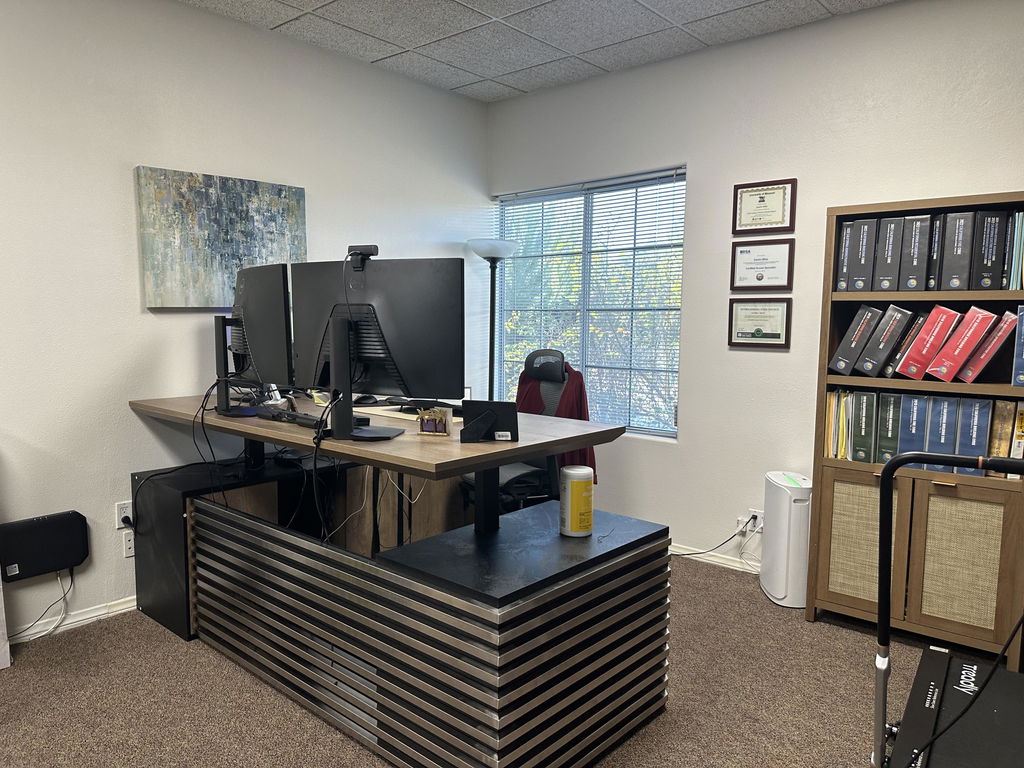
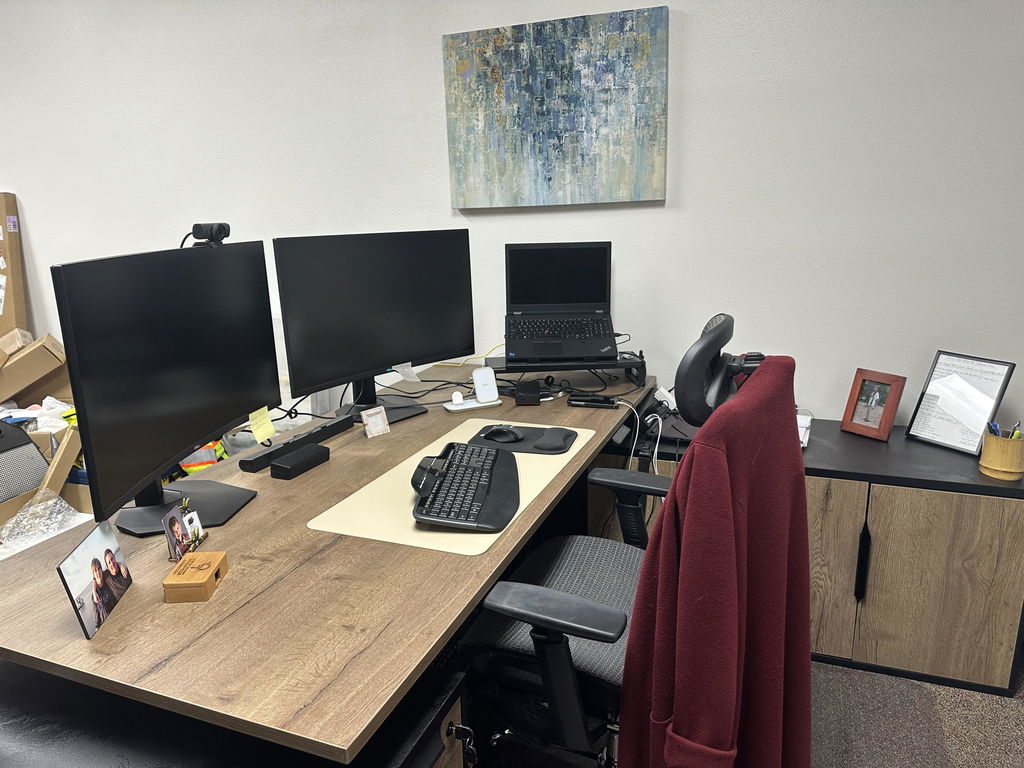
The foundation of any modular setup is the desk system, from simple components that create individual workstations to comprehensive systems with multiple surfaces, privacy panels, and storage. Popular options include bench-style desking for collaboration, height-adjustable desks for ergonomics, L- and U-shaped configurations to maximize workspace, and shared hubs with individual work zones.

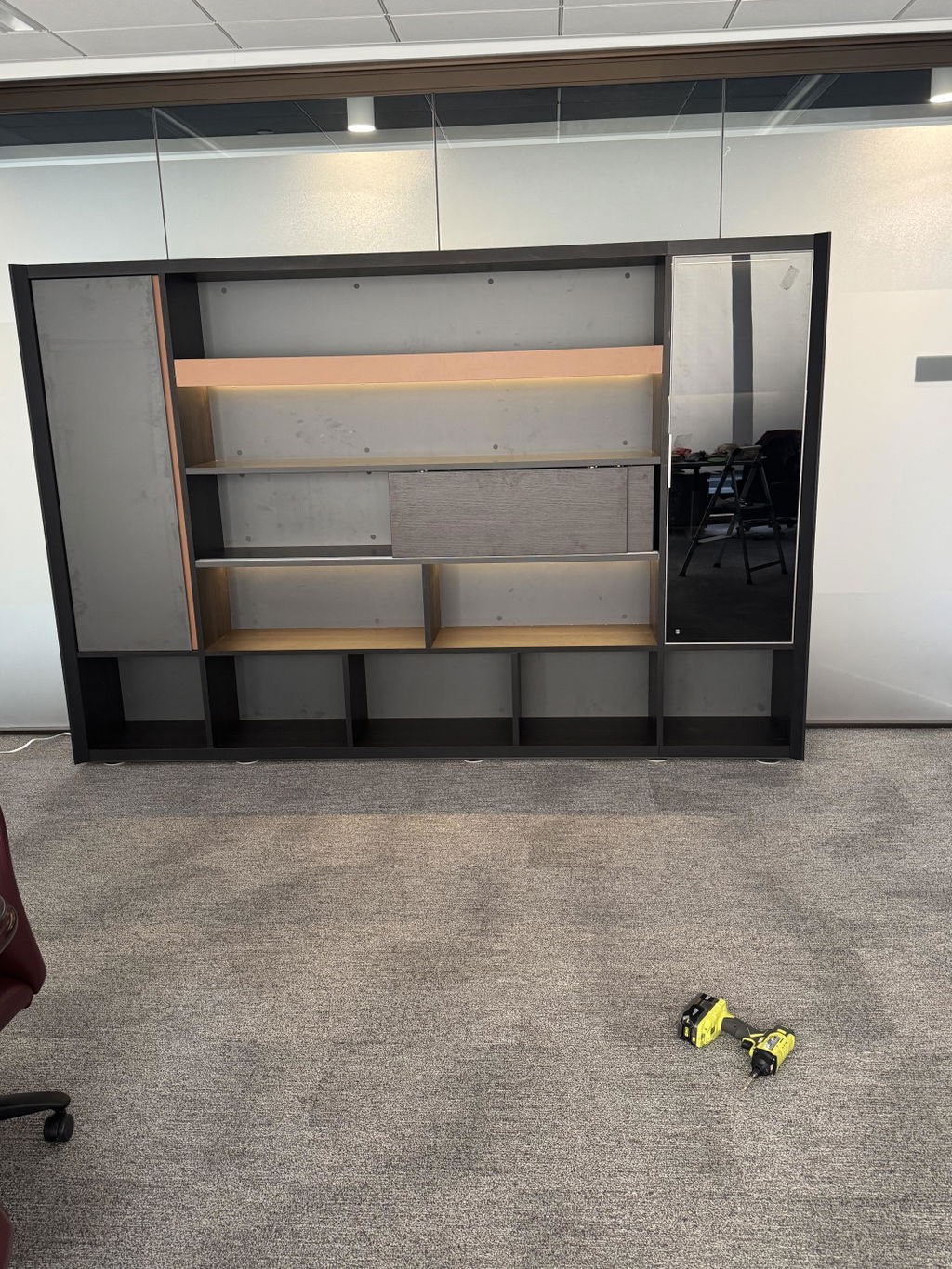
Effective storage keeps an office organized. Modular pieces include mobile pedestals that fit under desks, stackable cabinets and shelving, filing cabinets with various drawer configurations, overhead storage that attaches to workstations, and shared storage walls that double as dividers.

Modern offices need areas that support collaboration: configurable conference tables that expand or contract, training tables that nest when not in use, collaborative pods with integrated power and technology, and informal meeting areas with modular seating.

Creating divisions is simple with modular partitions: freestanding divider panels in various heights, glass partition systems for visual openness with acoustic privacy, movable walls that reposition without construction, and panel systems with integrated power and data.
Modular furniture maximizes available space: components fit unusual room dimensions, use corners, and adapt to architectural features. The ability to reconfigure lets you expand or shrink team areas as departments change, create temporary project spaces, adjust to new work processes without buying new furniture, and accommodate growth without moving offices.
Federal guidance targets 150 usable square feet per person across an office. Modular layouts help hit that density by adapting components to the exact footprint: circulation, workstations, and shared space all flexing to fit.
GSA — Occupancy & Utilization Reporting Guidelines
The initial investment can run 15 to 30% higher than comparable traditional furniture, so plan the upfront cost carefully, but modular systems save over the long term: you avoid complete replacements when needs change, add individual components rather than whole sets, reuse existing pieces in new configurations, and reduce renovation costs when reconfiguring layouts.
Businesses rarely stay static, and modular furniture adapts: shifting from individual offices to open collaboration, supporting new technology, and accommodating hybrid models with flexible desk arrangements. Well-designed modular workspaces also support well-being: personal space adjusts to preference, work areas customize for specific tasks, ergonomics improve with adjustable components, and acoustic elements cut noise and distraction.

Start with your requirements: the number of workstations now and in the future, the types of work performed, technology and connectivity needs, and storage for physical and digital materials. Then measure accurately: total and usable square footage, the location of windows, doors, columns, power, and data, traffic flow, and ADA-compliant clearances.
Quality materials protect the investment: commercial-grade surfaces that resist scratches and stains, durable fabrics, sturdy hardware that survives repeated reconfiguration, and finishes that hold up with daily use. Most high-quality systems combine materials (metal frames, wood surfaces, fabric panels, glass) to balance durability, cost, and looks. Build a budget that accounts for core components, future expansion, installation, warranty, and potential resale value.
Effective space planning makes modular furniture work: allow at least 36 inches of circulation between workstations, create zones for focus, collaboration, and relaxation, plan sightlines and future growth, and ensure power and data reach the whole layout. Foster teamwork with informal meeting spots, standing-height tables for quick huddles, and reconfigurable conference settings: then balance openness with privacy using divider panels at varying heights, acoustic elements, and designated quiet zones. A consistent color palette and complementary materials tie it all together, with accent colors to define departments.
Prioritize comfort and health with adjustable work-surface heights, proper monitor positioning, keyboard trays with wrist support, chair compatibility, and footrests, plus personal lighting and acoustic options where possible. For inclusive workspaces, build in ADA-compliant clearances and reach ranges, height-adjustable surfaces for wheelchair users, clear pathways between components, and anti-glare, high-contrast surfaces for visual comfort.
DIY assembly works for smaller systems, but professional installation ensures proper alignment and stability, and complex electrical or data integration needs skilled installers who understand building codes. Prepare for uneven floors, power and data access, and building-access limits for large components, and schedule installation to minimize disruption. To make future changes easy, document the original configuration with photos, keep instructions and hardware together, and label cable connections before any disassembly. Regular care: microfiber dusting, immediate spill cleanup, quarterly connection checks, and annual deep cleaning: extends furniture life, and refurbishing (new fabric panels, updated finishes, added technology) stretches the investment further.
As remote work becomes permanent for many, home office setups need professional-grade furniture: compact modular systems that fit residential spaces, multi-functional pieces, components that blend with home decor, and scalable options that start small. Hybrid models benefit from consistent furniture across locations (standardized ergonomics, coordinated aesthetics, and technology that behaves the same everywhere) plus flexible touchdown spaces for rotating teams: reservation-compatible workstations, secure personal storage, quick-adjust ergonomics, and easy-clean surfaces for shared use.
Modular office furniture is a smart investment that grows with your business. Specifying furniture across a whole floor is covered in the office fit-out furniture guide. Focus on quality construction and flexibility, choose systems with expansion options and strong manufacturer support, and update as ergonomic standards or technology needs evolve. Explore Arc Grove®’s modular workstations and executive desks, any of which can be configured to your floor plan.
Related articles
Space Planning & Buying
Speccing custom executive furniture is five decisions in order: dimensions, configuration, finish, hardware, and sign-off. What to settle at each...
Read more →
Space Planning & Buying
Made-to-measure executive furniture gives you exact fit, your exact finish, and a coordinated suite. When bespoke earns its place, and...
Read more →
Space Planning & Buying
A concrete guide to Arc Grove custom office furniture: the design process, real timelines, and what actually drives cost.
Read more →