Workstations & Cubicles
How to Design a Workstation Area People Actually Like
A workstation area people like balances space, privacy, and daylight. How to design an open-plan floor that supports both focus...
Read more →
Workstations & Cubicles
How to choose office workstations for your team: rectangular vs. L-shaped, the ergonomic and tech features that matter, workstation sizing, and laying out for both focus and teamwork.

Choosing office workstations comes down to matching the setup to the work: rectangular desks for focused, single-monitor roles and tight rows; L-shaped for multitaskers who need two surfaces. Plan 6×6 to 8×8 feet per workstation, 36 to 42 inches of pathway between them, and ergonomic, tech-ready features throughout.
The best office workstations do more than park laptops — they shape how people work together. The right choices lift productivity and make the office somewhere people want to be. This guide covers what to look for, with advice you can use right away. Need flexible setups? Browse the modular workstation collection for layouts that grow with your team.

Start by asking the people who use them daily. A quick survey on desk size, storage, and comfort surfaces a lot — some want standing desks, others need room for paperwork. Ask about any pain or strain (a sign you need better chairs or keyboard setups) and about privacy, since some need quiet to focus while others prefer open areas for teamwork.
Different roles need different setups:
Factor in collaboration patterns too — teams that work together closely benefit from clustered workstations, and mobile employees may do better with hot-desking than permanent stations.

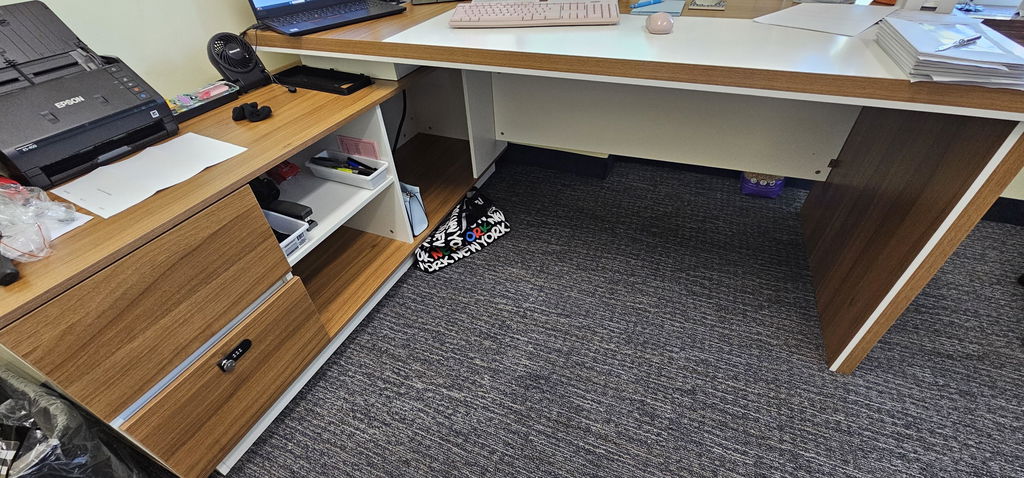
Rectangular workstations are the classic, versatile option — a single work surface with clean lines that fits almost any environment. They suit smaller spaces and focused tasks, cost less, arrange easily in rows, and work well for collaborative teams and single-monitor setups.

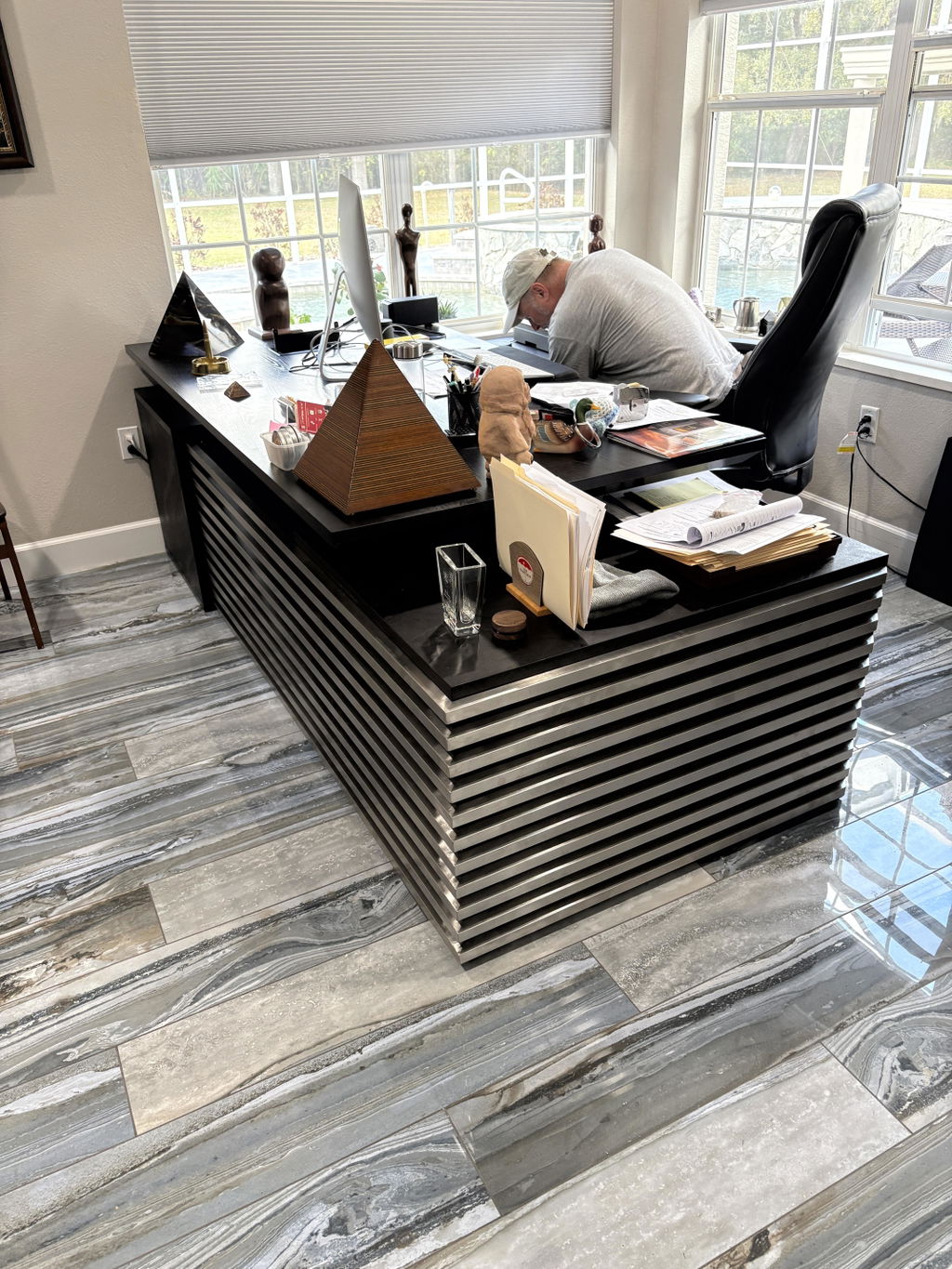
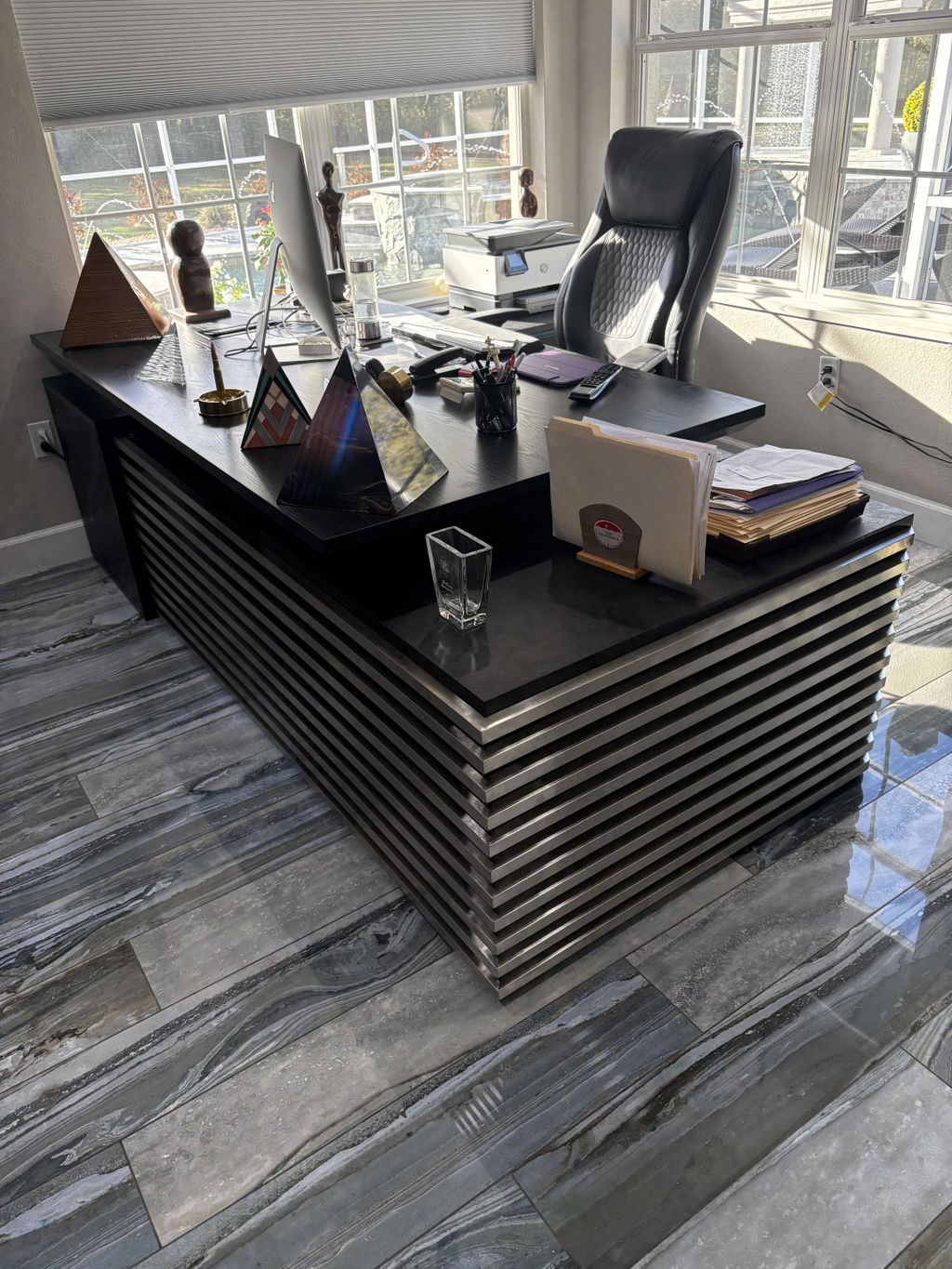
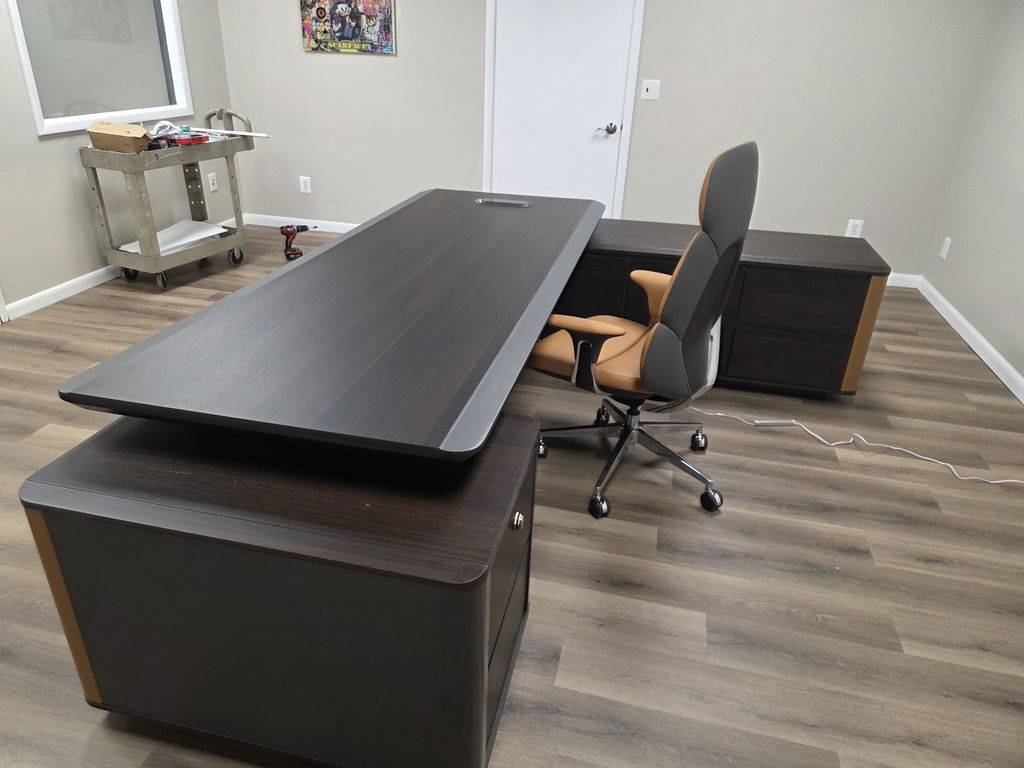
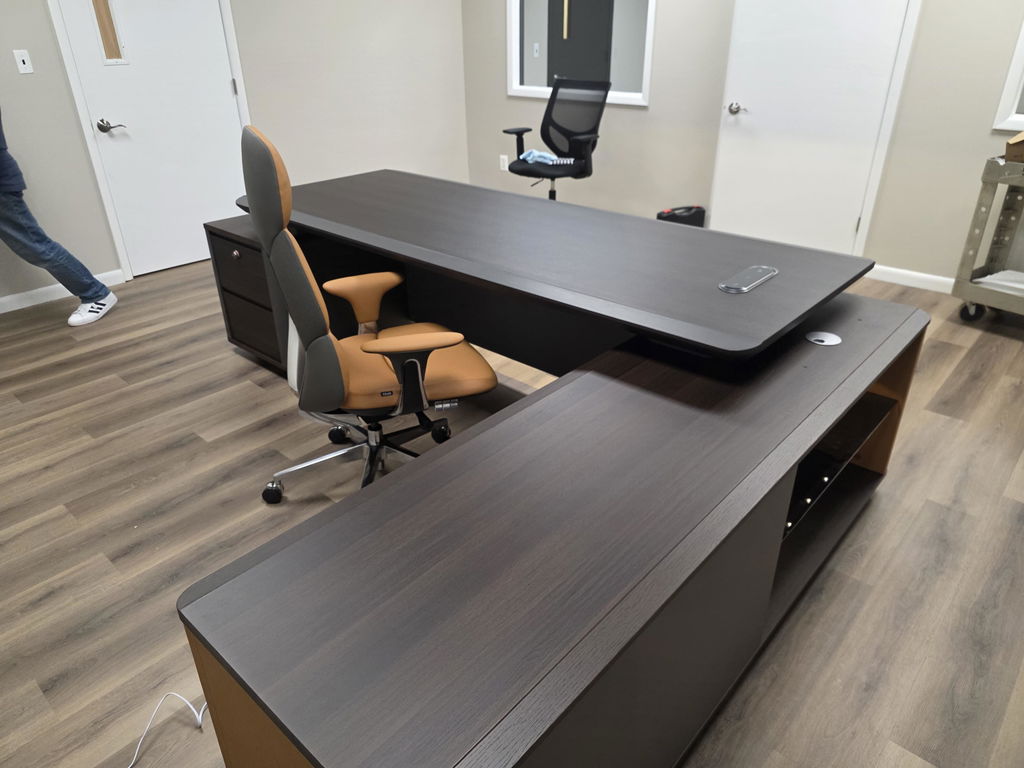
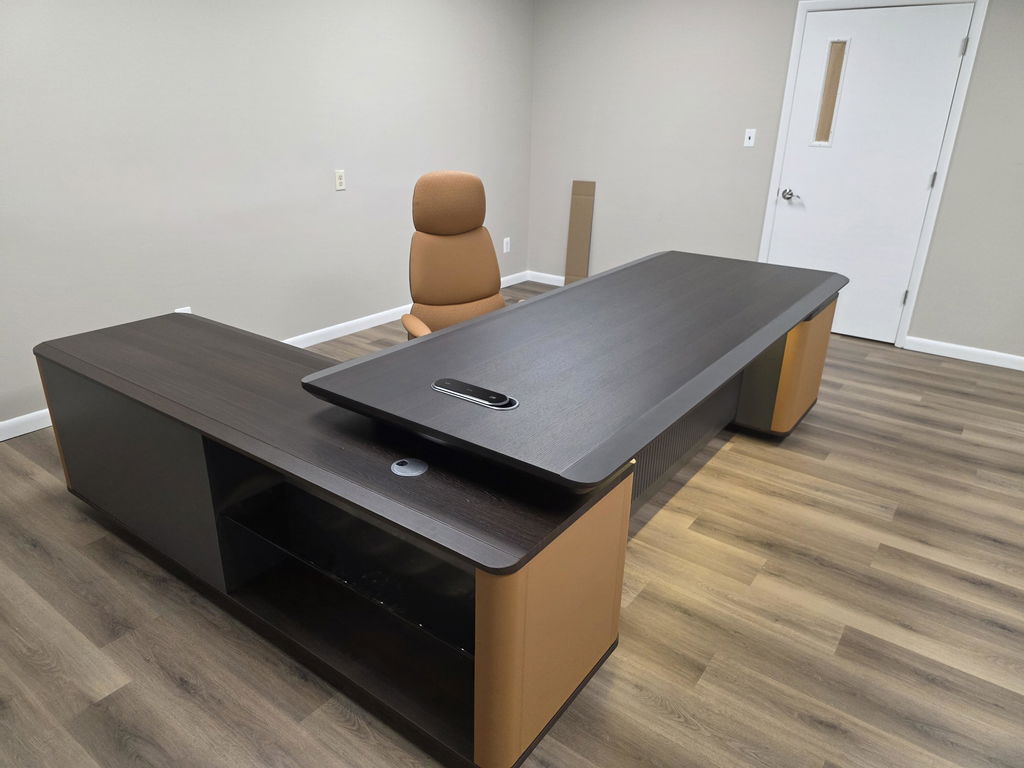
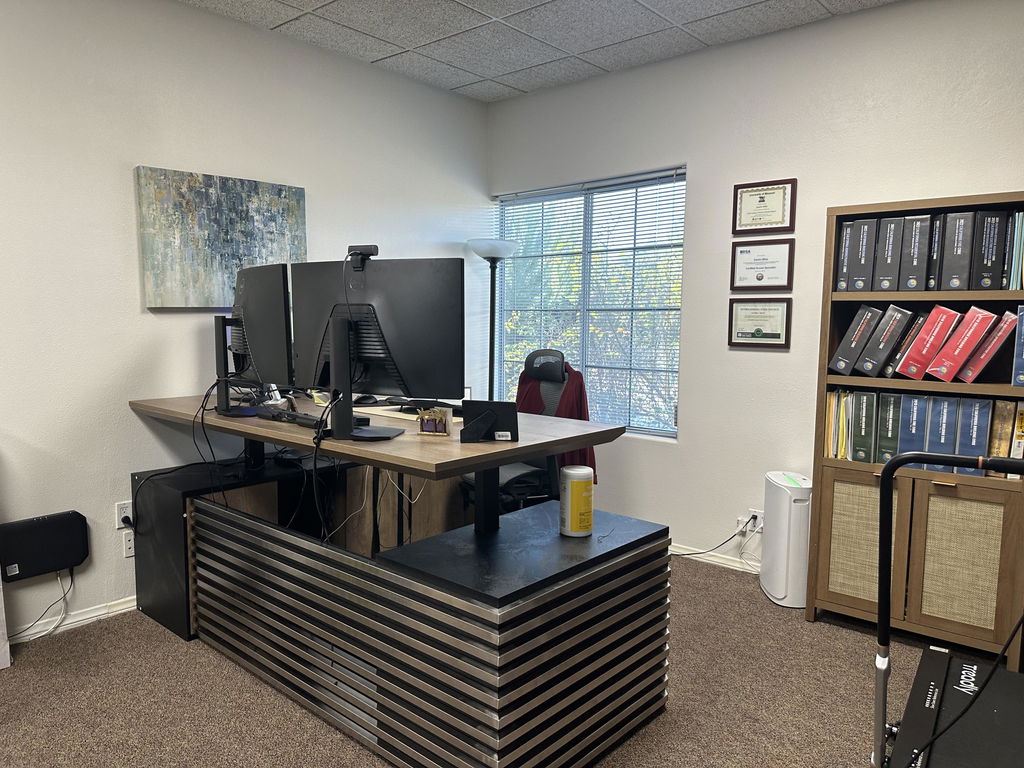
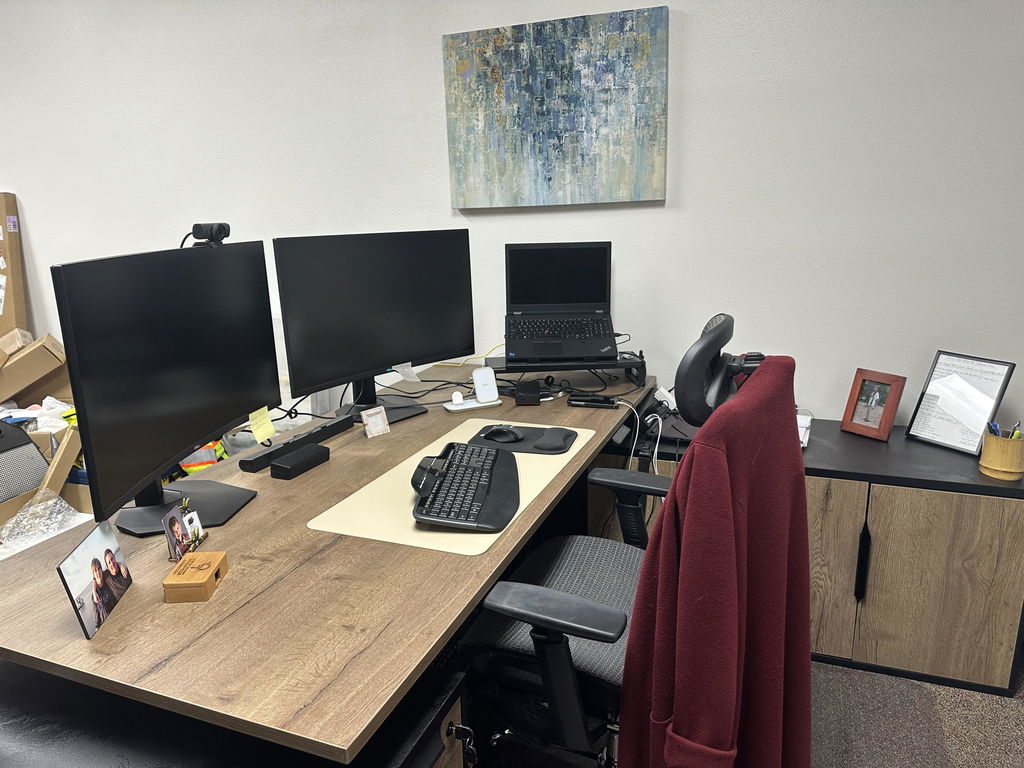
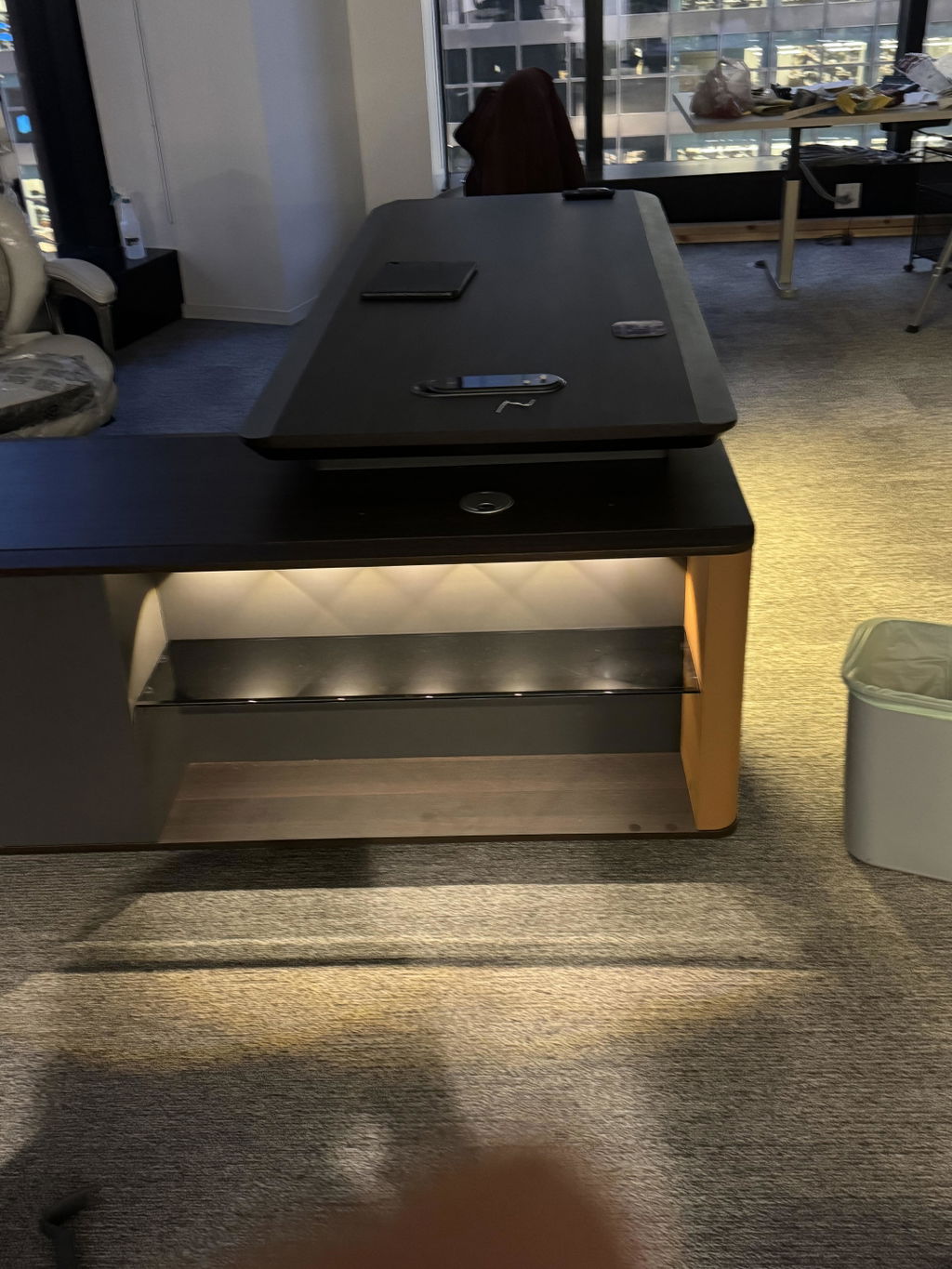
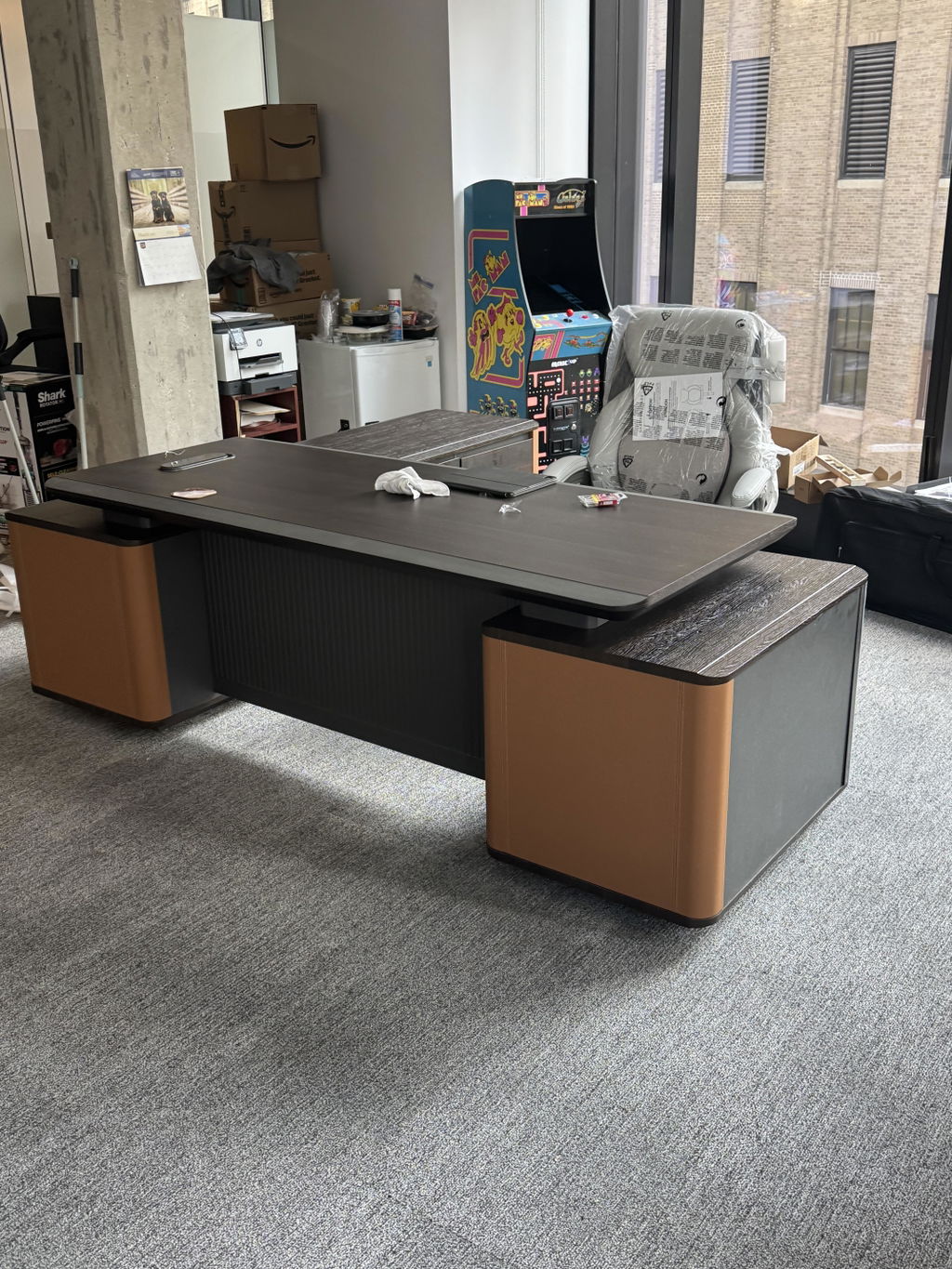
L-shaped workstations use two connected surfaces in a right angle, giving a primary and secondary work area without moving between stations. They provide separate task zones, more usable space in the same footprint, room for more monitors, and a semi-private feel even in open plans. Many offices mix both styles by role.
Comfort is not just nice to have — it helps people work better and prevents health problems. Look for adjustable and sit-stand desks, surfaces that pair well with your chairs for good posture, setups that keep screens at eye level and arms at the right angle, and custom options for specific needs.
When technology works with the furniture, the team focuses on work instead of wrestling with wires. Look for smart cable management, built-in power access, surface-integrated wireless charging, generous desk space, and storage for tech accessories.

Find the balance between fitting everyone comfortably and giving them room to work. Position workstations to minimize traffic and interruptions, add drawers or shelves to keep desks clear, choose adjustable furniture that adapts as needs change, use vertical storage to save floor space, and keep cables tidy.
Workstation sizing
| Level | Size | Best for |
|---|---|---|
| Entry workstation / cubicle | 6×6 to 6×8 ft | Basic computer work |
| Mid-level | 8×8 ft | Added comfort and materials |
| Manager | 8×10 to 10×10 ft | Small meetings and document review |
| Minimum comfortable desk | 48 in wide × 30 in deep | Compact setups |
Federal guidance targets 150 usable square feet per person across the whole office — the per-workstation footprint sits inside that figure, alongside circulation, meeting, and support space.
GSA — Occupancy & Utilization Reporting Guidelines
Modern workplaces need both collaboration and focus, so create dedicated zones rather than one-size-fits-all. Collaborative areas might use open tables, whiteboards, and movable partitions; focus areas benefit from acoustic panels, privacy screens, and small bookable rooms. Even collaborative teams need quiet space for concentrated work. Keeping clutter down helps too — the workstation storage collection has options that keep everything within reach.
Workstations are one line item in a larger specification. The complete office fit-out furniture guide covers procurement, RFQs, lead times, and budget for a whole floor.
Choosing the best workstations is straightforward once you know what to look for: start from what your team actually needs, prioritize comfort and technology, and use your space wisely. Quality workstations pay off in productivity and happier employees. Explore the workstation collection, or have a layout tailored to your floor plan.
Related articles
Workstations & Cubicles
A workstation area people like balances space, privacy, and daylight. How to design an open-plan floor that supports both focus...
Read more →
Workstations & Cubicles
A workstation footprint runs 36 to 64 sq ft, but plan 50 to 125 sq ft per person with circulation,...
Read more →
Space Planning & Buying
Arc Grove backs every desk, table, cabinet, and shelf with the Office for Life warranty: lifetime structural cover, plus tiers...
Read more →