Executive Desks & Offices
Veneer, Solid Wood & Stone: A Guide to Premium Desk Materials
At the executive level, the material makes the desk. What distinguishes wood veneer, solid wood, and stone, and how to...
Read more →
Matching Sets
Executive Desks & Offices
Choosing the best location for your home office desk: how to pick the right room, place the desk, manage light and glare, and set up ergonomics — plus the placement mistakes to avoid.

The best spot for a home office desk balances four things: low noise, natural light from the side (not in front or behind, to avoid glare), privacy from household traffic, and a clear view of the door. A spare room is ideal; a quiet corner, a built-in nook, or an L-shaped corner desk works when space is tight.
Where you put your desk shapes how comfortable and productive your home office feels. The room, the placement, the light, and the ergonomics all compound. Here is how to choose the right location, and avoid the common mistakes.
A room used regularly and exclusively for work may qualify for the home office deduction, which the home office deduction calculator explains.
Weigh noise, natural light, and privacy. A spare bedroom or a quiet corner away from distractions is ideal. A dedicated office creates a productive mindset and minimizes interruptions; integrating the workspace into a living area saves space but invites distraction, so define the zone clearly. A basement can work with adequate lighting and ventilation. And in a small home, an office nook, a compact desk tucked into a living or dining area, gives a dedicated spot without taking a whole room.

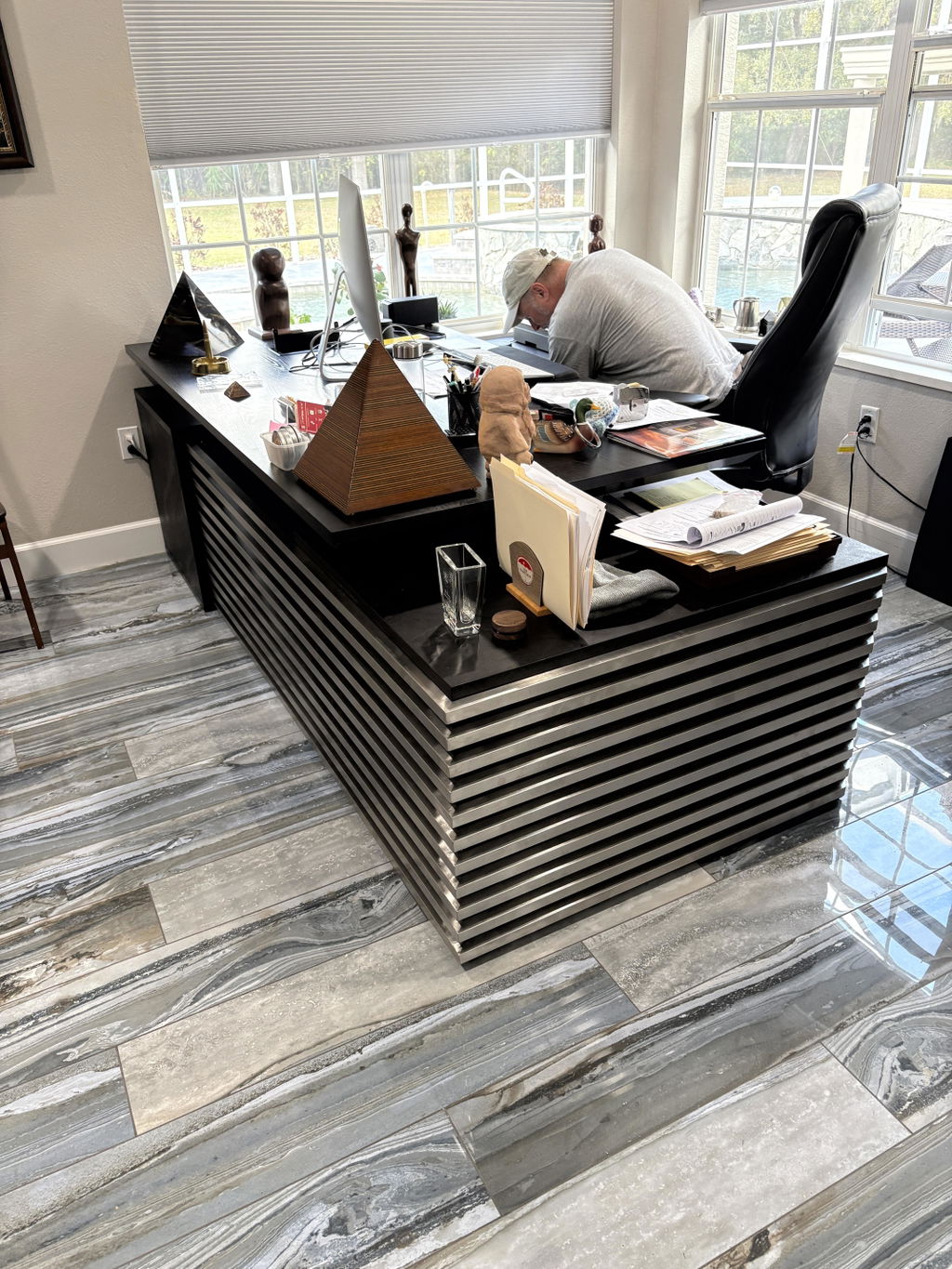
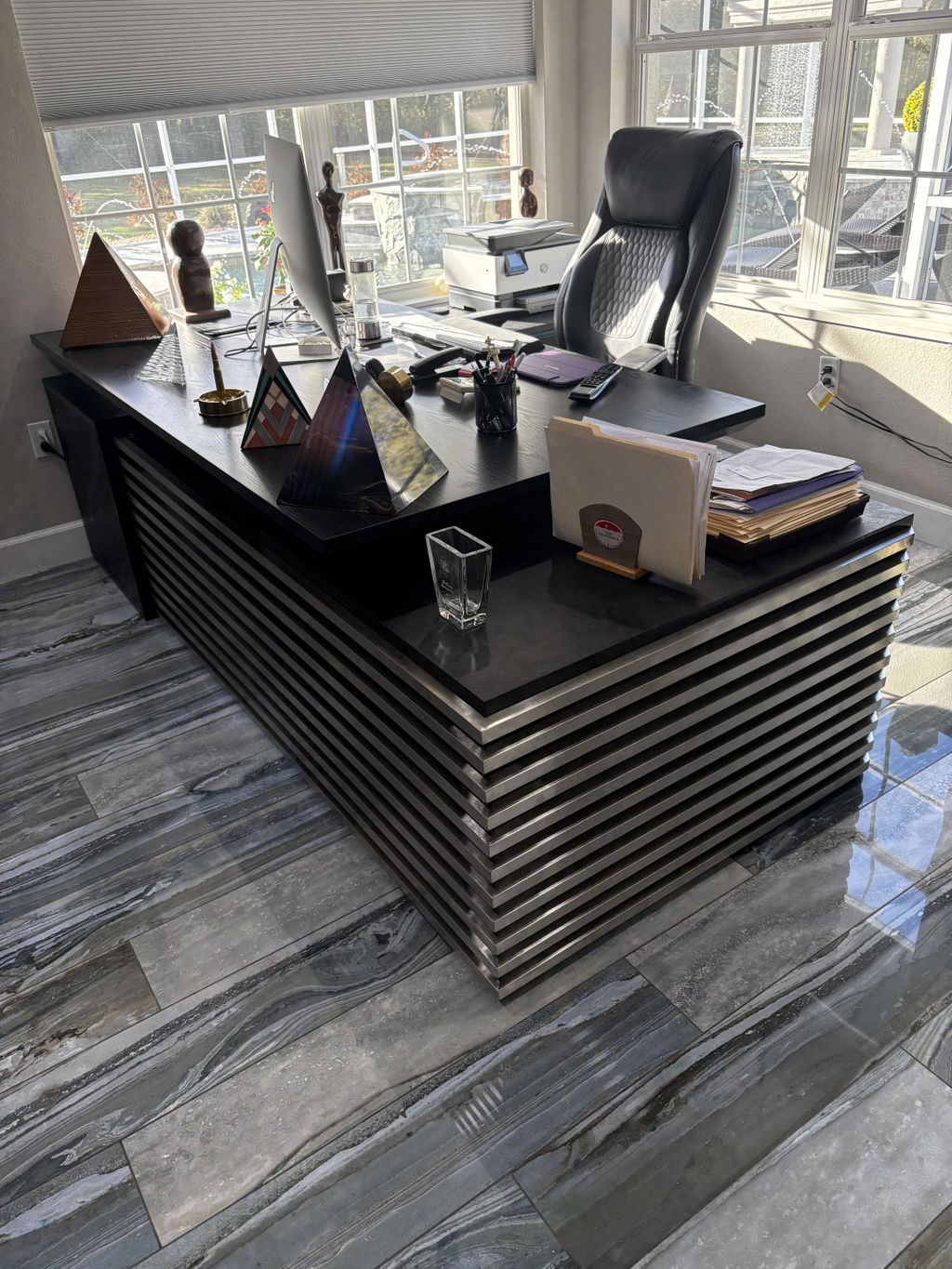
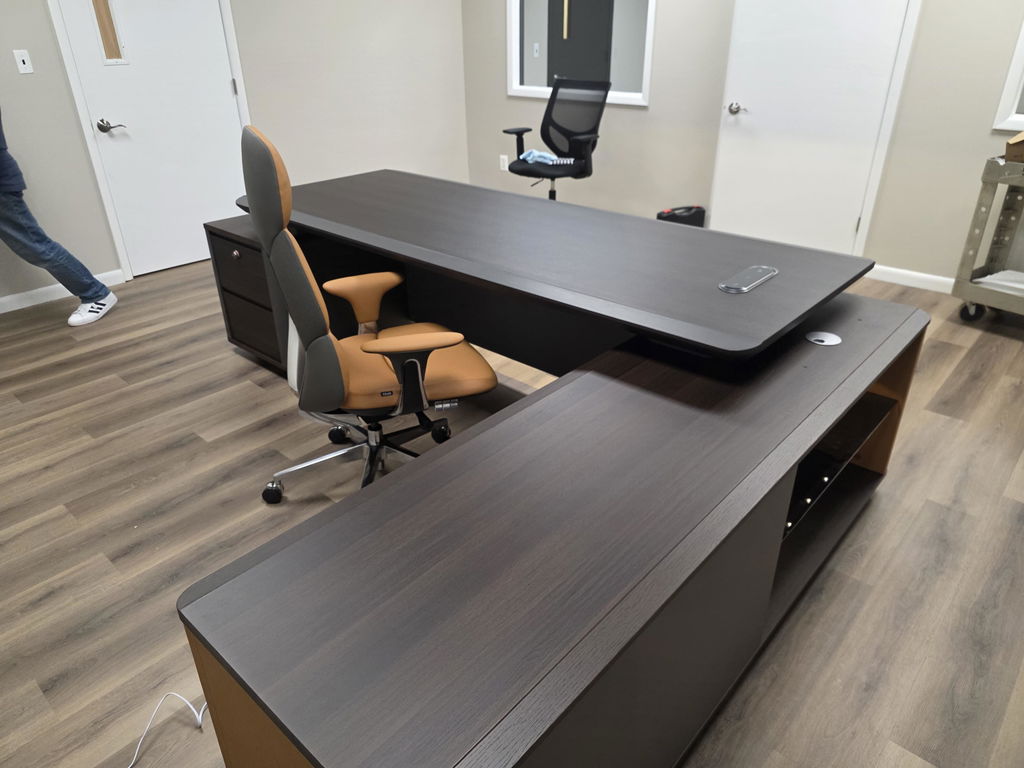
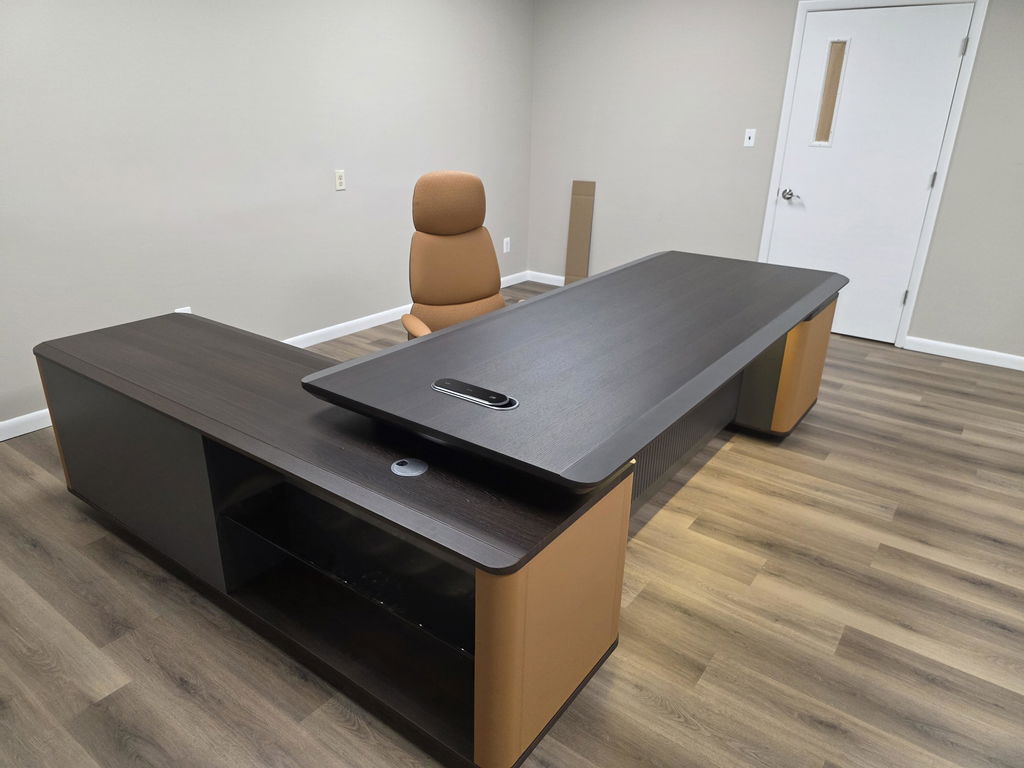
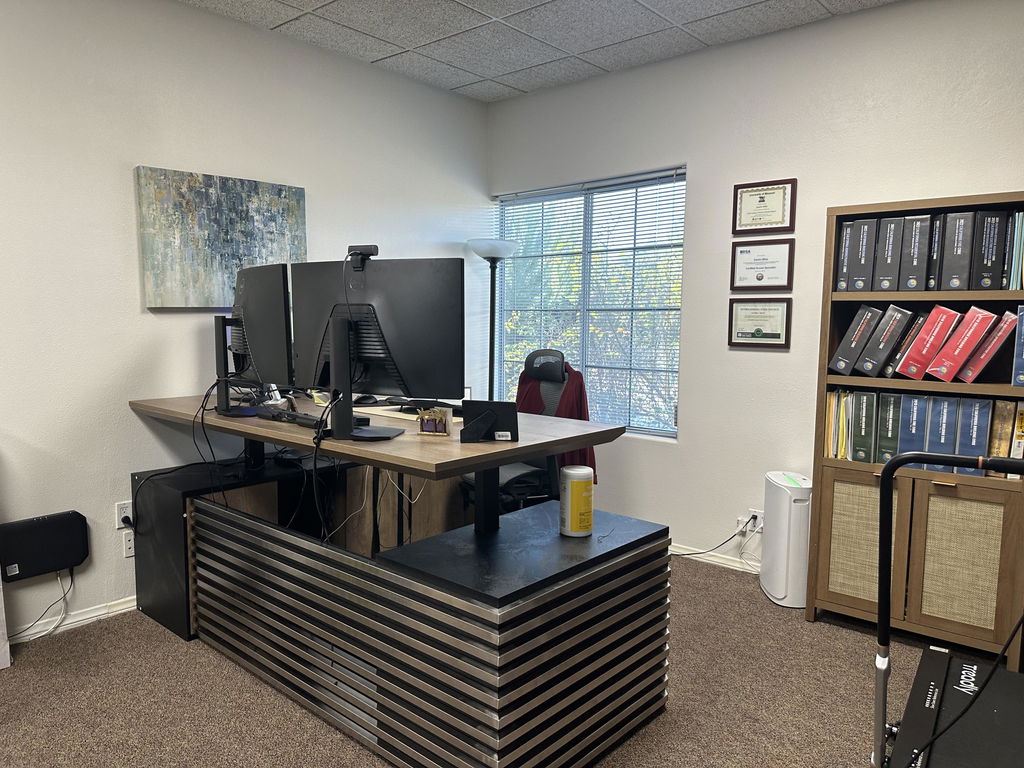
Position matters as much as the room. Facing the door with solid backing reads as natural authority and cuts surprise interruptions. Corner and L-shaped desks use space efficiently, giving more surface while tucking into a corner, just measure first and leave clearance so the desk does not block a doorway or window. Placing the desk in the middle of a room creates a focal point but limits storage and demands good cable management.
Desk placement: do and avoid
| Do | Avoid |
|---|---|
| Face the door with solid backing | Sitting with your back to the door |
| Windows to the side | A window directly in front or behind (glare) |
| A quiet corner or spare room | High-traffic areas, near a TV or loud appliances |
| Leave 2–3 ft of clearance around the desk | Blocking doorways or windows |
Position the desk perpendicular to windows to maximize daylight while minimizing screen glare, and use light-colored curtains or blinds to diffuse harsh sun. North-facing windows give the most consistent, diffused light for computer work. If a window sits behind or in front of the screen, angle the monitor away from direct sun or add an anti-glare filter. Where natural light is short, layer artificial lighting: ambient for the room, adjustable task lighting at the desk, and accent light to ease eye strain.

A comfortable setup protects your health over long days. Choose a chair with adjustable height, lumbar support, and armrests, and set it so your feet rest flat with knees near 90 degrees. A standing or adjustable-height desk lets you alternate positions, improving circulation.
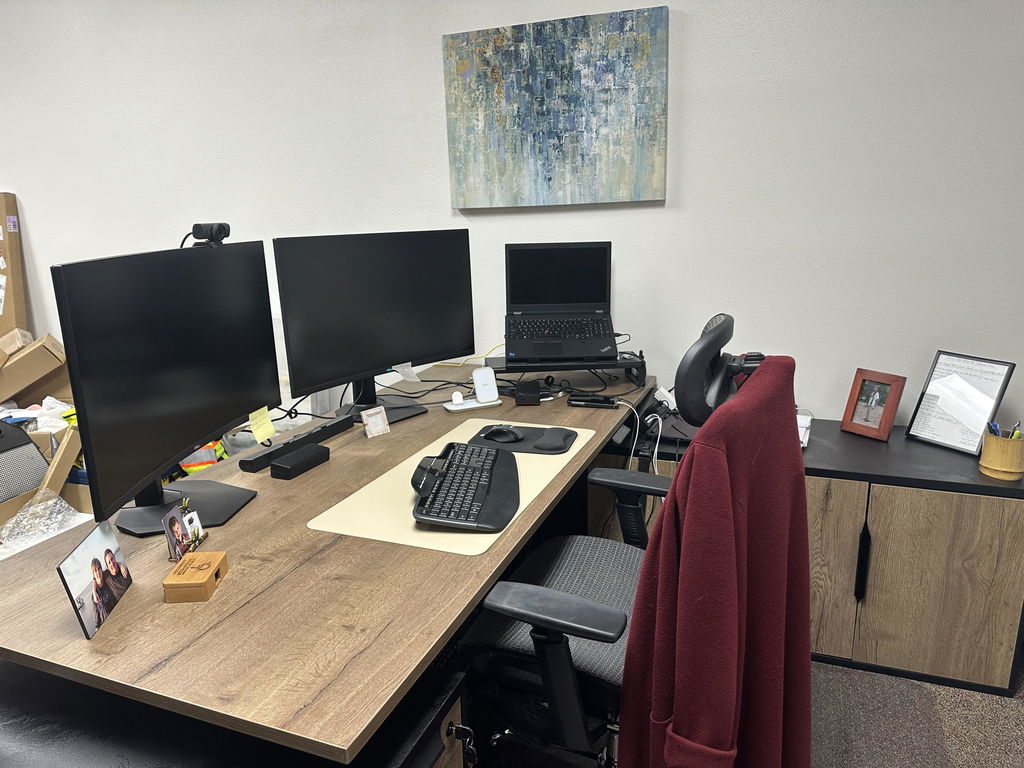
Adjust the desk and monitor so the top of the screen sits at or just below eye level about an arm’s length away, keep elbows bent 90 to 120 degrees with wrists neutral, and support your feet flat on the floor or a footrest.
OSHA — Computer Workstations eTool, neutral posture
Keep the space tidy and yours. Add storage that fits the room (shelves, a filing cabinet, desk organizers) to keep paperwork and supplies accessible. Then make it inviting with a few personal touches: artwork, a plant, and colors that feel calm and focused. The goal is a workspace that supports productivity without sacrificing style. When you are ready to anchor it, explore the executive desks collection, or have a desk built to your exact corner.
Related articles
Executive Desks & Offices
At the executive level, the material makes the desk. What distinguishes wood veneer, solid wood, and stone, and how to...
Read more →
Executive Desks & Offices
With more than 150 finishes to choose from, the way to a coordinated office is a simple sequence: pick one...
Read more →
Executive Desks & Offices
A home executive office should be as considered as the one at headquarters. How to design a serious, presence-carrying space...
Read more →