Storage & Shelving
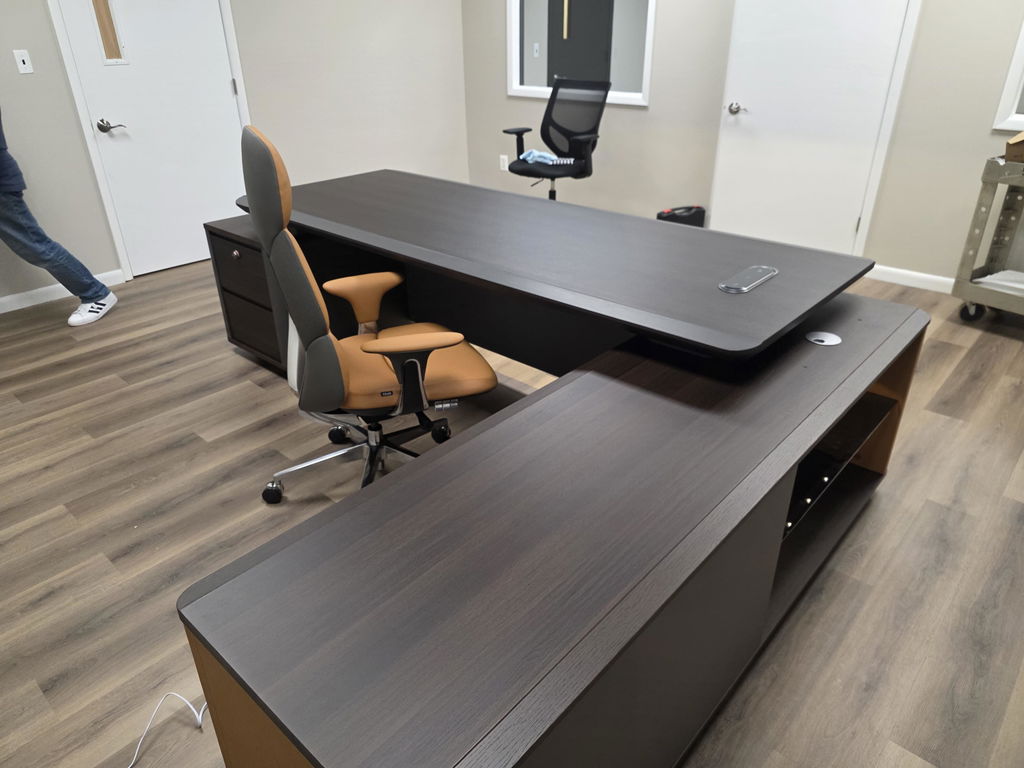
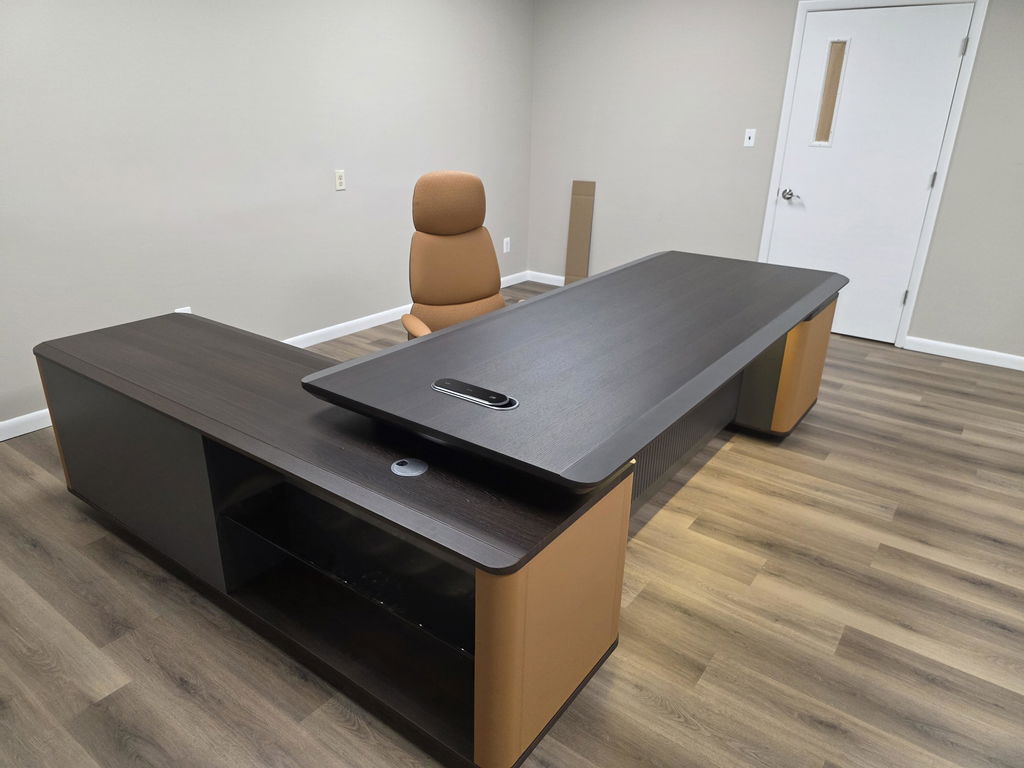
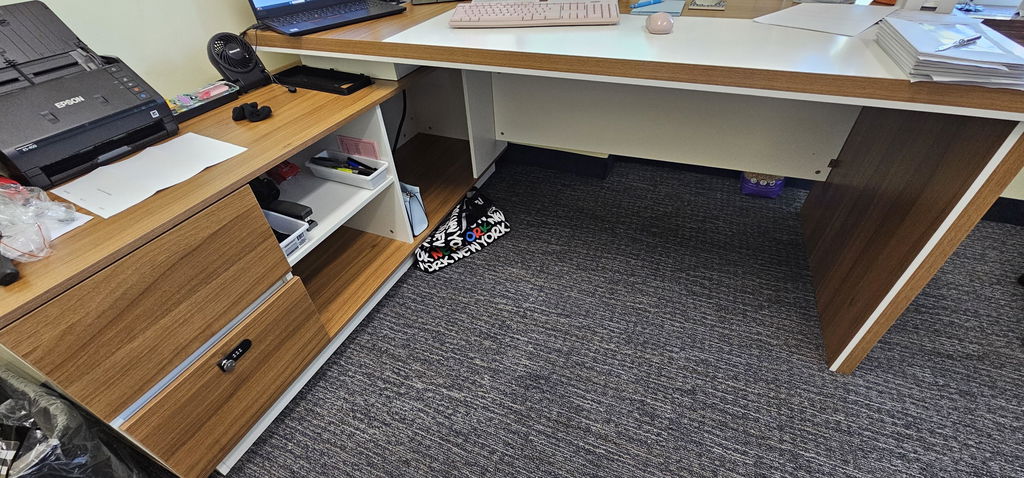
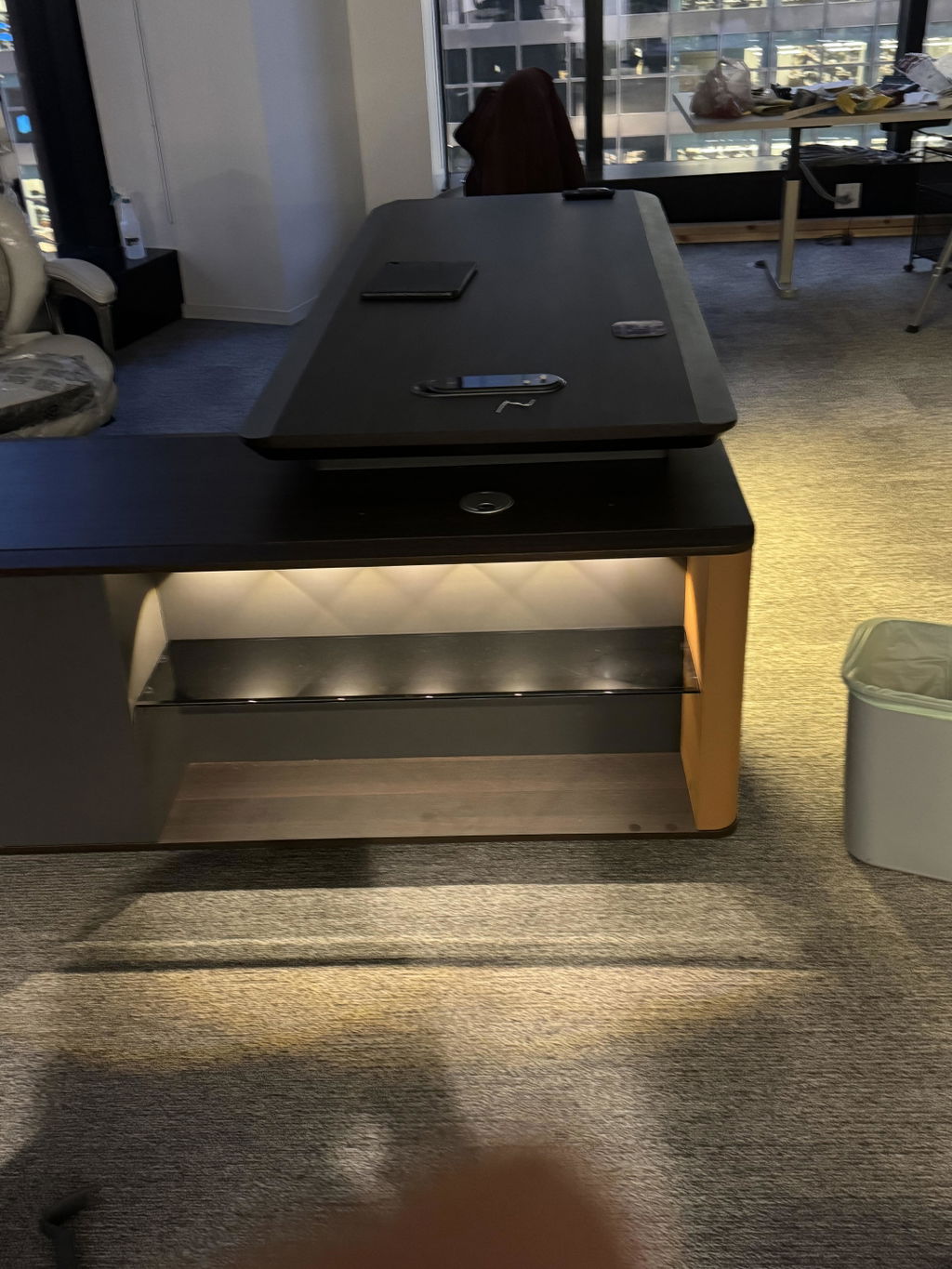
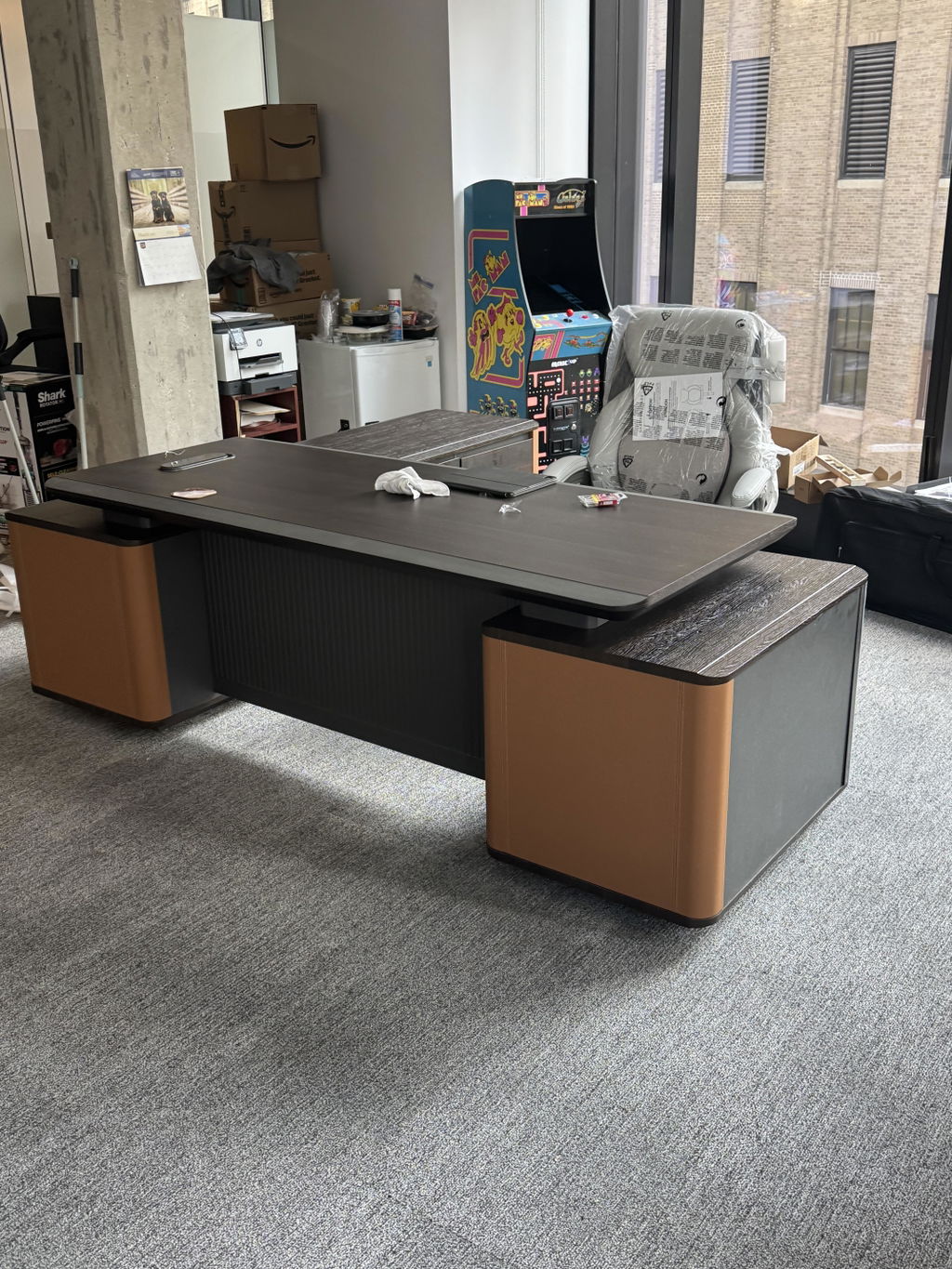
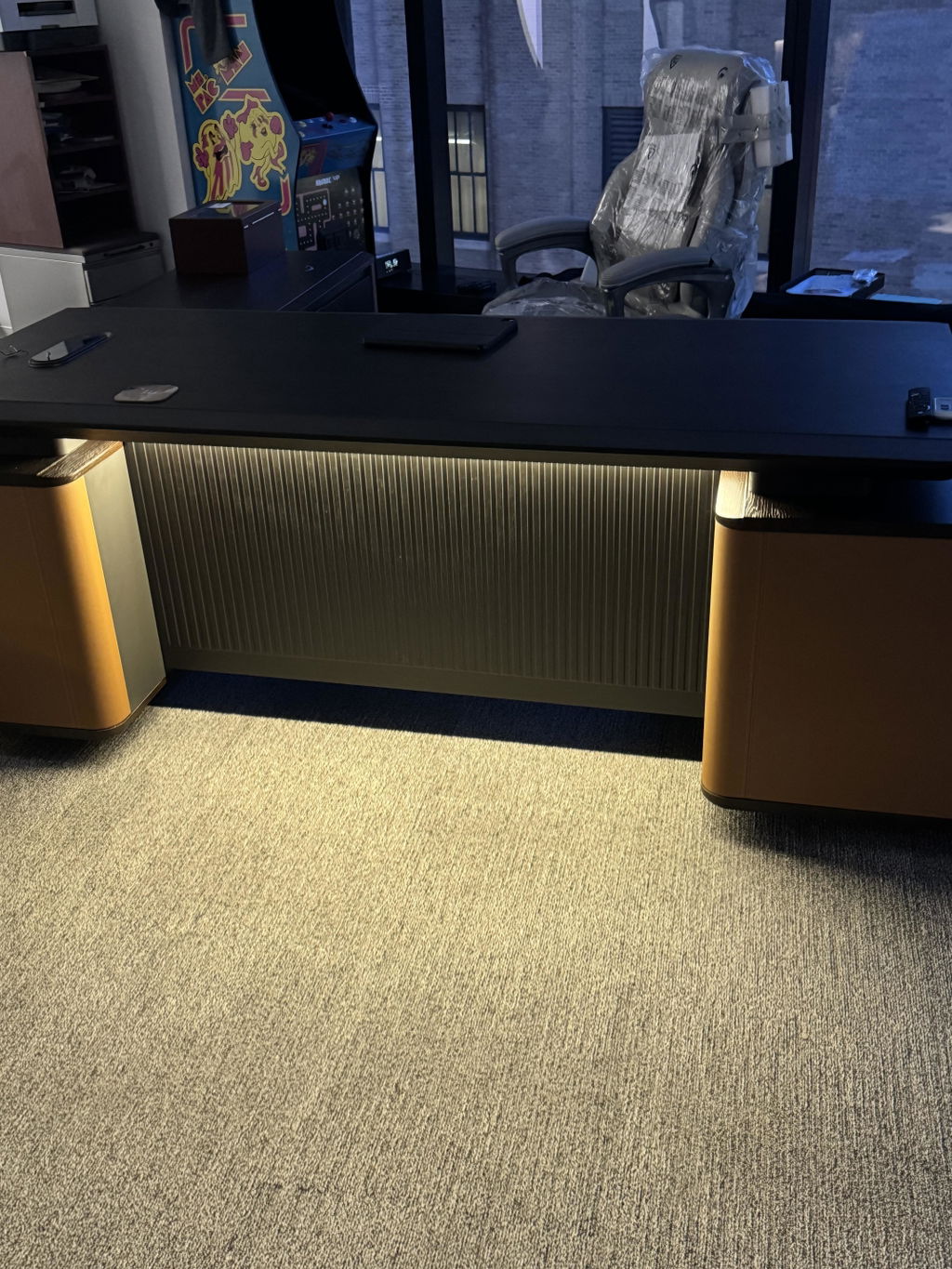
Executive Office Storage Design: Credenzas, Cabinets & Shelving
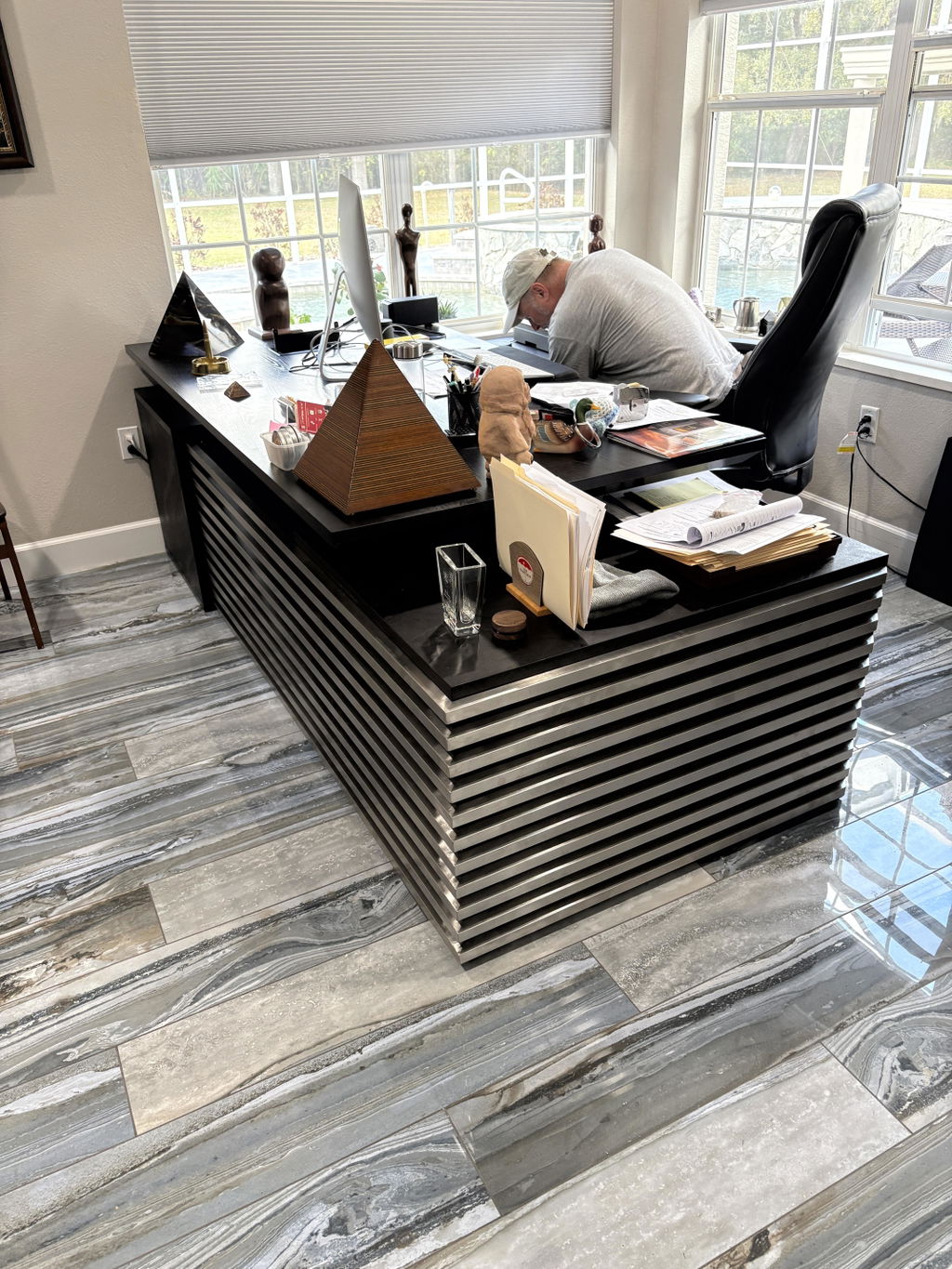
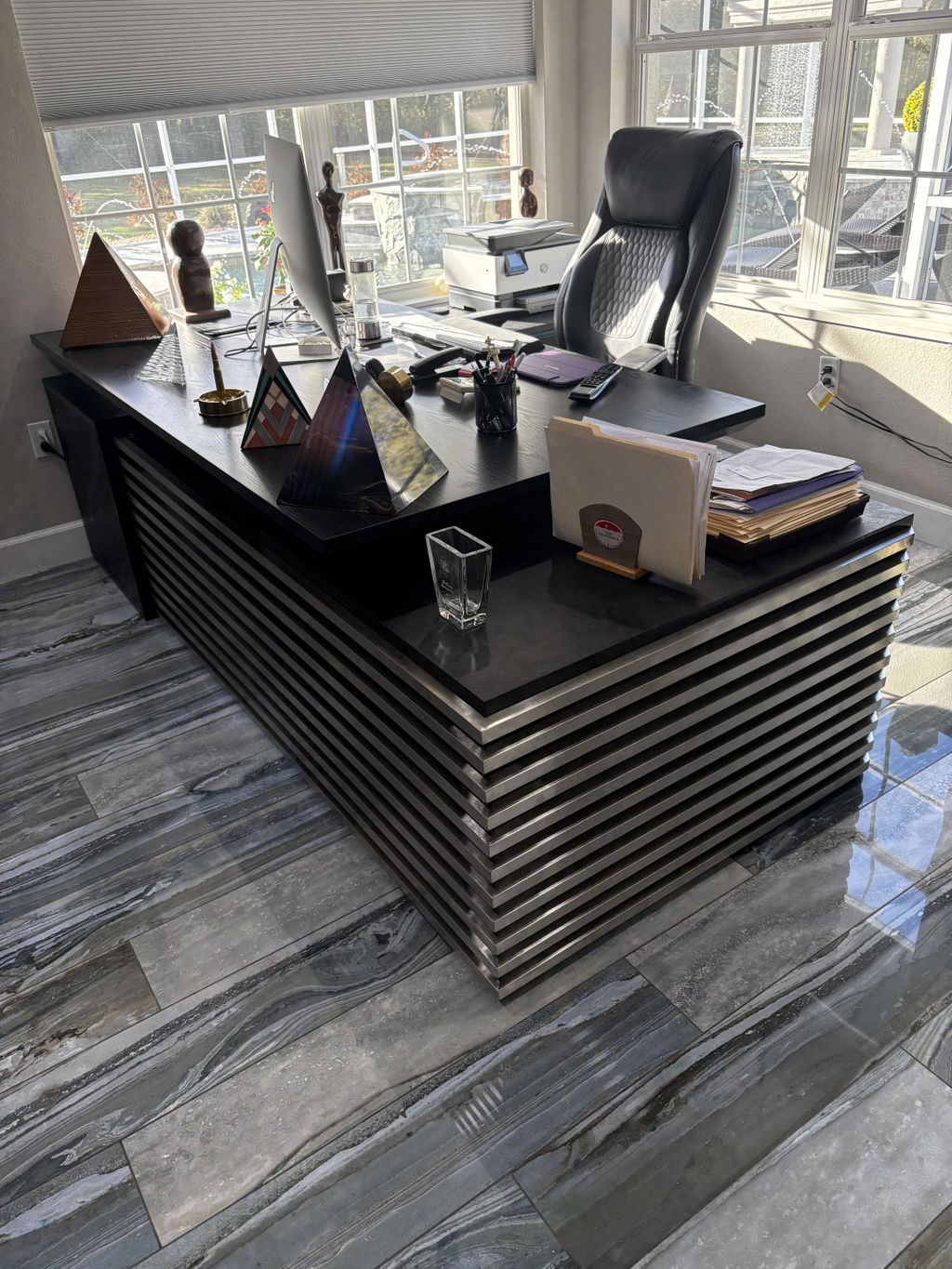
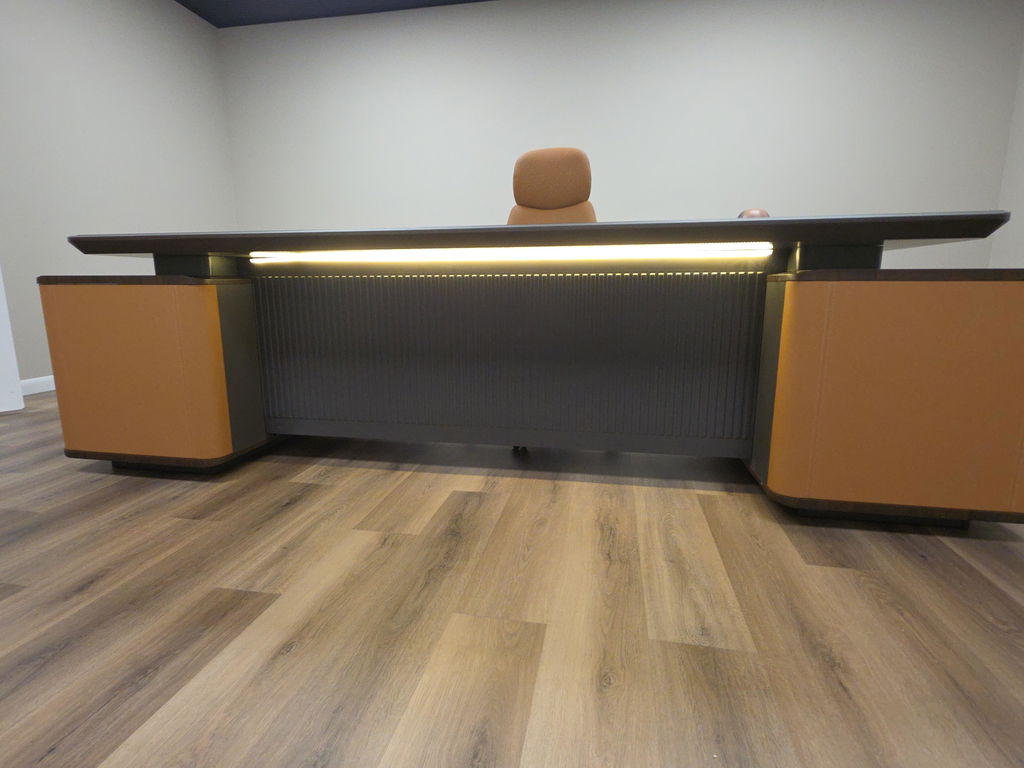
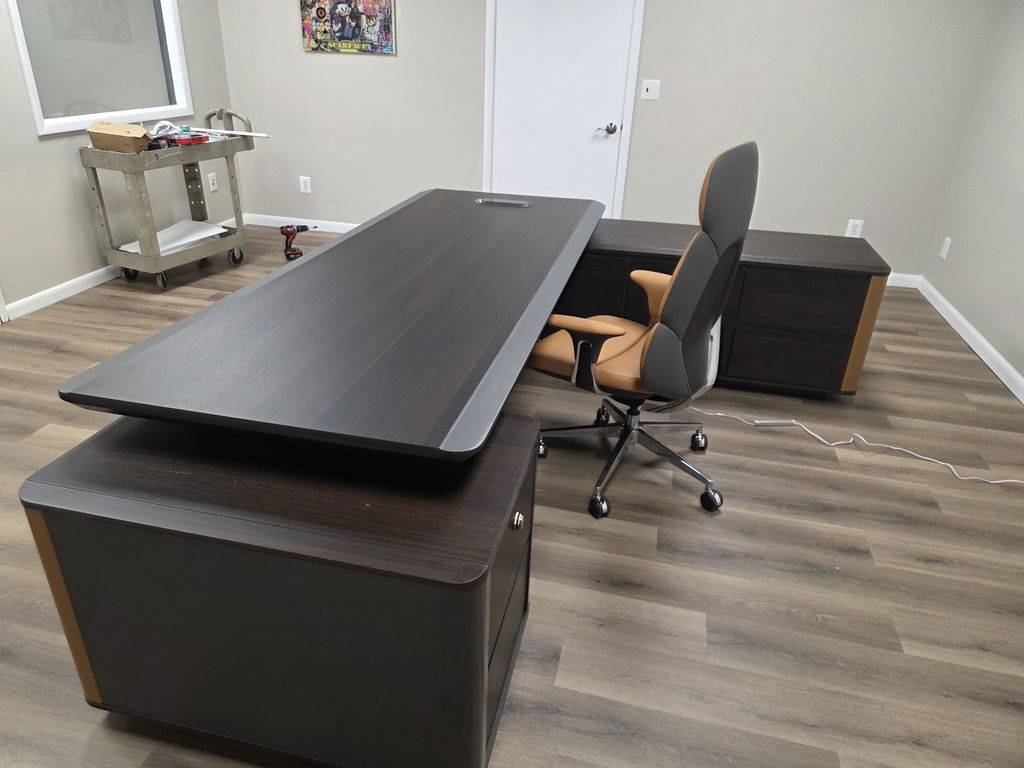
Executive office storage comes in three pieces: a credenza, cabinets, and shelving. How to choose, balance, place, and match them...
Read more →
Matching Sets
Storage & Shelving
A step-by-step home office organization guide: declutter, build work zones, beat paper overload, and choose storage that keeps the space efficient — and looking the part.

Organizing a home office comes down to four moves: clear the space completely, sort everything into keep, donate, or toss, build dedicated zones for computer, admin, reference, and supplies, and contain paper with a same-day action / file / recycle / shred system. The payoff is less time lost searching and noticeably clearer focus.
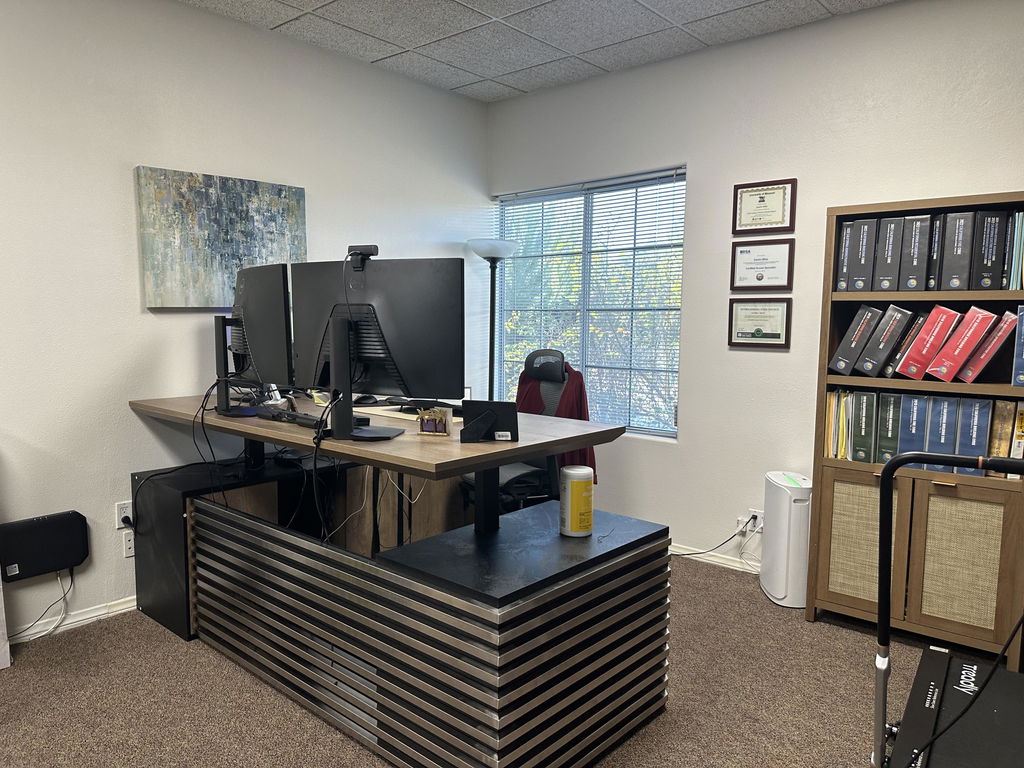
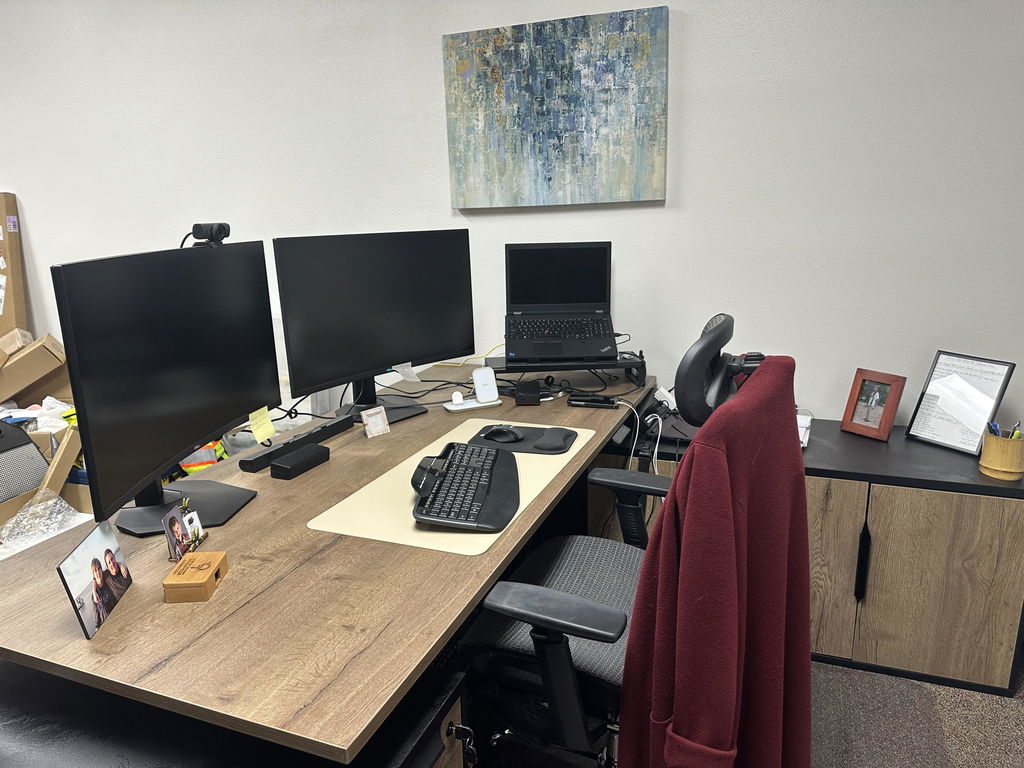
A well-organized home office does not just look professional — it changes how you think and work through the day. Smart storage and a deliberate place for every paper and supply turn even a chaotic corner into a space that works for you, not against you. Whether you have a dedicated room or a compact nook, here is how to set it up.
Clutter has a real cost. People lose meaningful time each week hunting for misplaced items, and every interruption takes effort to recover from. Your brain registers each visible item as an open task, draining attention even when you are not looking at the mess. Studies link tidy workspaces to lower stress and sharper decision-making — a clear environment creates the mental clarity that focused work needs.

Remove everything from the space. It sounds extreme, but it is the only way to truly assess what you have and what the room can offer. Take a photo first — the before-and-after is motivating — then move everything to a staging area for a blank canvas. With surfaces empty, clean thoroughly: dust shelves, wipe the desk, clean screens and keyboards, and vacuum the floor. The fresh start clears distractions and lets you reimagine the layout.
Create three zones for everything you removed:
Be honest. When deciding what stays, ask: Have I used this in the past year? Does it serve my current work? Would it cost more time or money to replace than to keep?
Treat the office as a set of stations, each engineered for a job, and place items by how often you use them — daily within arm’s reach, weekly within a few steps, monthly or reference further away.
Home office work zones
| Zone | What it holds | Placement |
|---|---|---|
| Computer | Primary workstation, monitor, keyboard, charging | Core position, proper ergonomics |
| Administrative | Bill paying, mail sorting, paperwork | Within arm’s reach of the desk |
| Reference | Books, binders, frequently accessed files | A few steps away, on shelving |
| Supply | Pens, paper, printer and shipping materials | Contained, restocked on a schedule |
Paper is the enemy of an organized office. Process every piece the same day into one of four actions: action (needs a response), file (keep), recycle (non-essential), or shred (sensitive). Set up a mail station near the entrance, handle each item once, and digitize whatever you can. For papers you must keep, use a system that makes sense to you — color-coded folders for visual thinkers, alphabetical for others — and reserve fifteen minutes each Friday so it never piles up.
Your digital workspace deserves the same discipline. Build a logical folder hierarchy that mirrors your physical filing — for example, Clients › [Client name] › Contracts / Invoices / Project files — and name files consistently, such as ClientName_ProjectType_Date. Delete duplicates, old versions, and stale downloads regularly, set up automated cloud backups, and schedule a monthly clean-up to archive finished projects.
Storage is one of six areas worth spending on. The rest are in home office upgrades that will transform your workspace.
The right storage turns a chaotic workspace into an efficient one. Focus on four areas:

Every workspace has its own constraints. Here is how to handle the common ones.
Think vertically: floating shelves above the desk and multi-functional furniture like a desk with built-in storage. Wall-mounted lighting and door-hanging organizers save surface space. Position the desk near natural light and do a weekly fifteen-minute declutter to prevent build-up.
Set clear boundaries with room dividers or bookshelves, give each person color-coded supplies and dedicated storage, and schedule usage times for shared resources. Noise-cancelling headphones are worth every penny when focus matters.
Turn awkward angles into assets with an L-shaped desk that creates natural work zones. Layer lighting in these darker spots, use light colors and a mirror to open up the room, and free desk space with a wall-mounted monitor arm.
When the office shares a living room or bedroom, choose furniture that transitions easily — a fold-away desk, a drop-leaf table, or a storage ottoman that hides work items — and pick pieces that complement the room’s primary look.
Organization does not require expensive solutions. Repurpose household items, and unify mismatched containers with a single paint color so they read as intentional. The best system is the one you will actually use.
Vertical storage frees the most floor at the lowest cost. Five approaches are in smart wall shelving ideas.
A well-organized home office turns chaos into focus and reflects your professional standards. Start simple — declutter, set up zones, and fix the lighting — and the time you save adds up fast. When you are ready to build in real storage, browse office shelving and cabinets, any of which can be built to your wall and dimensions.
Related articles
Storage & Shelving
Executive office storage comes in three pieces: a credenza, cabinets, and shelving. How to choose, balance, place, and match them...
Read more →
Space Planning & Buying
Speccing custom executive furniture is five decisions in order: dimensions, configuration, finish, hardware, and sign-off. What to settle at each...
Read more →
Space Planning & Buying
Made-to-measure executive furniture gives you exact fit, your exact finish, and a coordinated suite. When bespoke earns its place, and...
Read more →