Executive Desks & Offices
Veneer, Solid Wood & Stone: A Guide to Premium Desk Materials
At the executive level, the material makes the desk. What distinguishes wood veneer, solid wood, and stone, and how to...
Read more →
Matching Sets
Executive Desks & Offices
How to choose the ideal home office desk in five steps: assess your space, define your work needs, prioritize ergonomics, weigh materials, and match your style — with sizing and placement tips.

The ideal home office desk balances fit, function, and style. Measure first, then match the size to your work: at least 48 inches wide for standard tasks, 55 to 60 for dual monitors, about 30 inches deep, and 28 to 30 inches tall. Prioritize ergonomics, build quality, and a finish that suits your space.
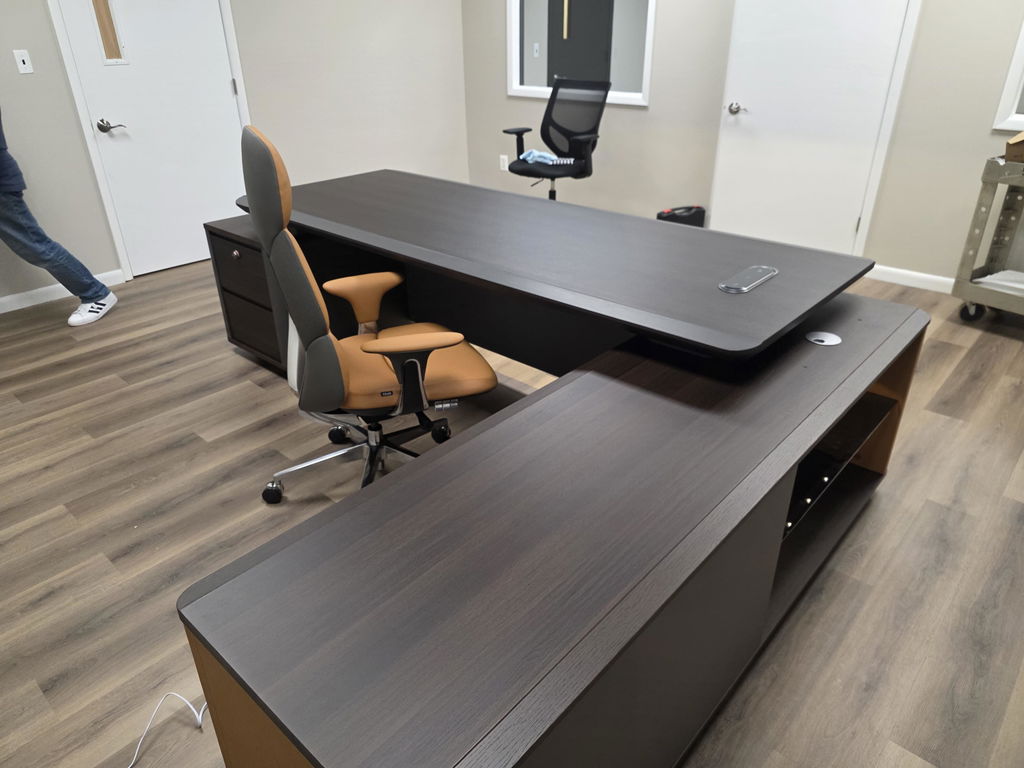
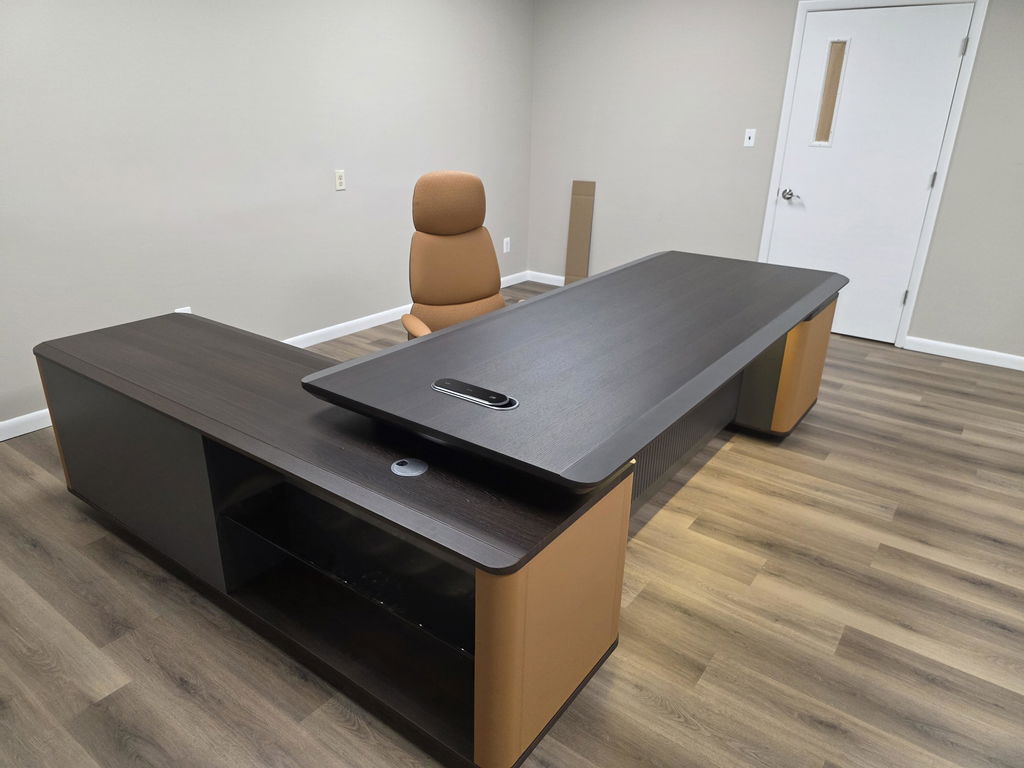
Your desk is the heart of a home office — it should combine good looks with practical comfort, because its quality shapes how you work and feel each day. This guide walks through five steps to the right choice, from stunning solid-wood designs to adjustable models. Want presence? Start with the grand executive desks.
Room dimensions decide the shape before they decide the size. Both are worked through in best desk shapes and sizes for any home office.

Before choosing, understand your available space so the desk fits without crowding the room. Measure carefully: the desk area’s dimensions, ceiling height and any architectural features, doorway clearances, and window positions for natural light. Then plan placement — facing the door with solid backing reads as natural authority, proximity to power keeps cables tidy, and a slight angle can balance view and privacy.

Match the desk to how you actually work:
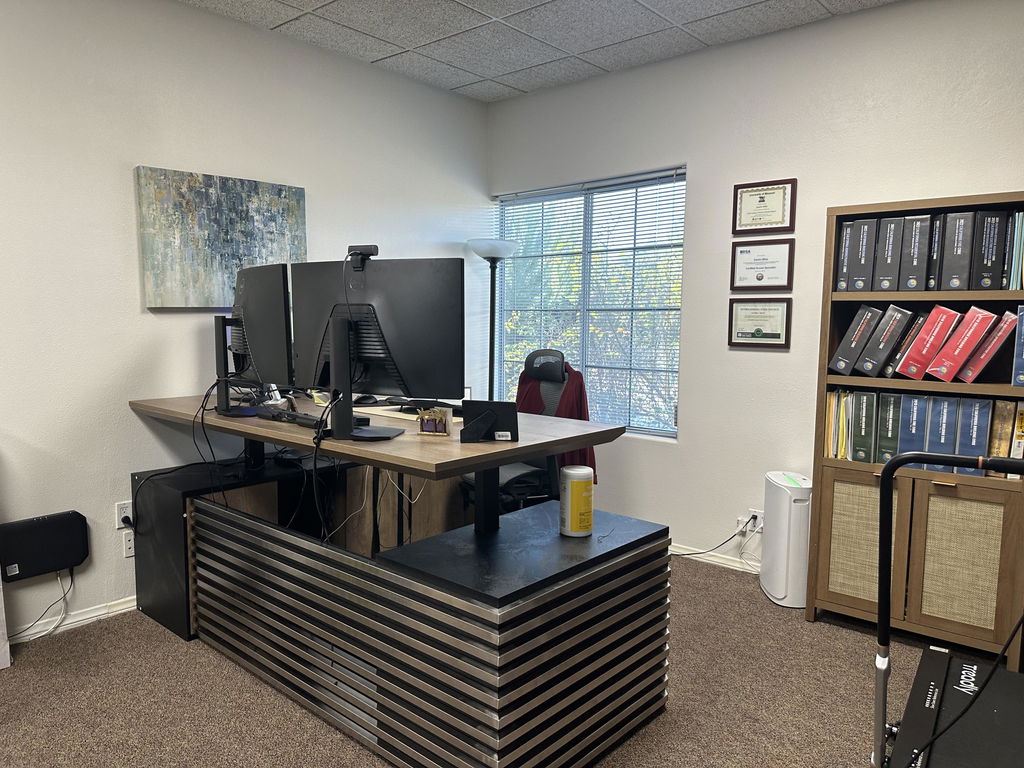
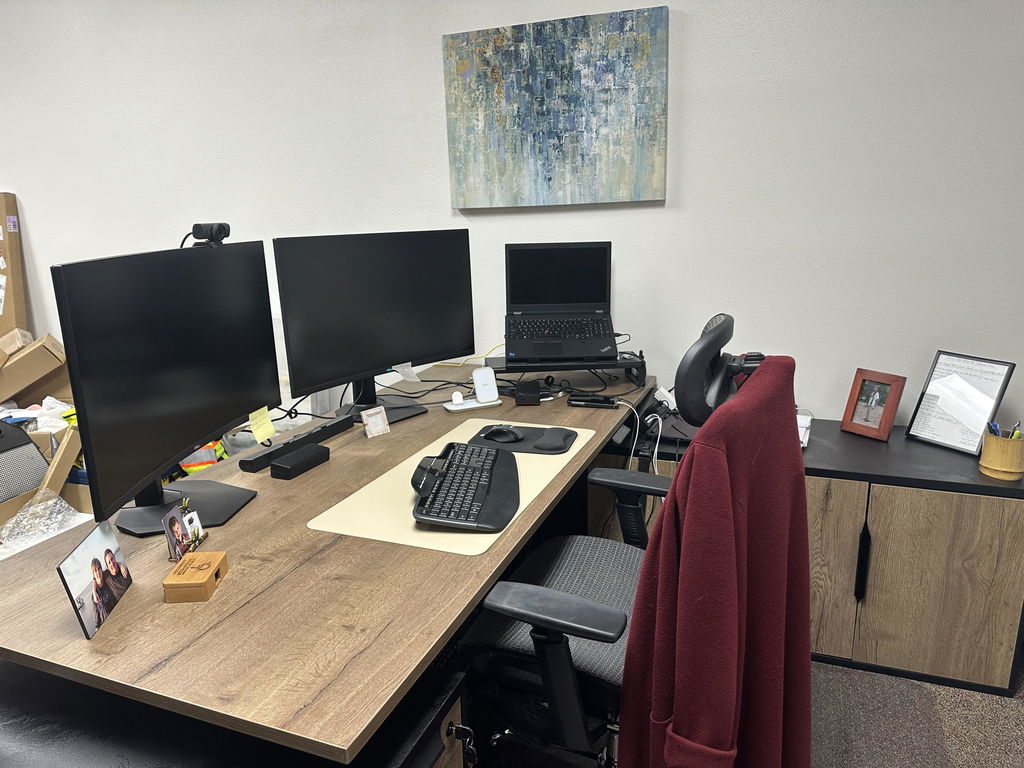
Plan storage to match — a desk with built-in drawers or shelving, plus a complementary cabinet for reference materials — and technology integration: concealed cable management, built-in power where you need it, monitor mounting to free surface space, and wireless charging for an uncluttered top.
Desk height drives everything else in the setup. Measuring it against your own body is covered in ergonomic desk height and setup.
Your setup directly affects comfort and long-term health. The ideal height puts your arms at about 90 degrees while typing, with wrists neutral; when seated, feet rest flat and knees sit near 90 degrees. Since the right height depends on your proportions, an adjustable-height desk with a quiet electric motor and memory presets solves it elegantly. For width, 42 inches is the minimum but 60 to 72 is more comfortable; aim for 30 to 36 inches of depth so the monitor sits about an arm’s length away.
Set the desk so forearms rest parallel to the floor with elbows bent 90 to 120 degrees, keep wrists neutral, support your feet flat or on a footrest, and place the top of the monitor at or slightly below eye level.
OSHA — Computer Workstations eTool, neutral posture
Home office desk sizing
| Need | Recommended |
|---|---|
| Standard single-monitor work | 48+ in wide |
| Dual monitors | 55–60 in wide |
| Depth | 30 in (arm’s-length monitor) |
| Height | 28–30 in (30–32 for 6 ft+) |
| Legroom | 24 in wide, 18–24 in deep, 24–26 in high |

Materials and build quality turn a regular desk into a lasting piece. Each material sets a different tone:
Prioritize construction: look for traditional joinery over mass-production techniques, quality finishes (hand-rubbed oils on wood, multi-stage lacquer for protection), and white-glove or fully assembled delivery so you can check stability. Confirm weight capacity too — premium executive desks support 300+ pounds — and leave a margin for future equipment.

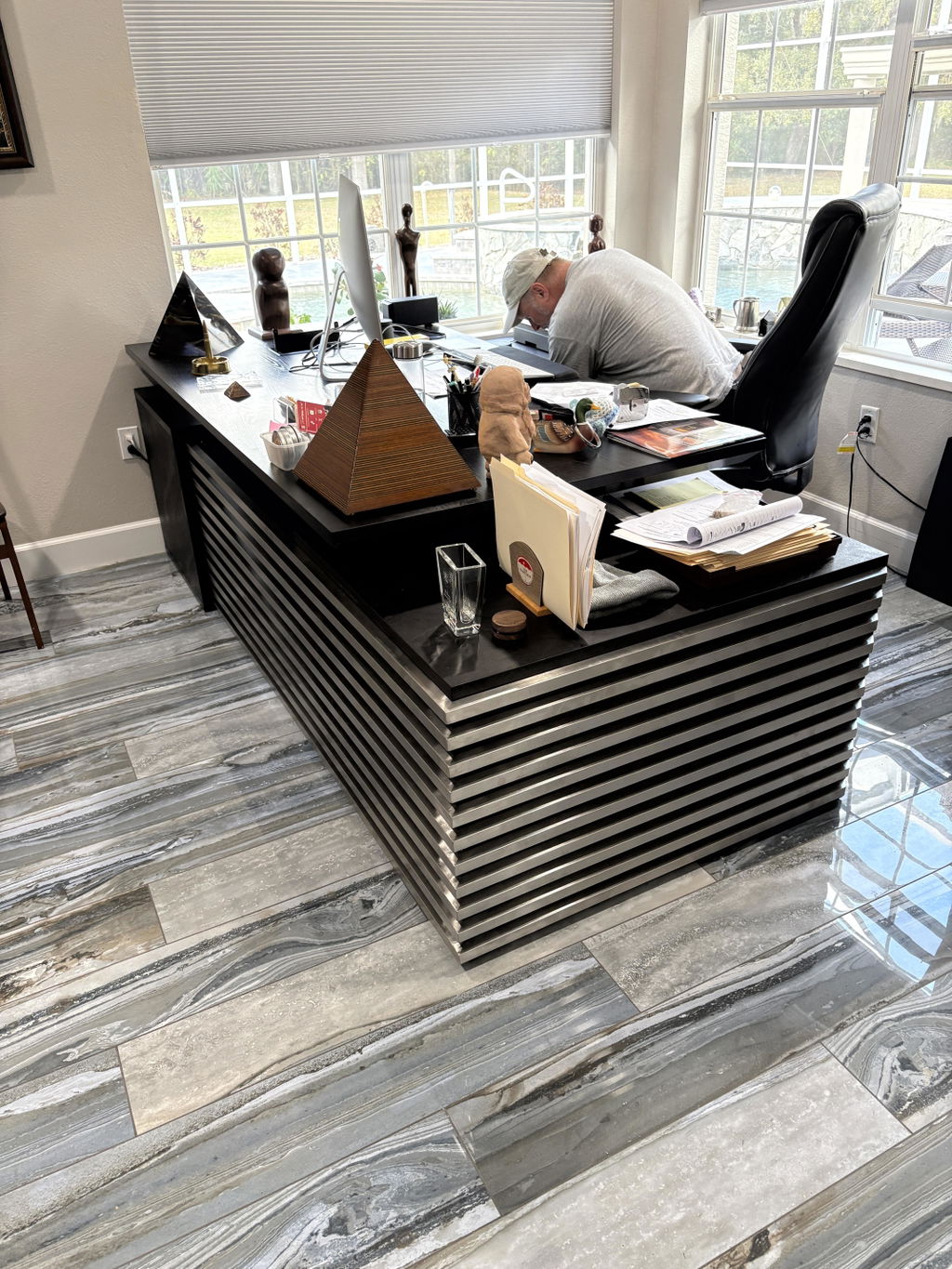
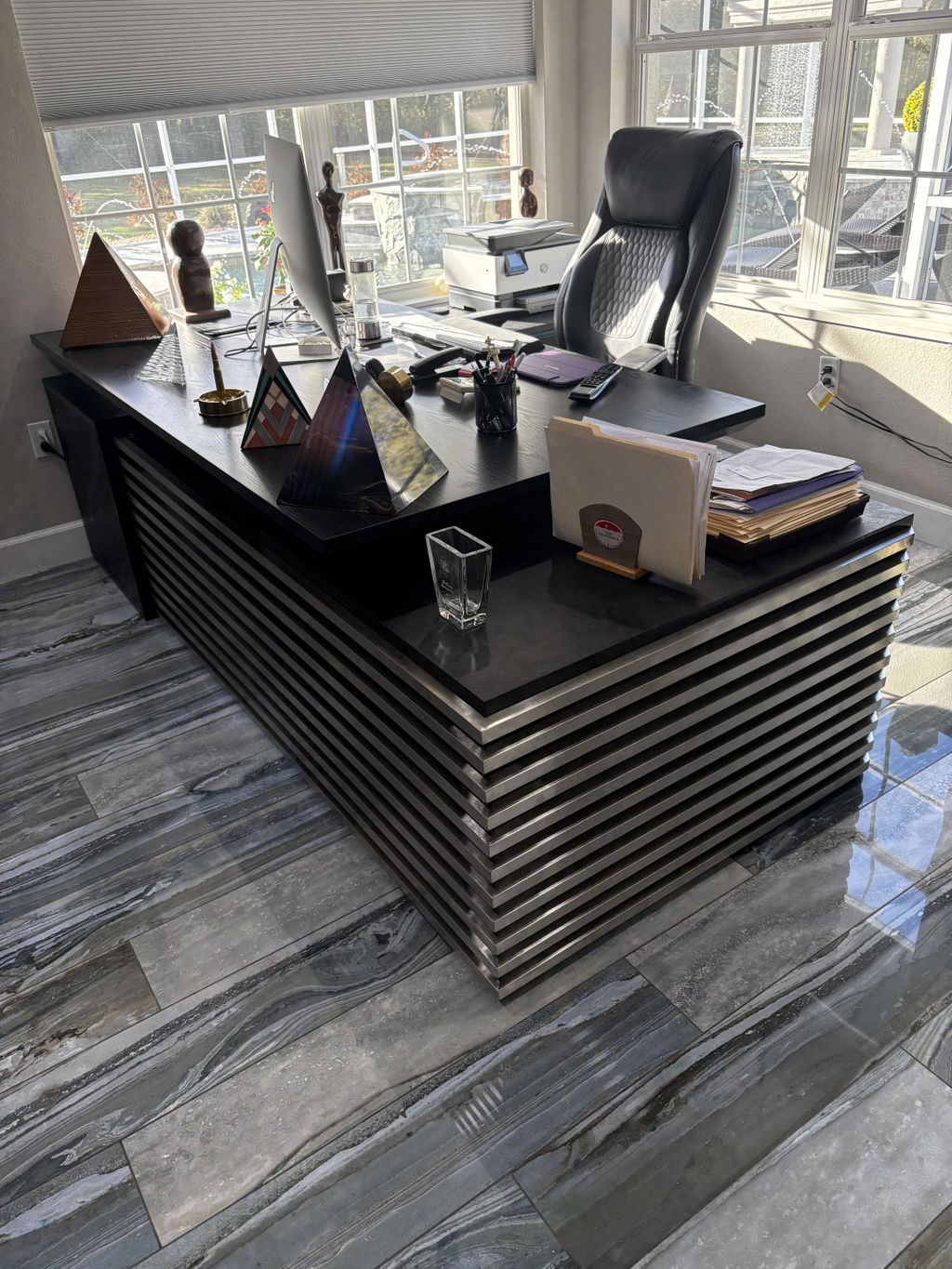
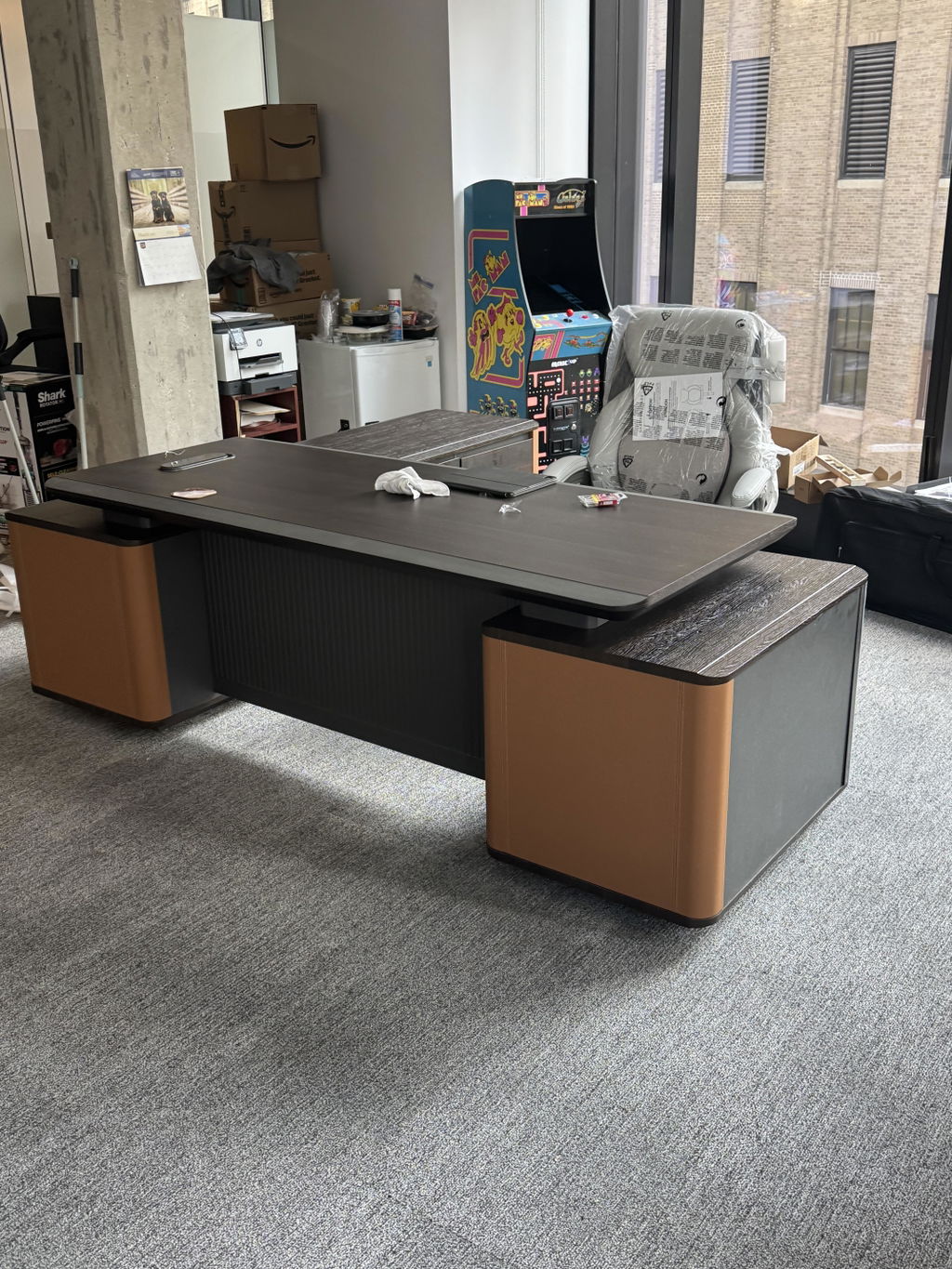
The desk should fit your home’s character while holding its own presence. Modern spaces suit clean lines and refined materials; traditional settings call for quality hardwoods with rich finishes; transitional homes balance formal and casual. Finish matters as much as form: light woods (maple, white oak, ash) feel airy and show grain; dark woods (walnut, mahogany) convey authority and read well on video calls. For a bold modern look, see the black executive desk collection.
The ideal home office desk balances form, function, and personal style while supporting how you actually work — it should work as hard as you do and make the right impression. Explore the executive desk collection, or have one built to your space and finish.
Related articles
Executive Desks & Offices
At the executive level, the material makes the desk. What distinguishes wood veneer, solid wood, and stone, and how to...
Read more →
Executive Desks & Offices
With more than 150 finishes to choose from, the way to a coordinated office is a simple sequence: pick one...
Read more →
Executive Desks & Offices
A home executive office should be as considered as the one at headquarters. How to design a serious, presence-carrying space...
Read more →