Executive Desks & Offices
Veneer, Solid Wood & Stone: A Guide to Premium Desk Materials
At the executive level, the material makes the desk. What distinguishes wood veneer, solid wood, and stone, and how to...
Read more →
Matching Sets
Executive Desks & Offices
Ergonomic desk height and setup for pain-free working: the 90-90-90 rule, monitor and keyboard placement, chair adjustment, posture habits, and how to find your ideal desk height.

Set your desk so your elbows, hips, and knees all sit at about 90 degrees with feet flat: for most people that is a 28-to-30-inch surface, or 38 to 44 inches for standing. Put the top of the monitor at or just below eye level an arm’s length away, keep the keyboard at elbow height with neutral wrists, and move every 30 minutes.
The right ergonomic desk height and setup turns a workday from painful to productive. Most people spend over 1,900 hours a year at their desks, yet many suffer from a poorly configured workspace, and the fix often comes down to a few simple adjustments. Here is how to dial it in.

The right height prevents strain on your neck, shoulders, and back, you should work without hunching over or reaching up.
When seated, your elbows, hips, and knees should each form a 90-degree angle, with feet flat on the floor. For most people that puts the desk surface at about elbow height when seated. To find yours, sit with your back straight and shoulders relaxed, bend your elbows to 90 degrees, and measure floor-to-elbow, that is your ideal desk height. Because it varies with your proportions, a fixed-height desk (29 to 30 inches) often means adjusting the chair instead and adding a footrest if your feet do not reach.
An adjustable or standing desk accommodates your exact measurements and lets you change position through the day while keeping elbow-height alignment. With a fixed desk, use a footrest and raised chair if it is too high, or risers if too low: and remember the desk works together with monitor, keyboard, and chair settings.
Ergonomic setup at a glance
| Element | Setting |
|---|---|
| Desk height (seated) | 28–30 in (elbows at 90°) |
| Standing desk height | 38–44 in |
| Monitor | Top at or below eye level, 20–30 in away |
| Keyboard and mouse | Elbow height, wrists neutral, mouse close |
| Chair | Feet flat, thighs parallel, lumbar support |
| Breaks | Move every 30 min; 20-20-20 for the eyes |
Keep elbows bent between 90 and 120 degrees with forearms parallel to the floor and wrists neutral, place the top of the monitor at or slightly below eye level about an arm’s length away, and support your feet flat on the floor or a footrest with the back fully supported.
OSHA — Computer Workstations eTool, neutral posture
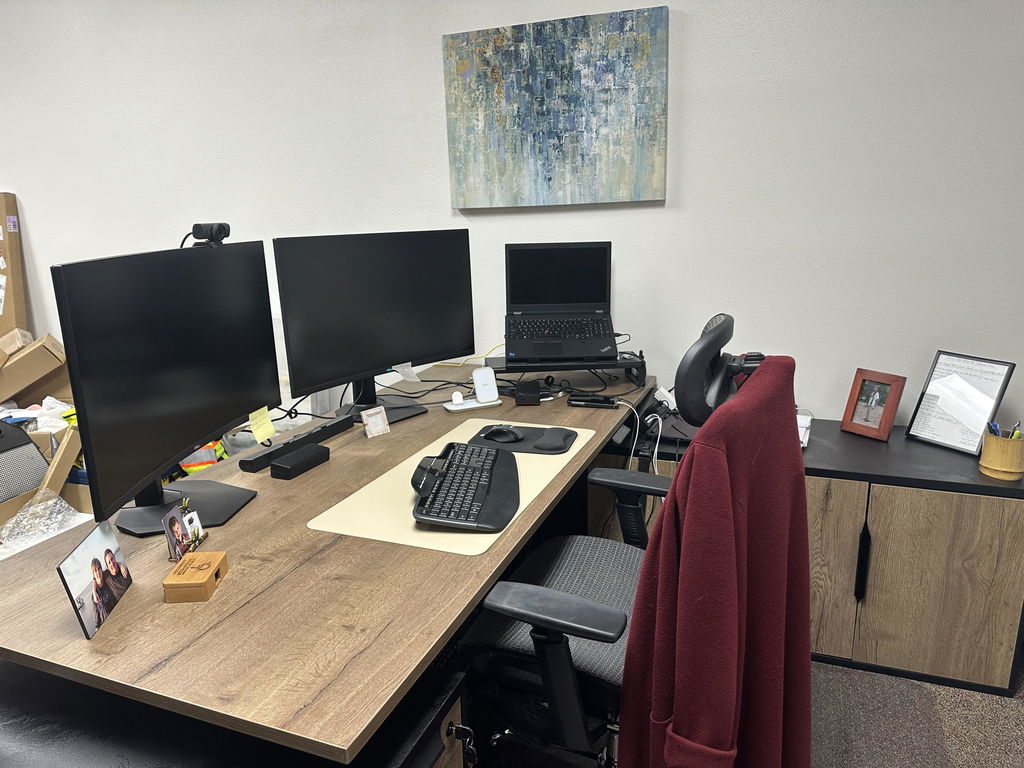
Position the monitor at or slightly below eye level, about an arm’s length away (20 to 30 inches), with the top aligned to your eyes when sitting upright. Use a monitor arm for easy adjustment; for dual screens, center the primary and angle the secondary equally to reduce neck rotation. Set monitors perpendicular to windows to cut glare.
Keep the keyboard and mouse at elbow height with arms near 90 degrees and wrists straight. Use an external keyboard for long sessions rather than a laptop’s, and keep the mouse close to avoid reaching. Heavy typists may benefit from a split or curved ergonomic keyboard.
Choose a chair with adjustable height, backrest, and armrests; leave two to three fingers between the seat edge and the back of your knees. Set the height so feet rest flat with thighs parallel to the floor, fit the lumbar support to your lower back, and let armrests support your arms without pushing your shoulders up.
Movement and alignment keep you comfortable through long days. Switch positions every 30 minutes, balance your head over your spine rather than jutting forward, and keep shoulders gently back. Alternate sitting and standing, roughly 30 minutes standing per one to two hours sitting: distributing weight evenly with knees slightly bent when you stand, on an anti-fatigue mat. Take two to three minutes each hour for shoulder rolls, neck tilts, and a chest opener, and follow the 20-20-20 rule: every 20 minutes, look 20 feet away for 20 seconds.

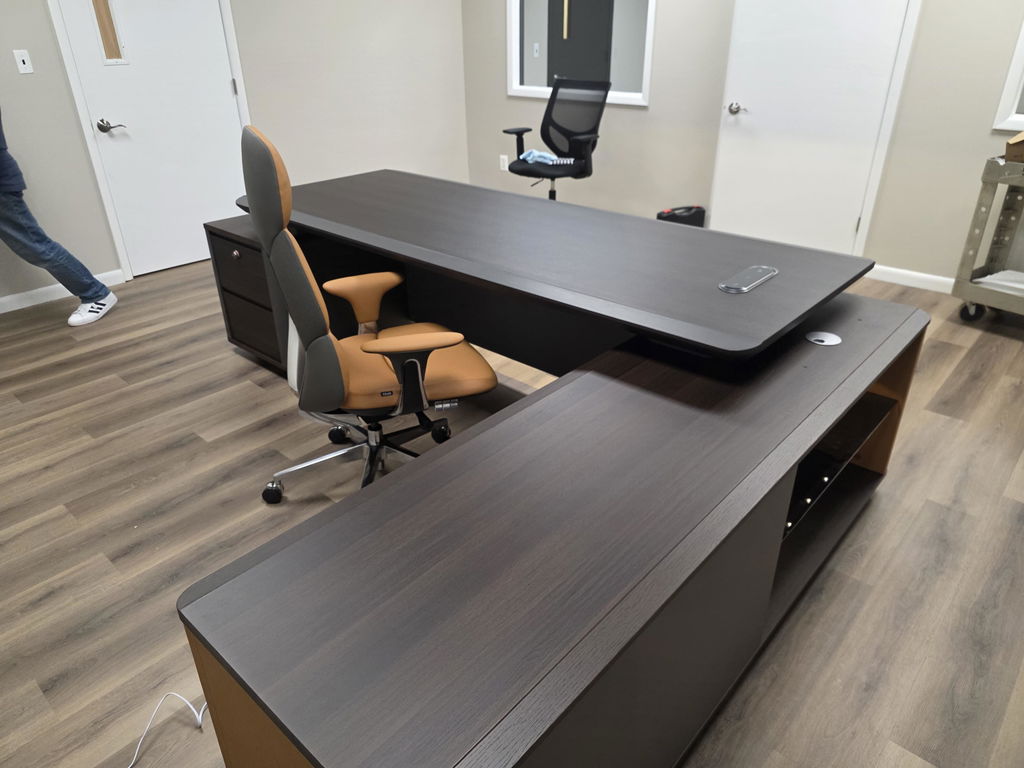
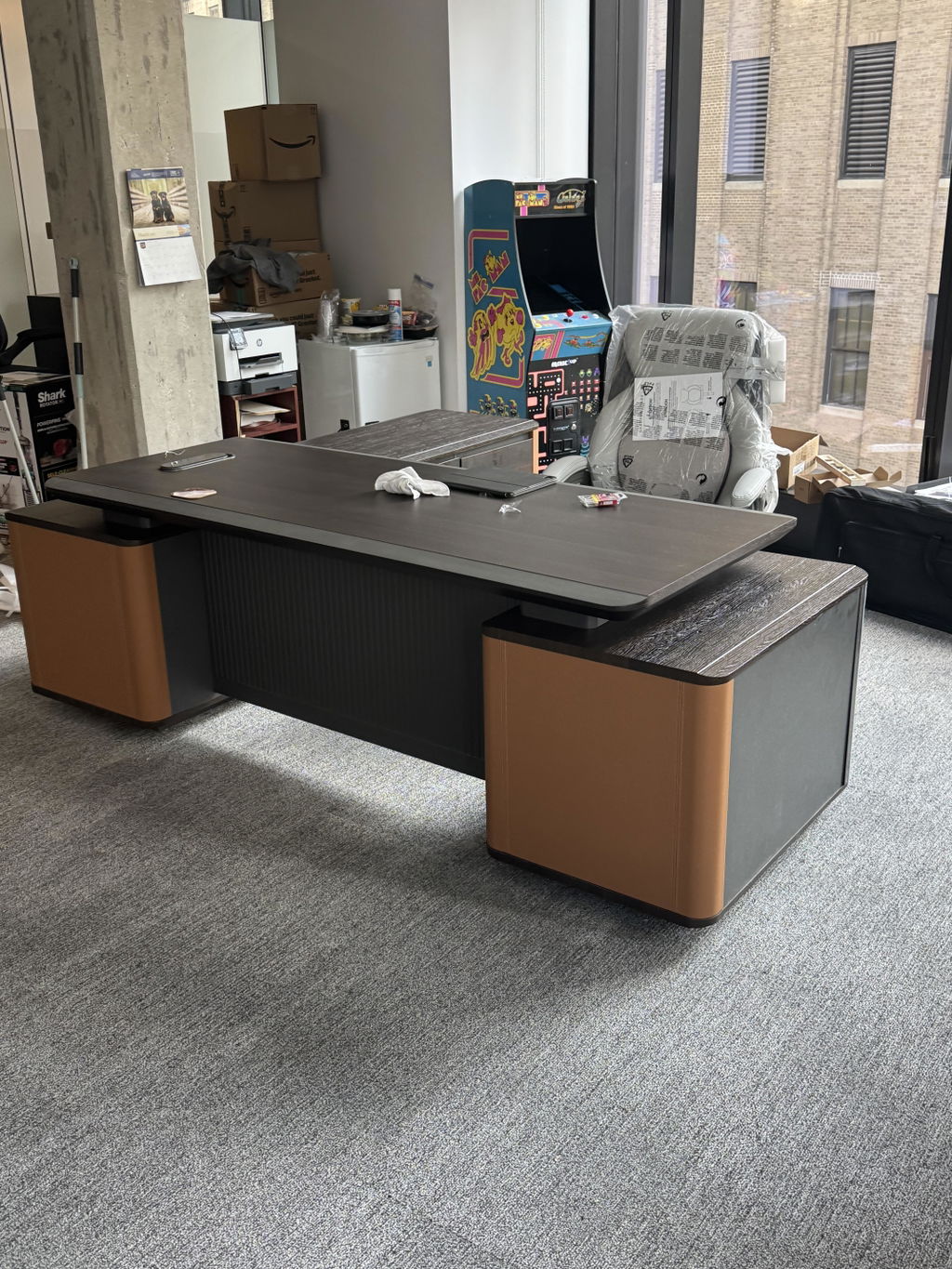
The Anderson offers electric height adjustment for smooth sit-stand transitions, a spacious L-shaped surface for multiple monitors, and stable construction at any height, ideal for anyone who frequently alternates between sitting and standing.

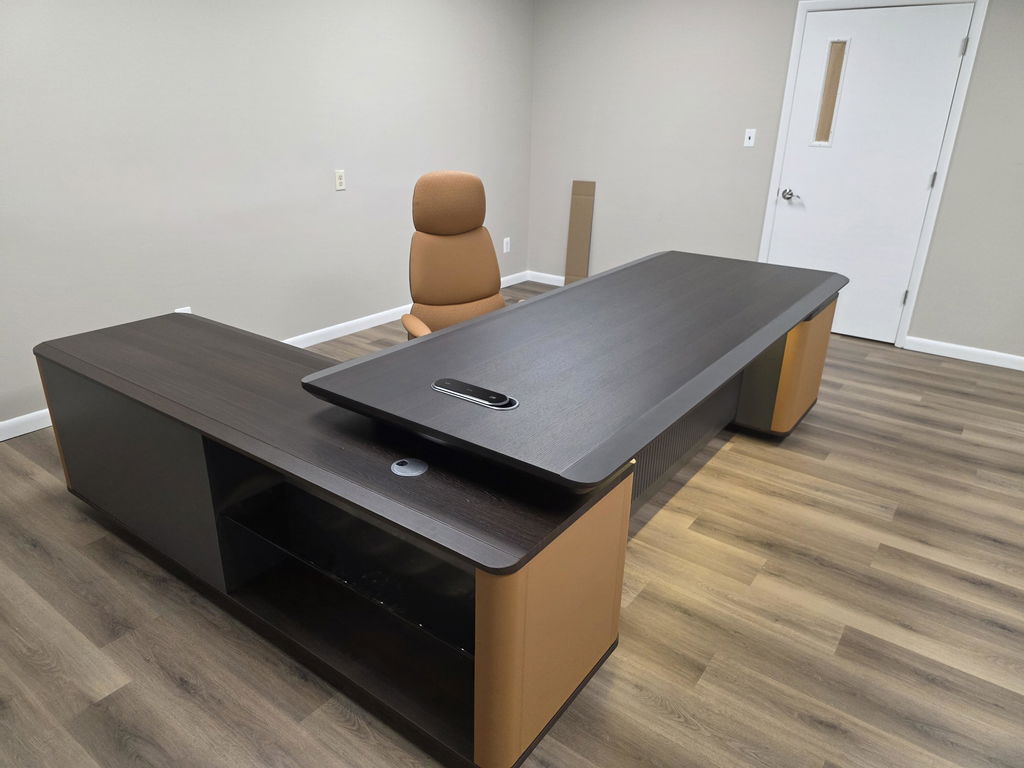
The Euclid pairs an elegant white finish with practical ergonomics: a generous L-configuration that creates dedicated task zones, reducing awkward reaching and twisting, with storage within arm’s reach.

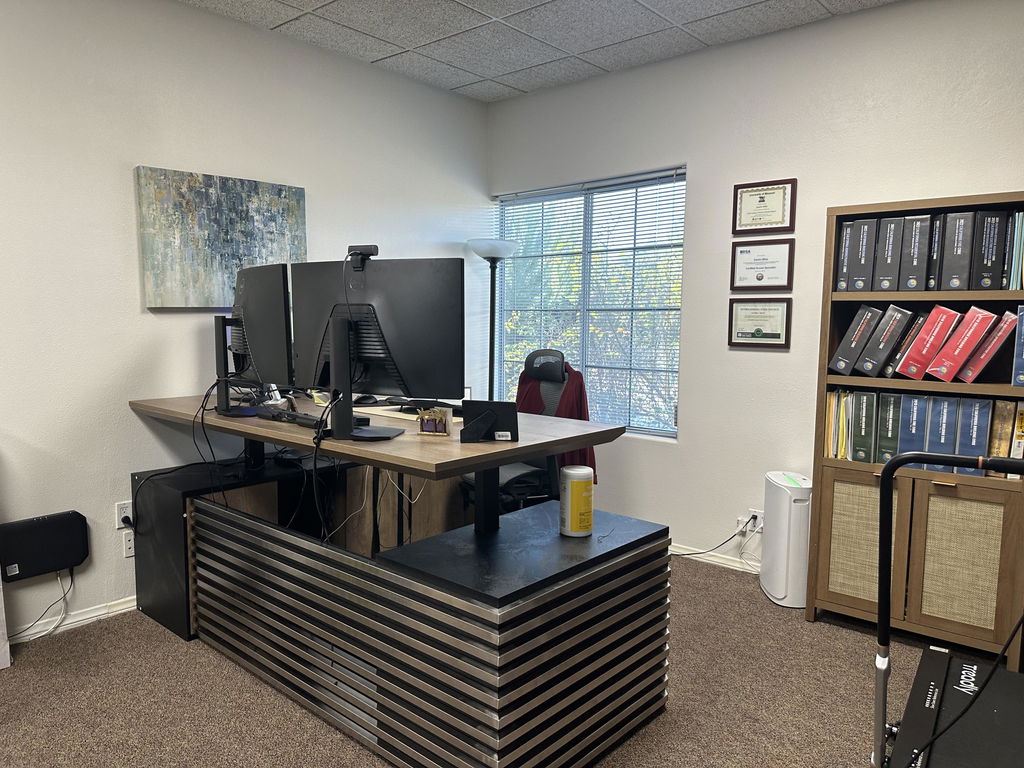
The Vesper includes a mobile return you can reposition through the day to suit different tasks while keeping good posture, with integrated storage that reduces reaching and bending in a medium footprint.
Proper ergonomic desk height and setup is an investment in your health and productivity: small adjustments to height, monitor position, and habits add up. Ergonomics is personal, so take time to find what fits your body. Explore the executive desks collection, or have one built to your exact height and finish. For sizing, see the desk dimensions guide.
Related articles
Executive Desks & Offices
At the executive level, the material makes the desk. What distinguishes wood veneer, solid wood, and stone, and how to...
Read more →
Executive Desks & Offices
With more than 150 finishes to choose from, the way to a coordinated office is a simple sequence: pick one...
Read more →
Executive Desks & Offices
A home executive office should be as considered as the one at headquarters. How to design a serious, presence-carrying space...
Read more →