How to Choose the Best Office Workstations for Your Team
Choosing office workstations comes down to matching the setup to the work: rectangular desks for focused, single-monitor roles and tight rows; L-shaped for multitaskers who need two surfaces. Plan 6×6 to 8×8 feet per workstation, 36 to 42 inches of pathway between them, and ergonomic, tech-ready features throughout.
The best office workstations do more than park laptops — they shape how people work together. The right choices lift productivity and make the office somewhere people want to be. This guide covers what to look for, with advice you can use right away. Need flexible setups? Browse the modular workstation collection for layouts that grow with your team.
Figure out what your team needs

Start by asking the people who use them daily. A quick survey on desk size, storage, and comfort surfaces a lot — some want standing desks, others need room for paperwork. Ask about any pain or strain (a sign you need better chairs or keyboard setups) and about privacy, since some need quiet to focus while others prefer open areas for teamwork.
Think about different job types
Different roles need different setups:
- Creative teams — spacious desks, adjustable monitor arms, and room for tablets
- Administrative staff — storage for documents and supplies
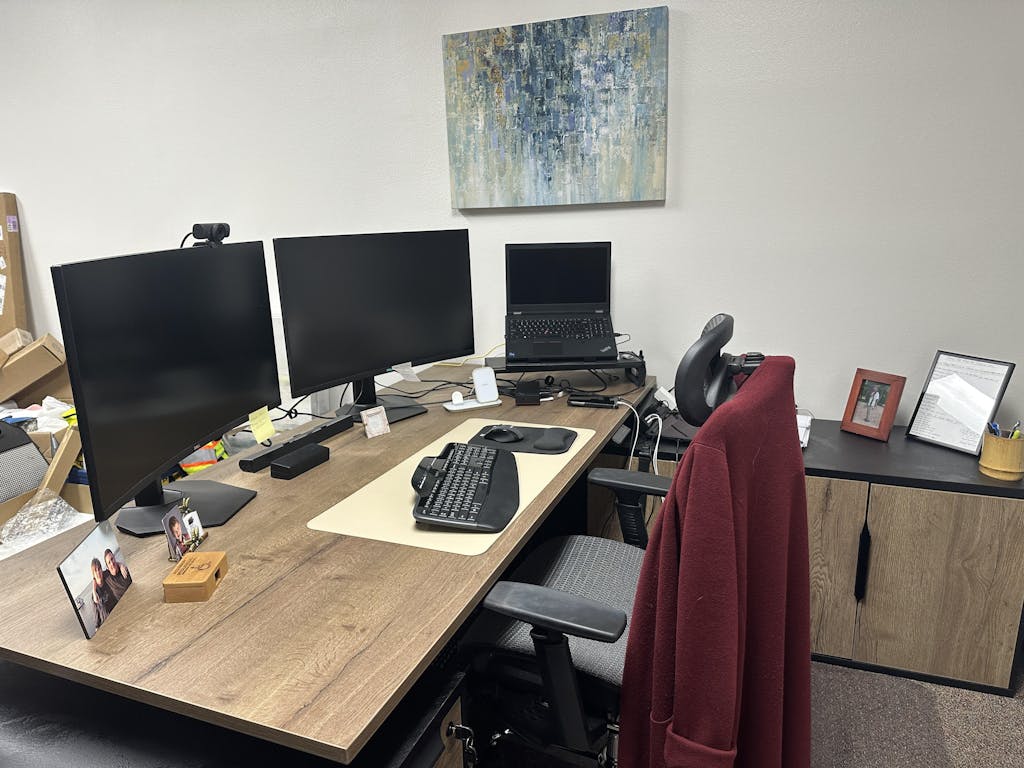
- Developers — multi-monitor support and ergonomic keyboard trays
- Management — space for small meetings and document review
Factor in collaboration patterns too — teams that work together closely benefit from clustered workstations, and mobile employees may do better with hot-desking than permanent stations.
Rectangular vs. L-shaped
Rectangular workstations

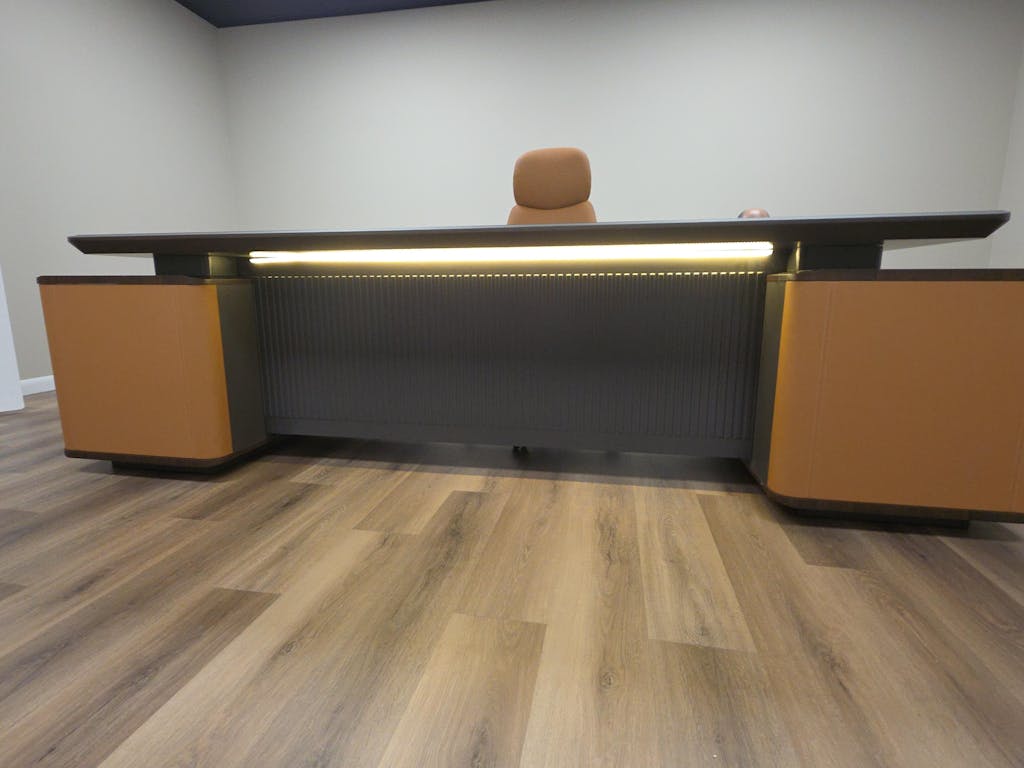
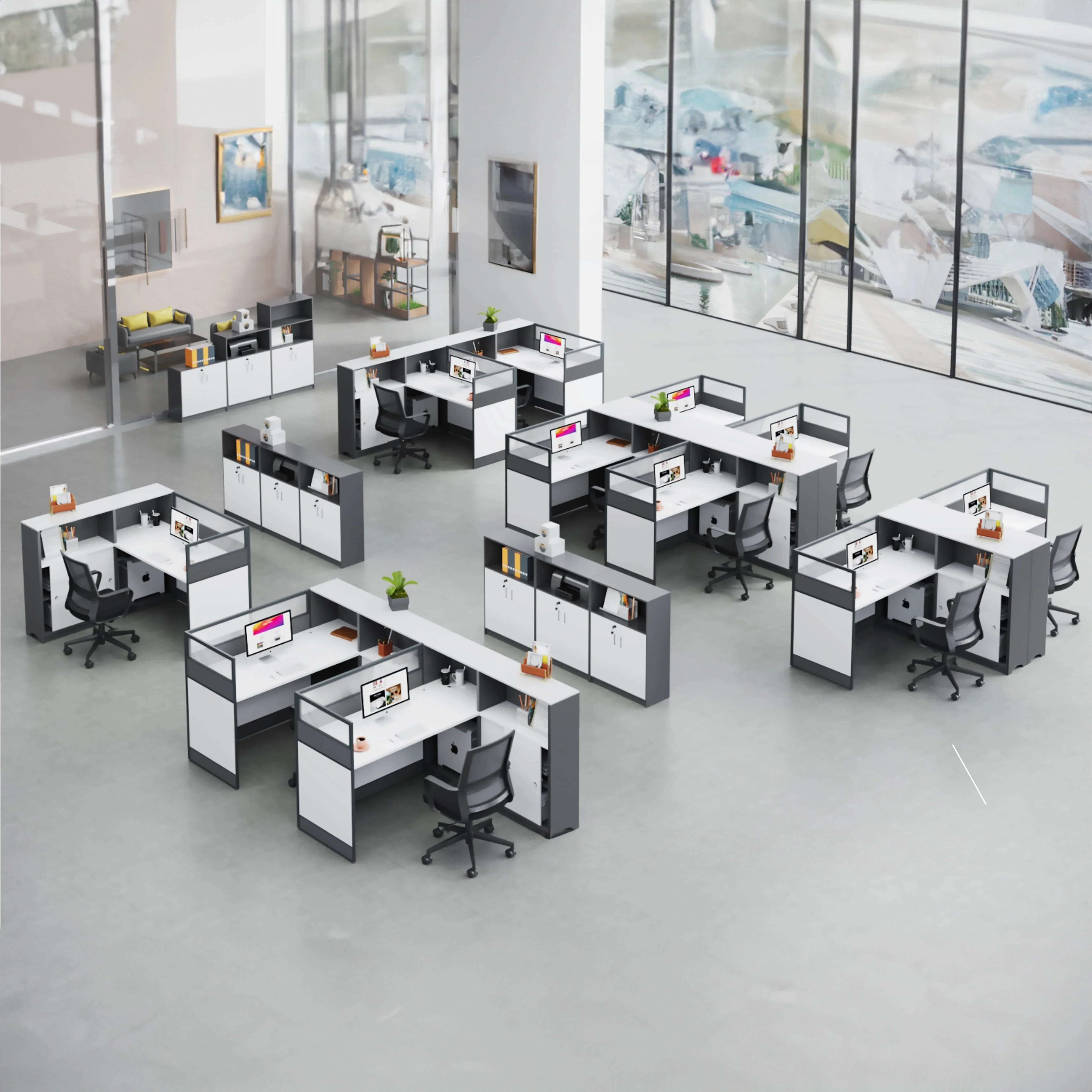
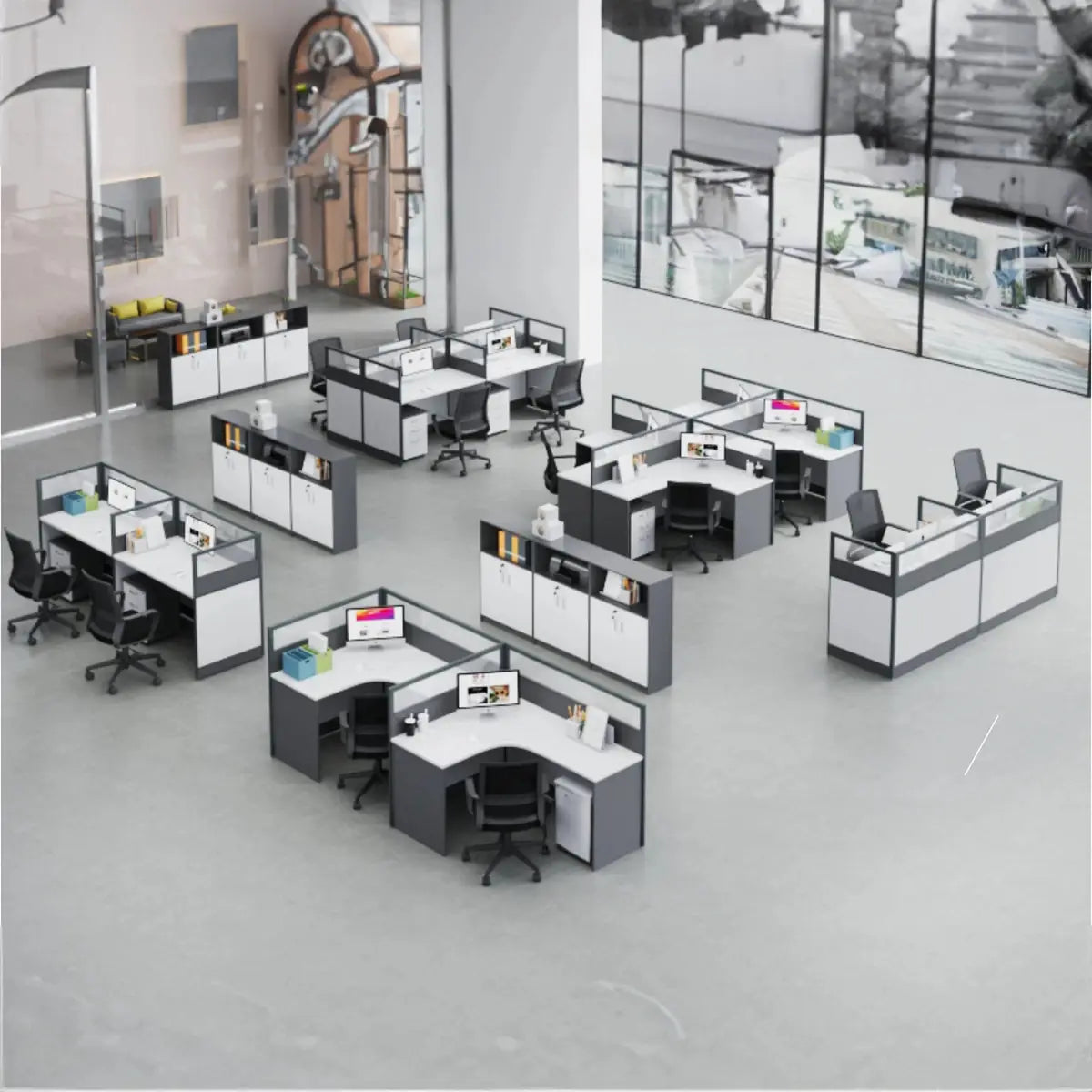
Rectangular workstations are the classic, versatile option — a single work surface with clean lines that fits almost any environment. They suit smaller spaces and focused tasks, cost less, arrange easily in rows, and work well for collaborative teams and single-monitor setups.
L-shaped workstations

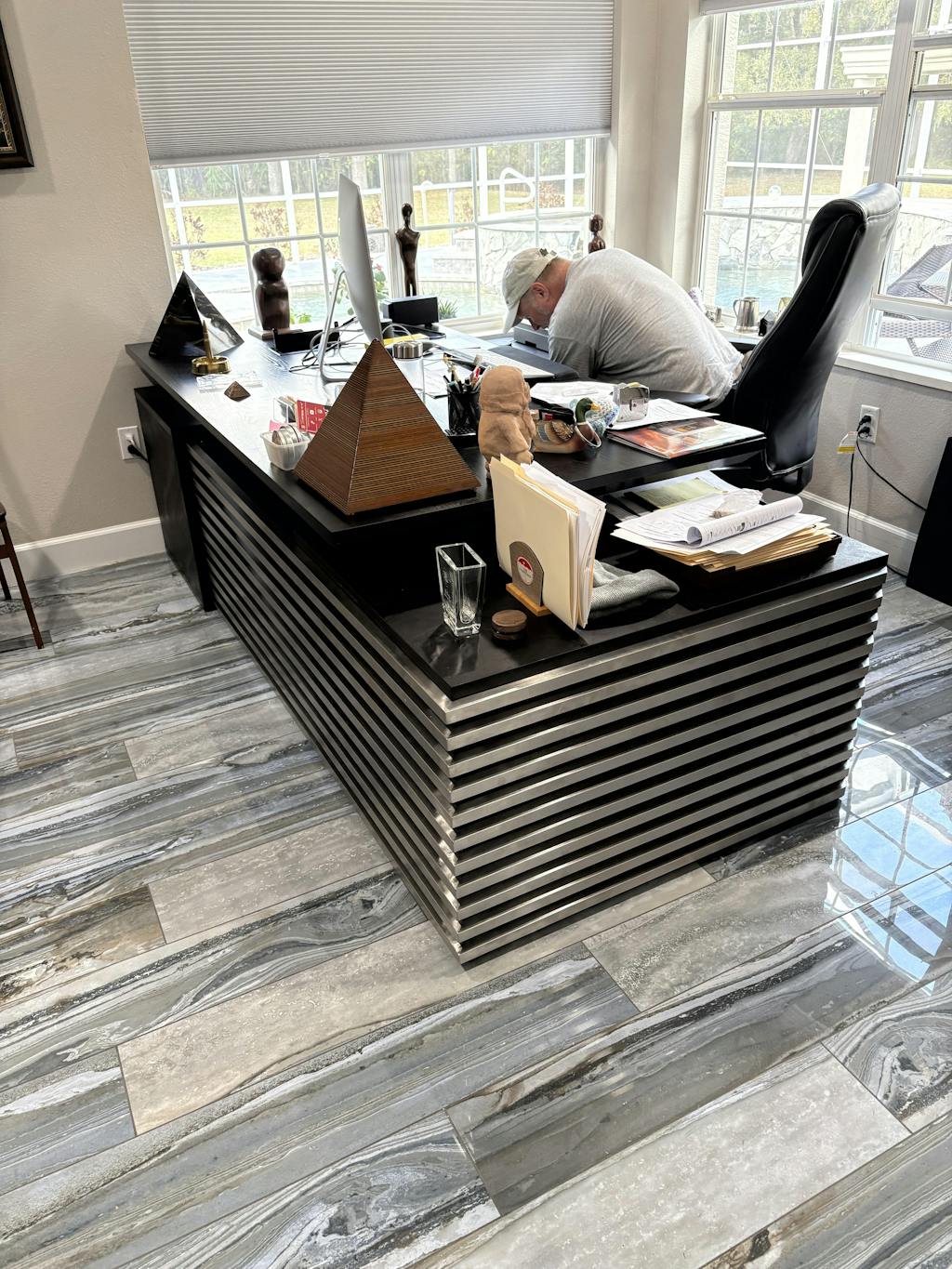
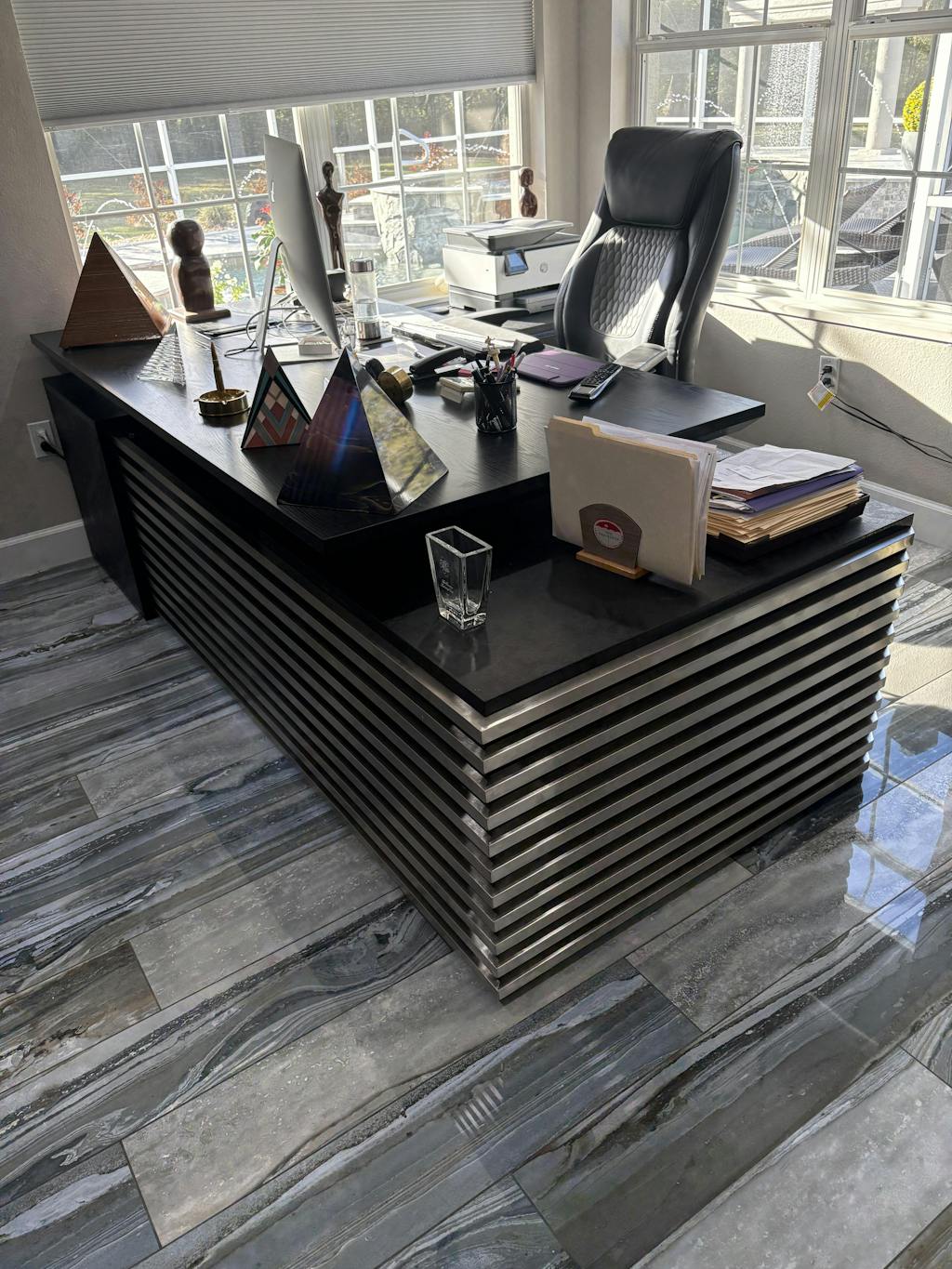
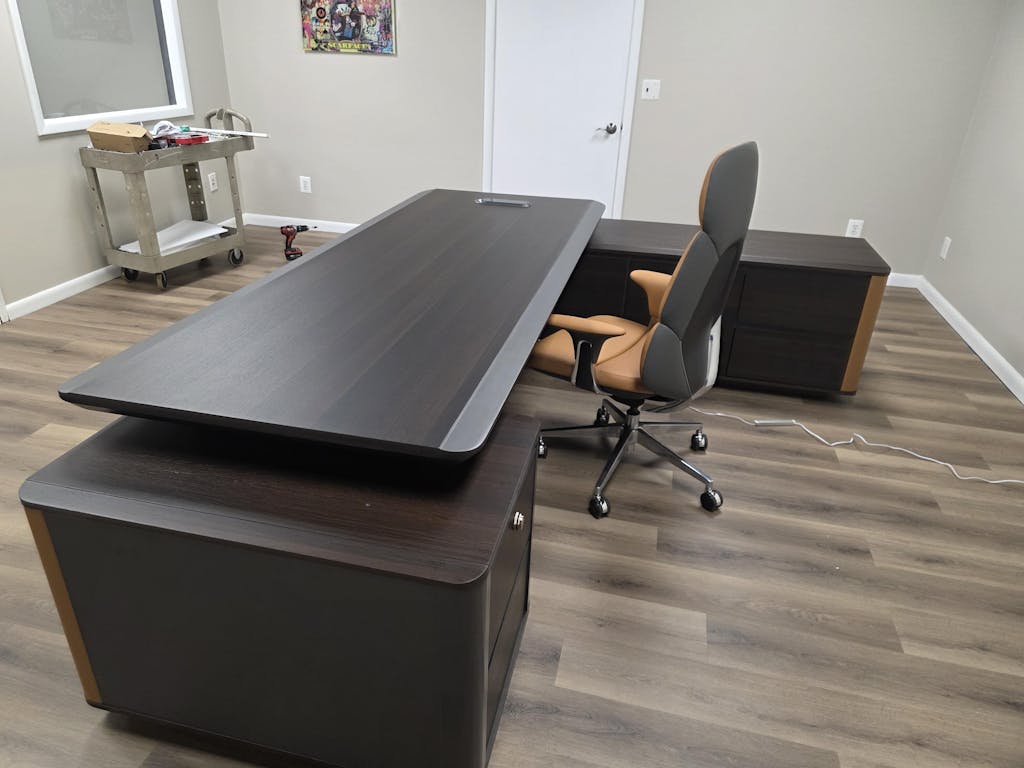
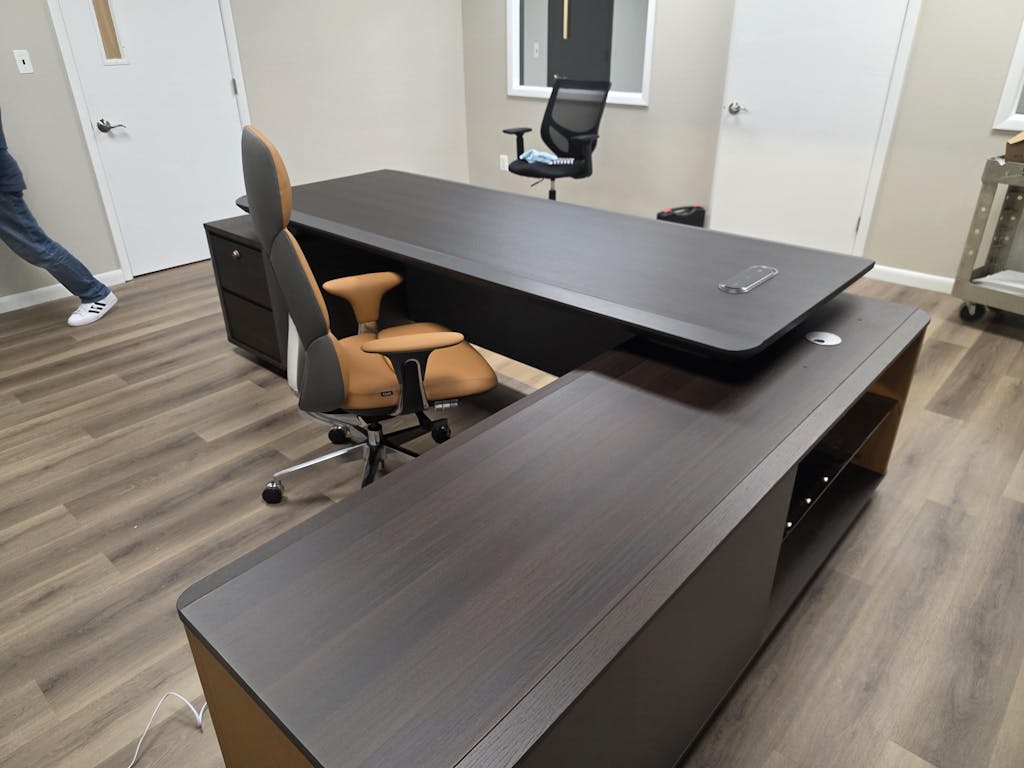
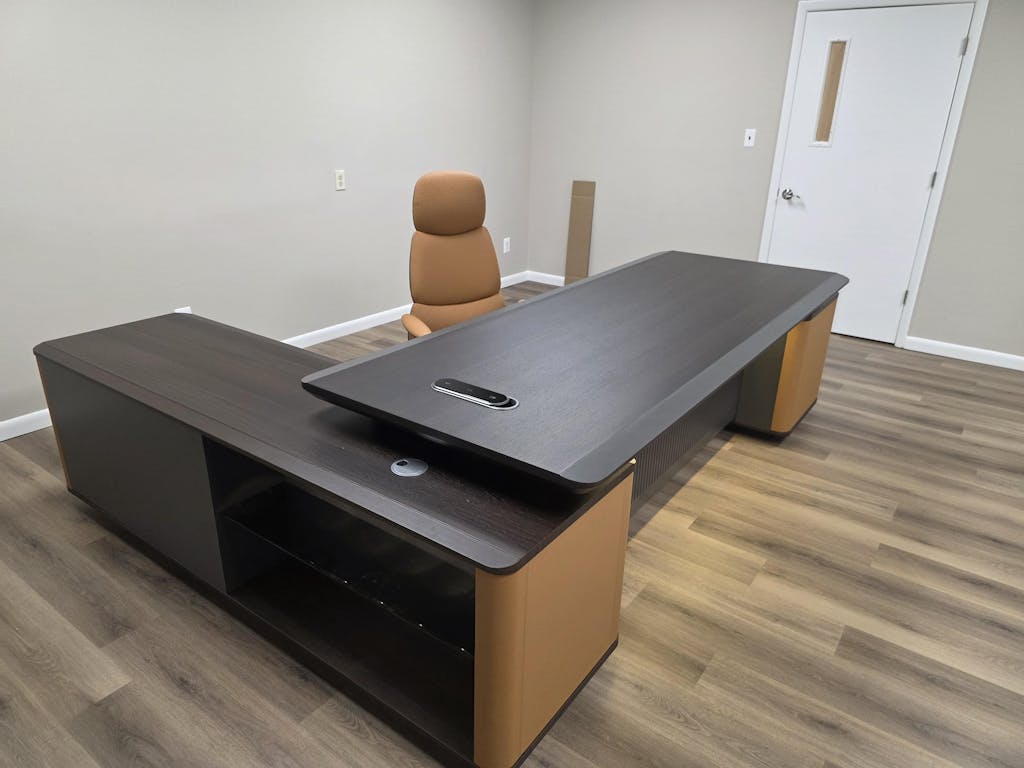
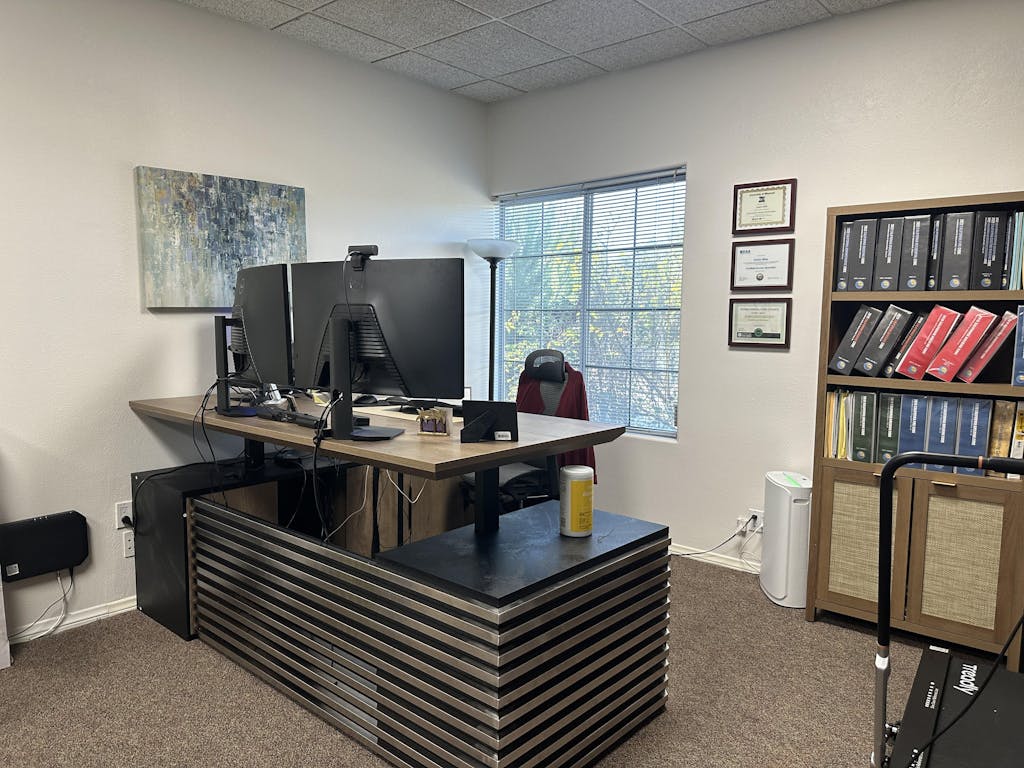
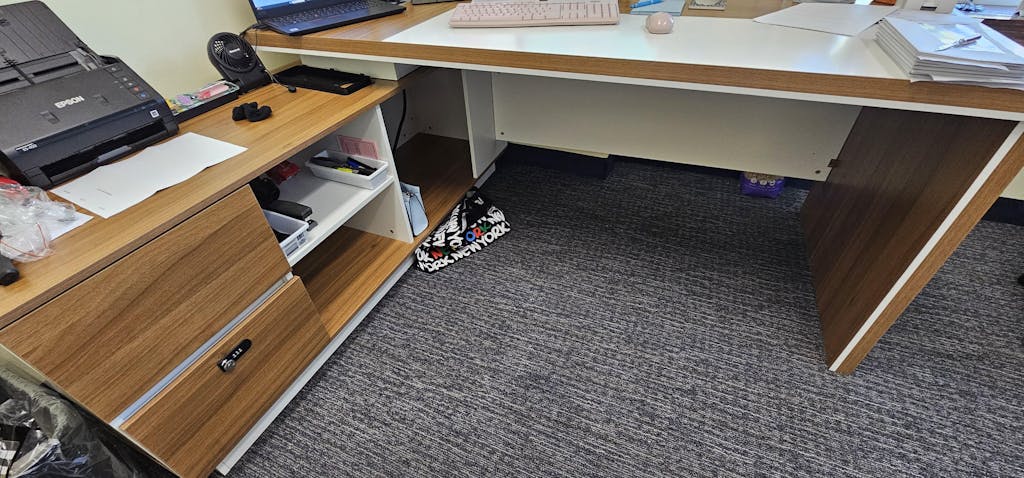
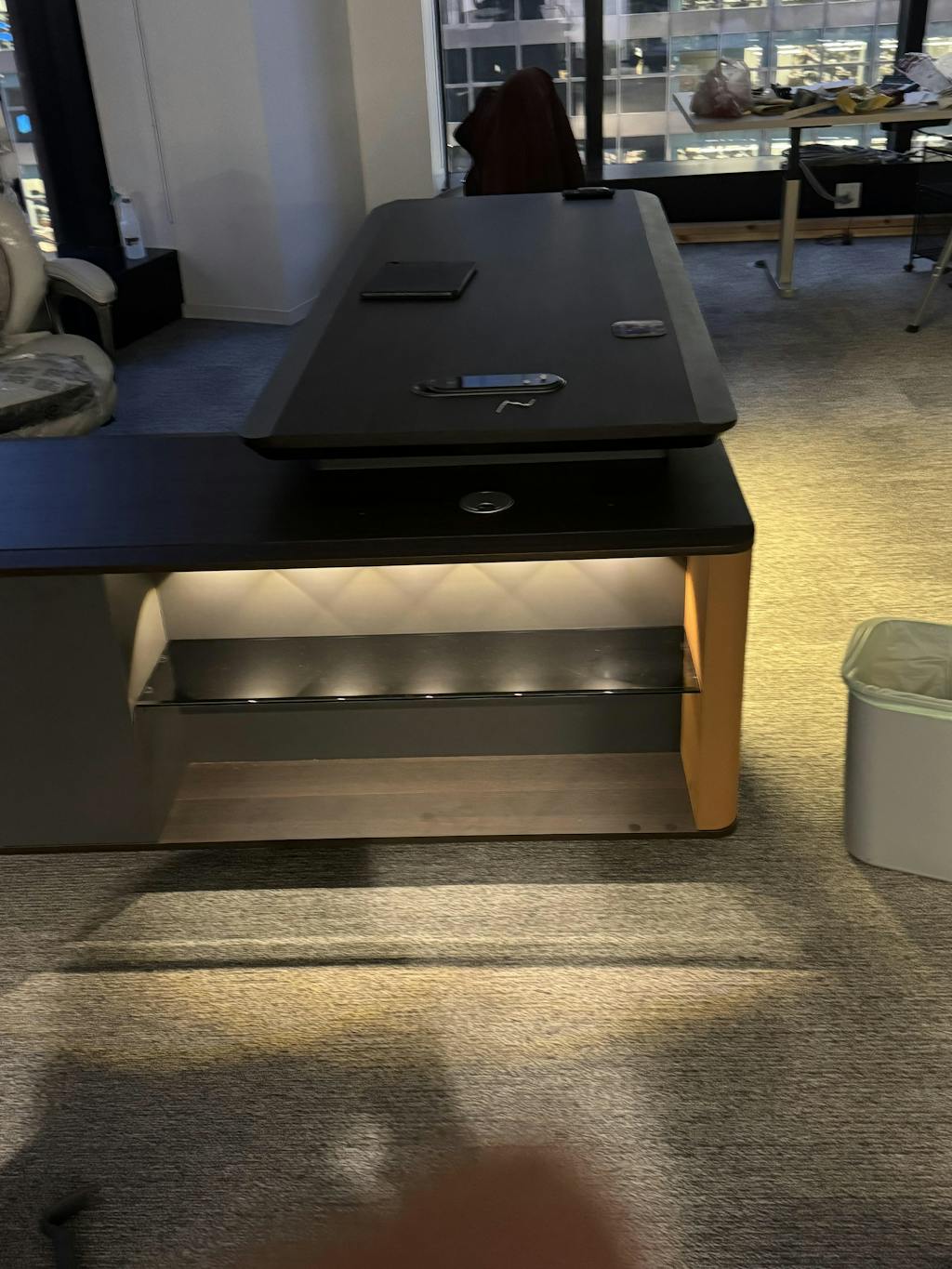
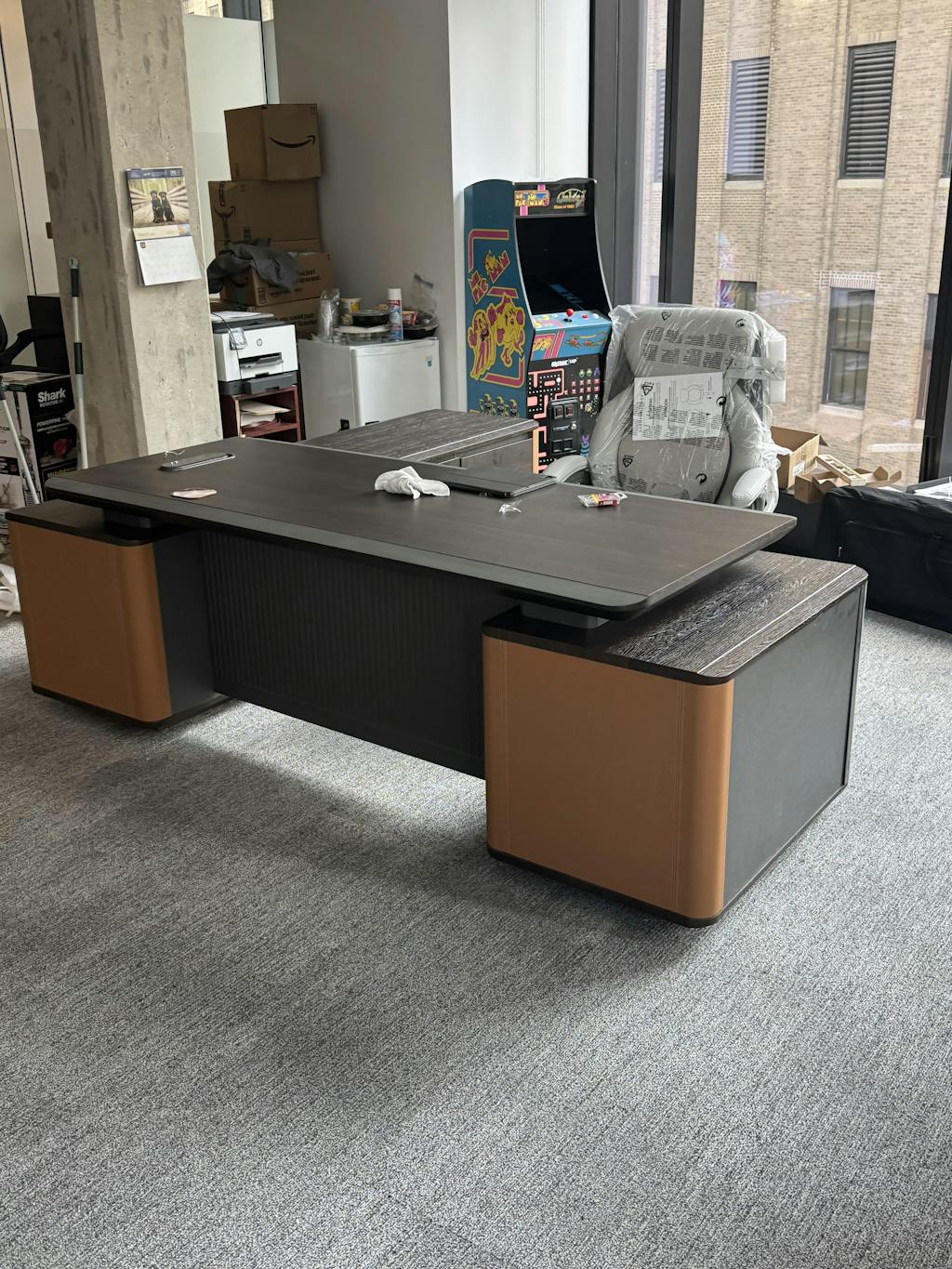
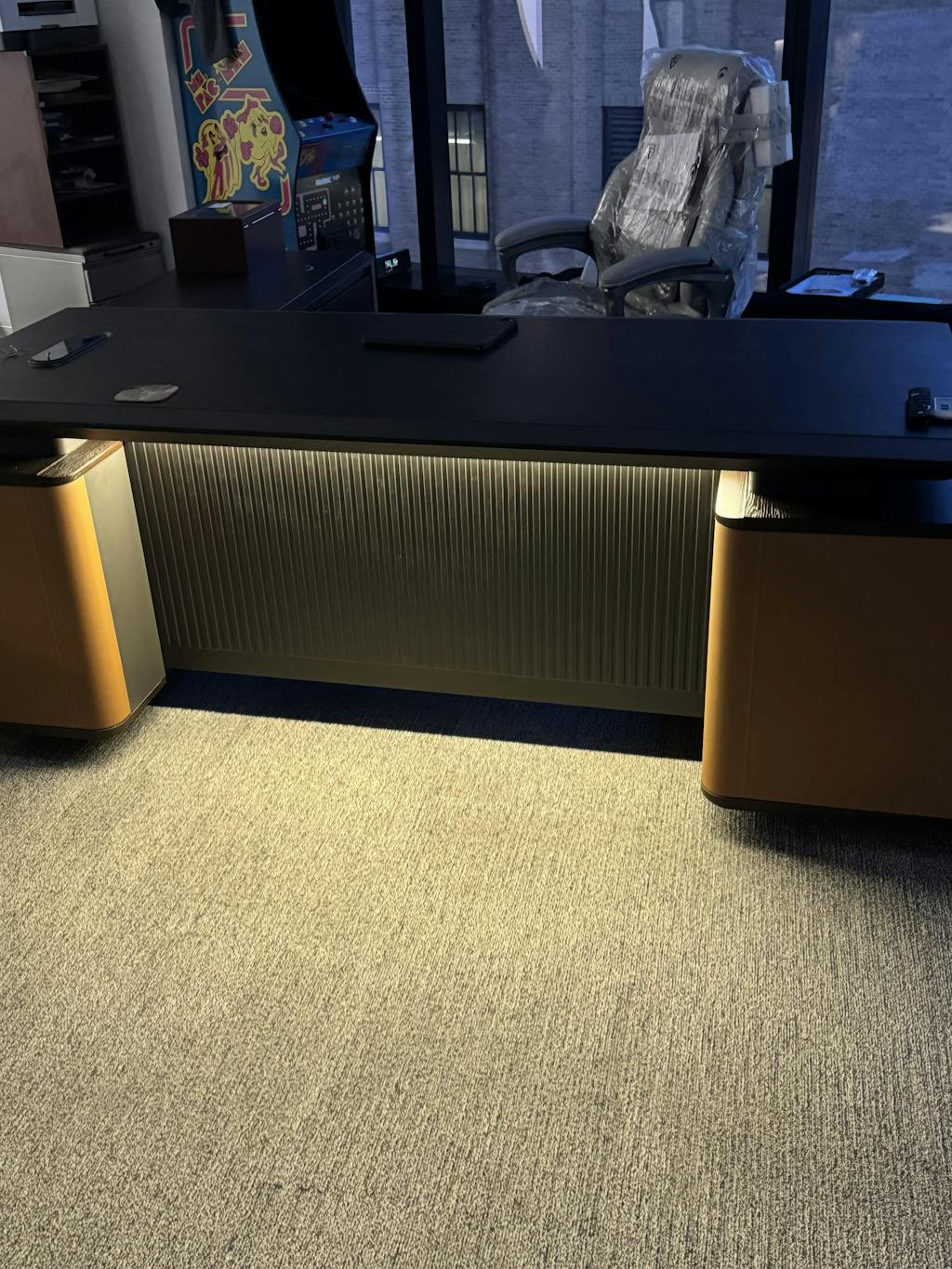
L-shaped workstations use two connected surfaces in a right angle, giving a primary and secondary work area without moving between stations. They provide separate task zones, more usable space in the same footprint, room for more monitors, and a semi-private feel even in open plans. Many offices mix both styles by role.
Important features
Ergonomics
Comfort is not just nice to have — it helps people work better and prevents health problems. Look for adjustable and sit-stand desks, surfaces that pair well with your chairs for good posture, setups that keep screens at eye level and arms at the right angle, and custom options for specific needs.
Tech-friendly design
When technology works with the furniture, the team focuses on work instead of wrestling with wires. Look for smart cable management, built-in power access, surface-integrated wireless charging, generous desk space, and storage for tech accessories.
Making the most of your space

Find the balance between fitting everyone comfortably and giving them room to work. Position workstations to minimize traffic and interruptions, add drawers or shelves to keep desks clear, choose adjustable furniture that adapts as needs change, use vertical storage to save floor space, and keep cables tidy.
Workstation sizing
| Level | Size | Best for |
|---|---|---|
| Entry workstation / cubicle | 6×6 to 6×8 ft | Basic computer work |
| Mid-level | 8×8 ft | Added comfort and materials |
| Manager | 8×10 to 10×10 ft | Small meetings and document review |
| Minimum comfortable desk | 48 in wide × 30 in deep | Compact setups |
Federal guidance targets 150 usable square feet per person across the whole office — the per-workstation footprint sits inside that figure, alongside circulation, meeting, and support space.
GSA — Occupancy & Utilization Reporting Guidelines
Room for teamwork and privacy
Modern workplaces need both collaboration and focus, so create dedicated zones rather than one-size-fits-all. Collaborative areas might use open tables, whiteboards, and movable partitions; focus areas benefit from acoustic panels, privacy screens, and small bookable rooms. Even collaborative teams need quiet space for concentrated work. Keeping clutter down helps too — the workstation storage collection has options that keep everything within reach.
Final thoughts
Choosing the best workstations is straightforward once you know what to look for: start from what your team actually needs, prioritize comfort and technology, and use your space wisely. Quality workstations pay off in productivity and happier employees. Explore the workstation collection, or have a layout tailored to your floor plan.
Frequently asked questions
- What is the difference between a cubicle and a workstation?
- Cubicles use dividers for privacy; a workstation can be any desk setup. Cubicles create individual spaces in shared areas, while workstations include open desks, bench systems, or offices. Choose based on whether your team needs more collaboration or quiet focus.
- What are the different styles of workstations?
- Open-plan (no dividers, for teamwork), benching systems (desks in rows to save space), pod-style (small clustered groups), and height-adjustable (sit or stand through the day).
- What is the size of a standard workstation?
- Typically 6×6 or 6×8 feet — enough for a computer and essentials. Roles with more equipment do better at 8×8 feet. The minimum comfortable desk is 48 inches wide and 30 inches deep.
- How big should an office cubicle be?
- Entry-level 6×6 to 6×8 feet; mid-level 8×8 feet for added comfort; manager cubicles 8×10 or 10×10 feet if they host small meetings — with 36 to 42 inch pathways between cubicles.
Related reading
Other Articles
15+ Reception Desk Design Ideas from Arc Grove
Top 10 Best L-Shaped Desks for Your Office
Modular Office Furniture: Smart Workspace Solutions