Executive Desks & Offices
Veneer, Solid Wood & Stone: A Guide to Premium Desk Materials
At the executive level, the material makes the desk. What distinguishes wood veneer, solid wood, and stone, and how to...
Read more →
Matching Sets
Executive Desks & Offices
An office desk buying handbook: materials, sizes, shapes, colors, and features compared, plus what to look for when buying, how to set up safely, and how much to spend.

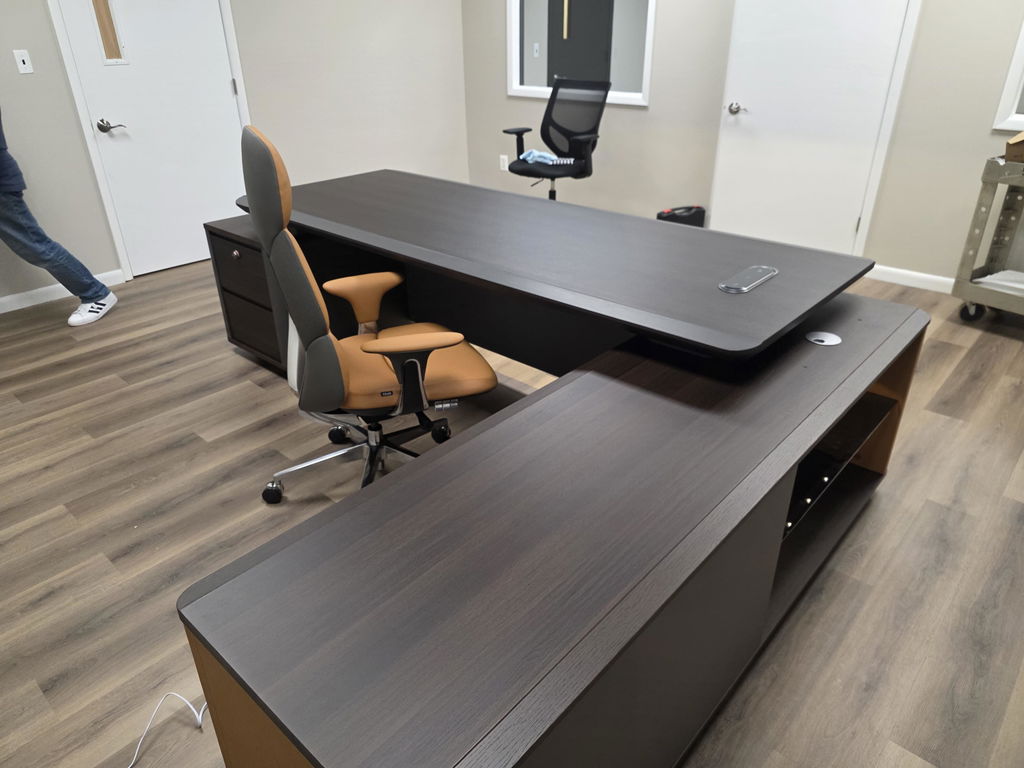
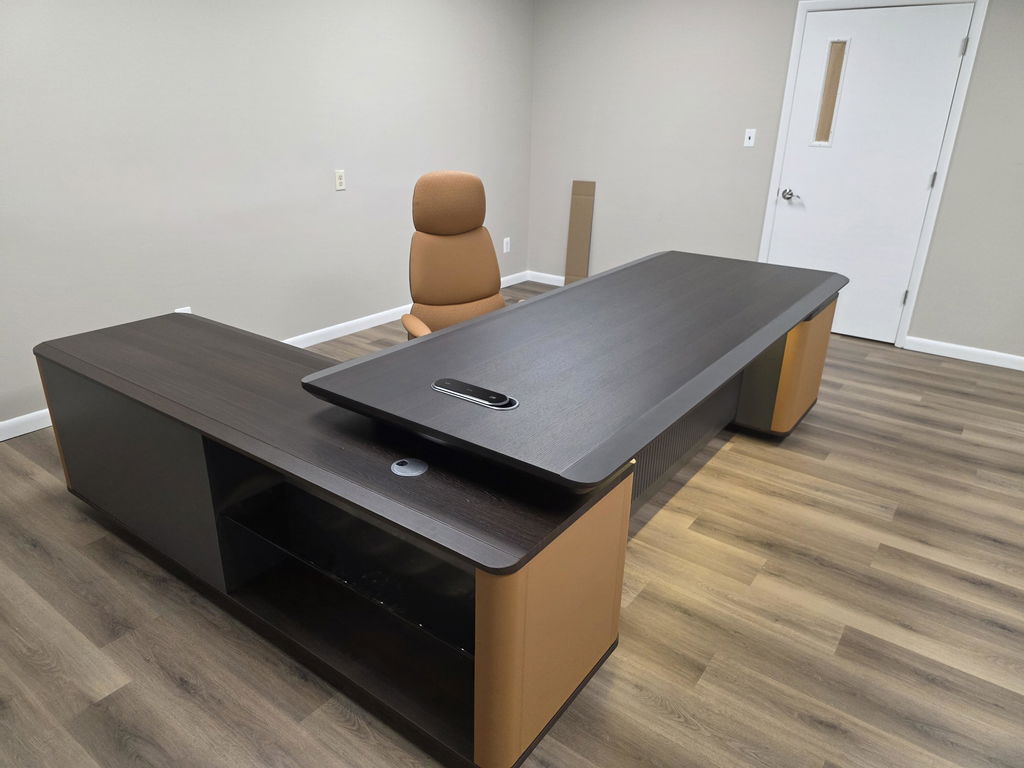
Buying an office desk comes down to six choices: material (solid wood for longevity, engineered for value), size (36 to 48 inches small, 48 to 60 medium, 60+ large), shape (rectangular, L, U, curved, or standing), color, features (cable management, storage, adjustable height), and build quality — all balanced against your budget.
What makes an office desk good is partly subjective, but a few characteristics consistently separate the better ones. This handbook walks through the qualities that matter — materials, sizes, shapes, colors, and features — then covers what to look for when buying, how to set the desk up safely, and how much to spend.

The two broad choices are solid wood and engineered wood, and each shapes the desk’s durability, look, and price.
Desk materials compared
| Material | Strengths | Trade-offs |
|---|---|---|
| Solid hardwood (oak, maple, cherry, walnut) | Exceptional durability, rich grain, can be refinished many times | Costs more; still scratches and dents |
| Solid softwood (pine, cedar) | Affordable, lightweight | Less durable, simpler grain |
| Plywood | Strong and stable, resists warping, versatile | Lower grades show layers; moisture-sensitive |
| Particleboard | Most affordable, smooth surface | Low strength; swells when wet |
| MDF | Smooth, uniform finish, takes paint and veneer well | Moisture-sensitive; limited load capacity |
| Engineered hardwood | Looks like solid wood, more stable and affordable | Limited refinishing; the core can be moisture-sensitive |
Solid wood is graded Select (clean and uniform), Natural (knots and color variation), or Rustic (embraces flaws). Choose based on budget, how much durability you need, your aesthetic preference, environmental impact (engineered wood is often more sustainable), and how hard the desk will be used.
Desk sizes
| Size | Width | Best for |
|---|---|---|
| Small | 36–48 in | Compact spaces and home offices — a laptop or monitor, keyboard, and essentials |
| Medium | 48–60 in | Most offices — a full computer setup plus paperwork |
| Large | 60+ in | Multitasking, document spreading, multiple monitors |
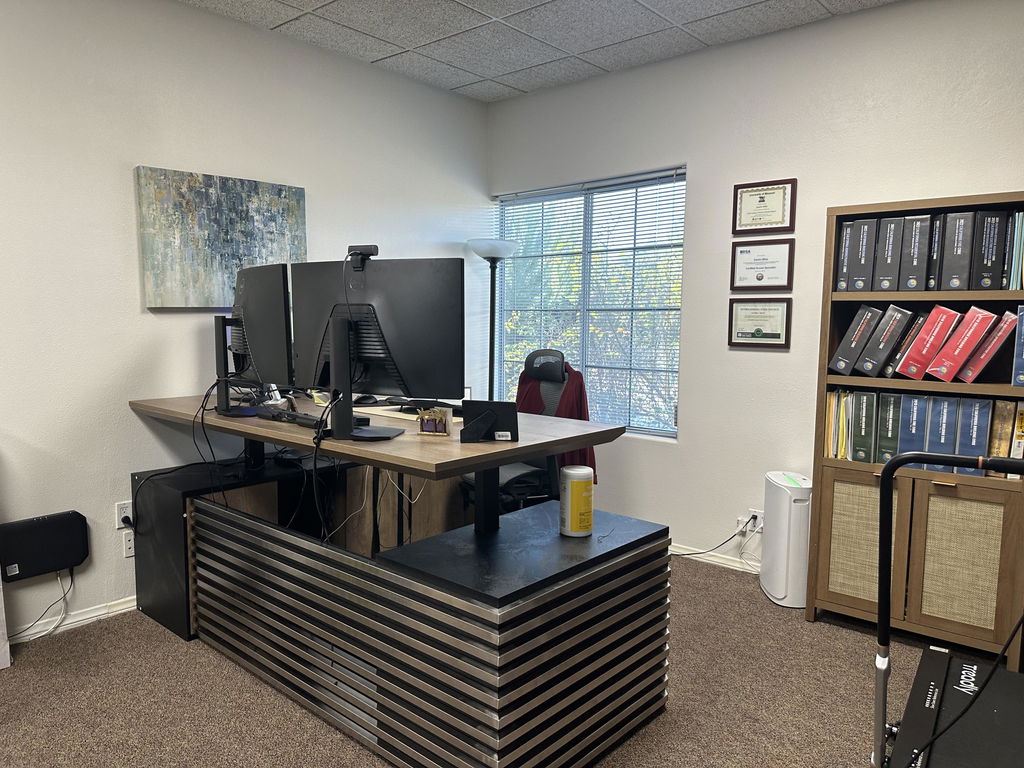
Beyond standard sizes, L-shaped desks (compact or standard) optimize a corner with two surfaces; adjustable desks change height (for sit-stand) or width (for different layouts); and customizable desks add modular components or built-in storage. Match the size to your room, workflow, and equipment, and leave enough clearance for comfortable movement.
Shape narrows the field quickly. All 37 desk types are catalogued in different types of desks.

Choose the shape around your workflow, space, ergonomic needs, and aesthetic.
Color shapes the room’s mood and focus. Neutrals (white, beige, gray, black) are versatile and timeless and keep distraction low. Natural wood tones (oak, walnut, cherry, mahogany) add warmth and a connection to nature. Monochromatic schemes read sleek and cohesive. Accent colors (blue, green, red, yellow) inject energy as a small pop. Soft pastels (light blue, blush, pale green) create a calm, serene atmosphere. Pick the one that fits your ambiance, branding, and existing decor.

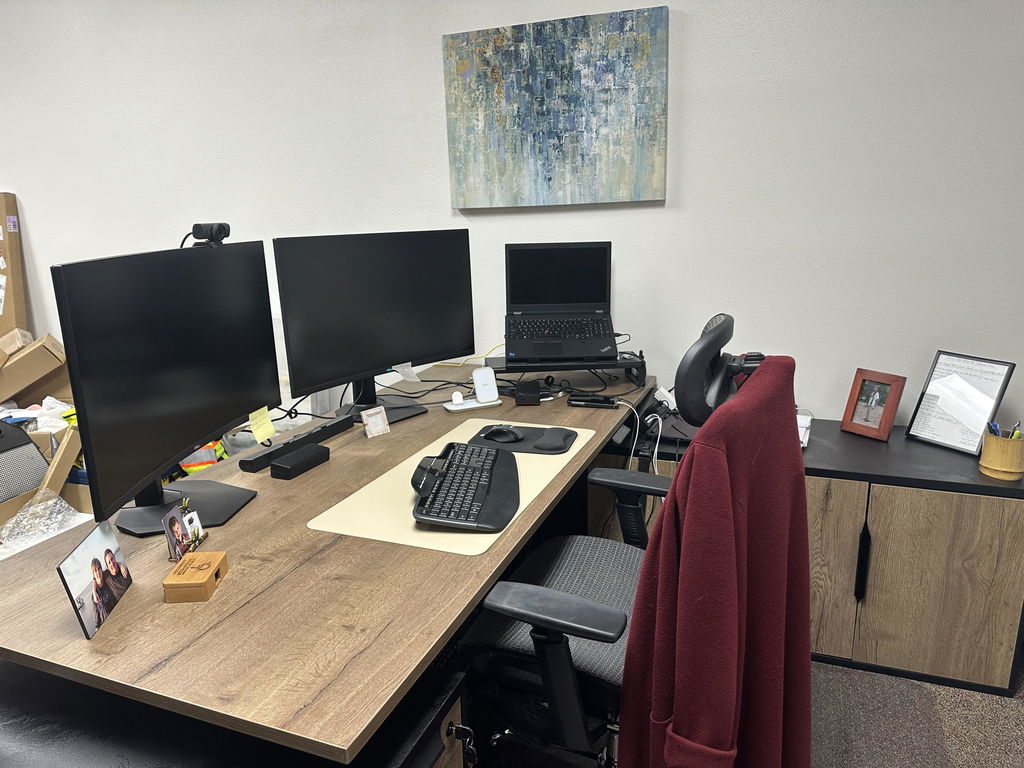
The features that earn their place: adjustable height for ergonomics, integrated cable management to cut clutter, built-in storage (drawers, shelves, cabinets), wireless charging and built-in power and USB, a modular design that expands, task lighting, dual-monitor support, lockable drawers for confidential materials, and ergonomic accessories like a monitor arm, keyboard tray, or footrest.
Set the desk so forearms rest parallel to the floor with elbows bent 90 to 120 degrees and wrists neutral, place the monitor top at or just below eye level about an arm’s length away, and support your feet flat on the floor — the basis of a comfortable, low-strain setup.
OSHA — Computer Workstations eTool, neutral posture
Specific picks by category are in best office desks.
Weigh seven factors: size and shape that fit the room without crowding it; material and construction that last; style that suits your office and image; functionality that supports your workflow (storage, cable management, accessories); adjustability for ergonomic comfort; quality and durability from a maker known for craftsmanship; and price and value measured against features and build, not sticker alone.
A few precautions protect both the desk and you. Follow the assembly instructions and use the provided hardware. Distribute weight evenly and respect drawer and shelf load limits to avoid tipping. Route cables away from moving parts and sharp edges. Adjust desk height, chair, and monitor for proper posture, and clean the surface regularly with a mild detergent while checking for wear.

Set a budget around your needs, prioritizing durability, function, and comfort. Balance cost against quality — a reputable maker’s desk lasts far longer than a cheap one — and treat the desk as a long-term investment in your workspace. Compare options on materials, construction, and warranty rather than price alone. Explore the executive desks collection, or have one built to your exact size, material, and finish.
Related articles
Executive Desks & Offices
At the executive level, the material makes the desk. What distinguishes wood veneer, solid wood, and stone, and how to...
Read more →
Executive Desks & Offices
With more than 150 finishes to choose from, the way to a coordinated office is a simple sequence: pick one...
Read more →
Executive Desks & Offices
A home executive office should be as considered as the one at headquarters. How to design a serious, presence-carrying space...
Read more →